

elements 15 preparing the catalog
Operating System: Mac OS Sierra 10.12.3
Photoshop Elements 15 (from app store)
Backup Size of Catalog: 160GB
Free space of Hard drive: 400GB
iMac RAM: 24GB (4*2 and 8*2)
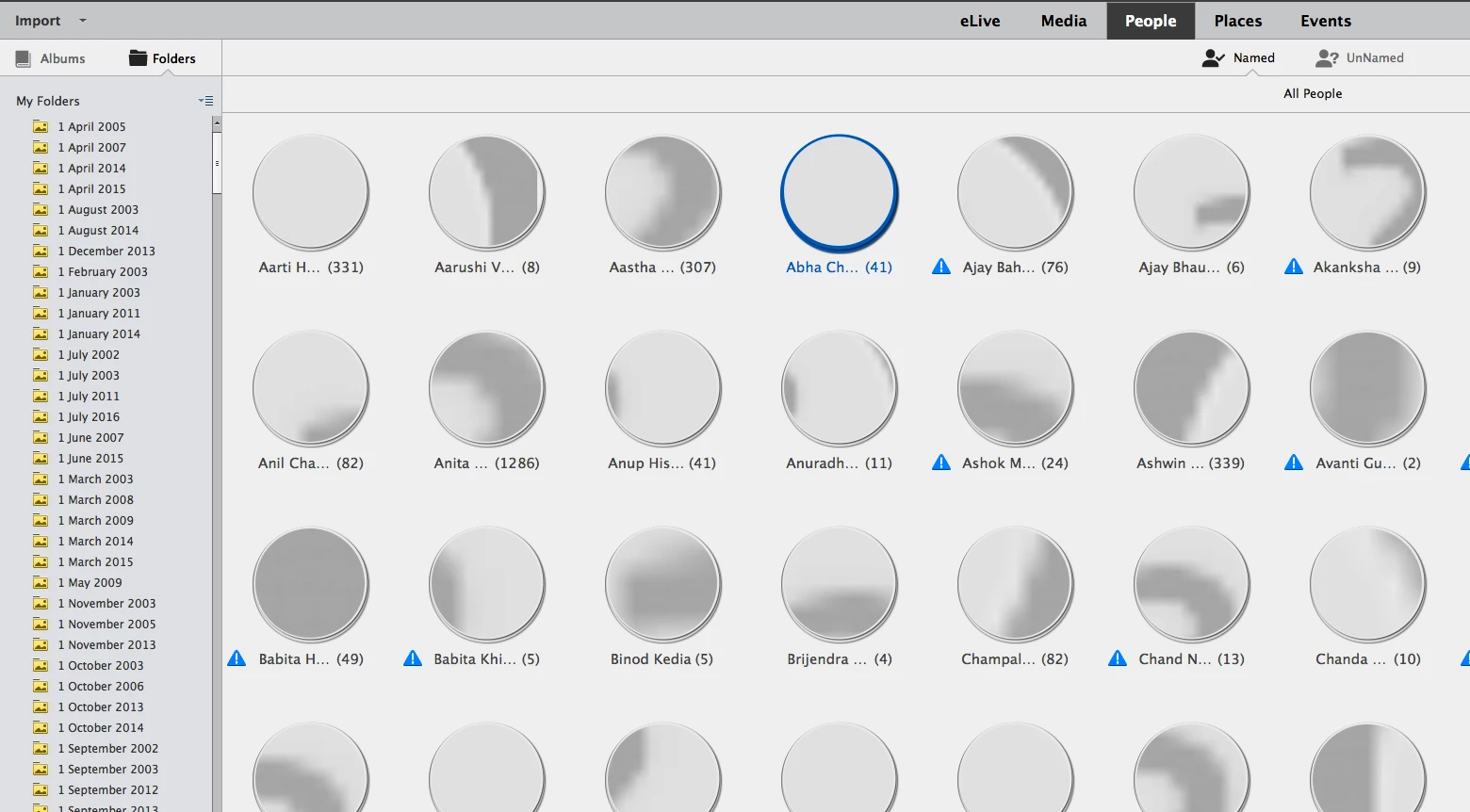
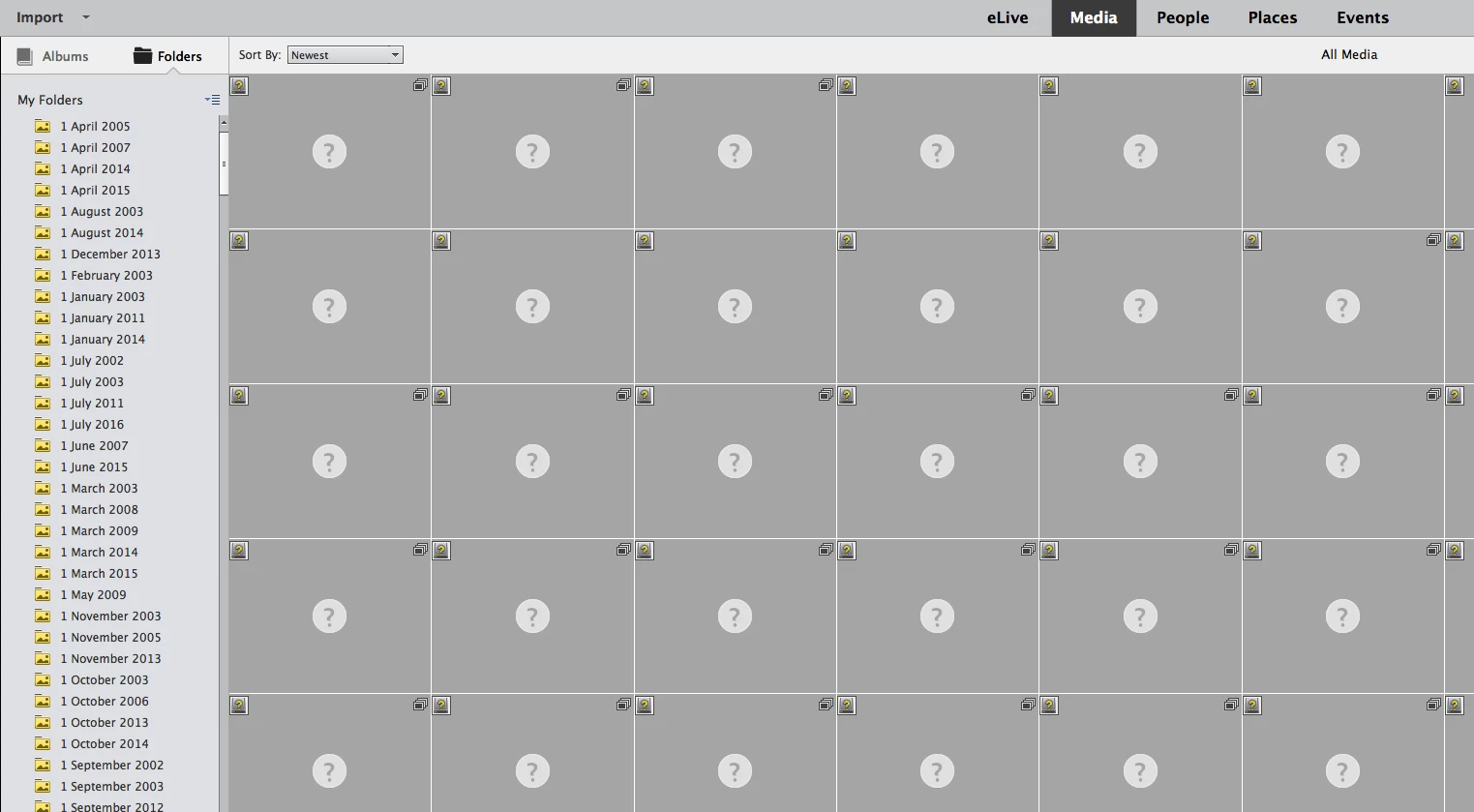
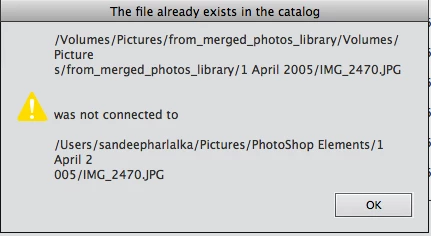
Restore catalog from 14 to 15 hangs on preparing the catalog(thats the last stage after all the hard work has been successfully completed). I had to force quit Elements after around 48 hrs. Restarted elements and no files are connected. Folder structure is present, people names have been imported but blank thumbnail. Pinned places and events have not been imported
Source Folder of images from where backup was taken: /Volumes/Pictures/from_merged_photos_library (external Drive)
Destination Folder where images were restored to: /Users/sandeepharlalka/Pictures/PhotoShop Elements
I did not select restore original folder structure while importing.
All files have been successfully copied in the destination folder.
Asked this question earlier Moving catalogue from elements 14 to 15
but no solution was found. I have provided more information here.
I am attaching various screenshots, which I have taken after restart.


 AdChoices