
lawrencea2998955
Participant
May 6, 2019
Question

Elements 2019 Organizer on Mac

  • May 6, 2019
  • 3 replies
  • 355 views

I am attempting to use Organizer, file, get photos and videos from my hard drive located in the Apple Photos. The screen shoot shows what I see. How can I fix so I can see the photo images? Note on the right side I see the proper file name and location.   When I click on the file location, the entire photo appears in a new window, showing the fire name and followed by locked.  Thanks!
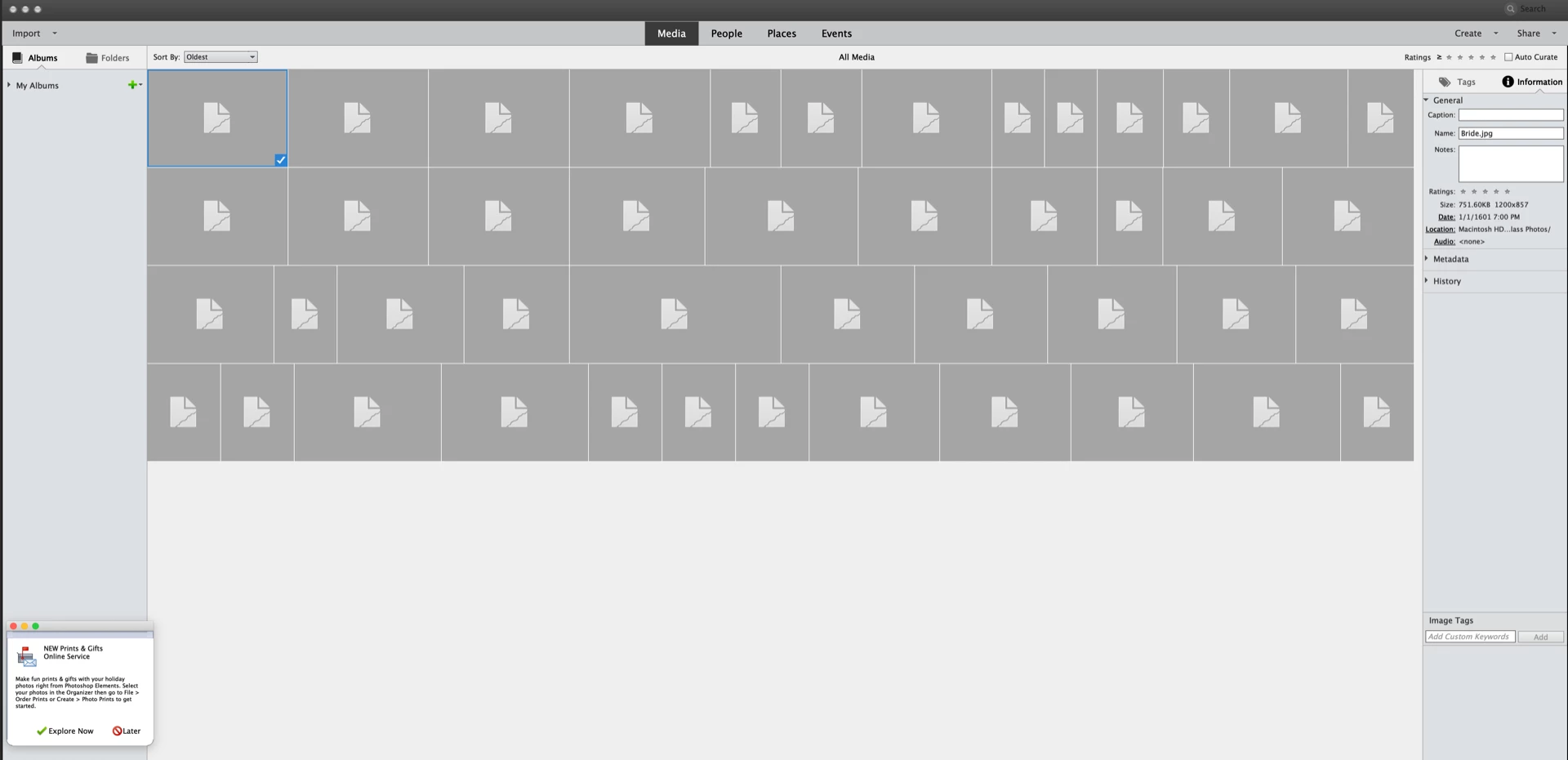
    This topic has been closed for replies.

    3 replies

    lawrencea2998955
    Participant
    May 10, 2019

    I was exporting from photos on the Mac in JPEG.  I re-read your initial email. I successfully resolved the issue by creating a new catalog, and I was able top successful import. Your comment about file corruption was the key. Thank you!

    Lawrence.

    lawrencea2998955
    Participant
    May 6, 2019

    Thanks 99jon!  I tried to -Export copies from photos to the desktop and import the duplicates into Organizer. Unfortunately, this is what I have. How do I fix?  When I am done, can I delete the photos on desktop?

    99jon
    Legend
    May 6, 2019

    How are you exporting from the Photos app? JPEG or some other forma?

    99jon
    Legend
    May 6, 2019

    It’s best not to reference the same files in both the Photos and Elements apps otherwise you could end up with file corruption. The choices are:

    -Export copies from photos to the desktop and import the duplicates into Organizer.

    -Edit directly from the Photos app and save back the edited versions using extensions.

    Photos on Mac OS now permits the use of Extensions.  Go to this link for more information:

    External Editors For Photos  in the App Store