GottaRun, I have moved this post from another thread in order for you to get better visibility of your post.
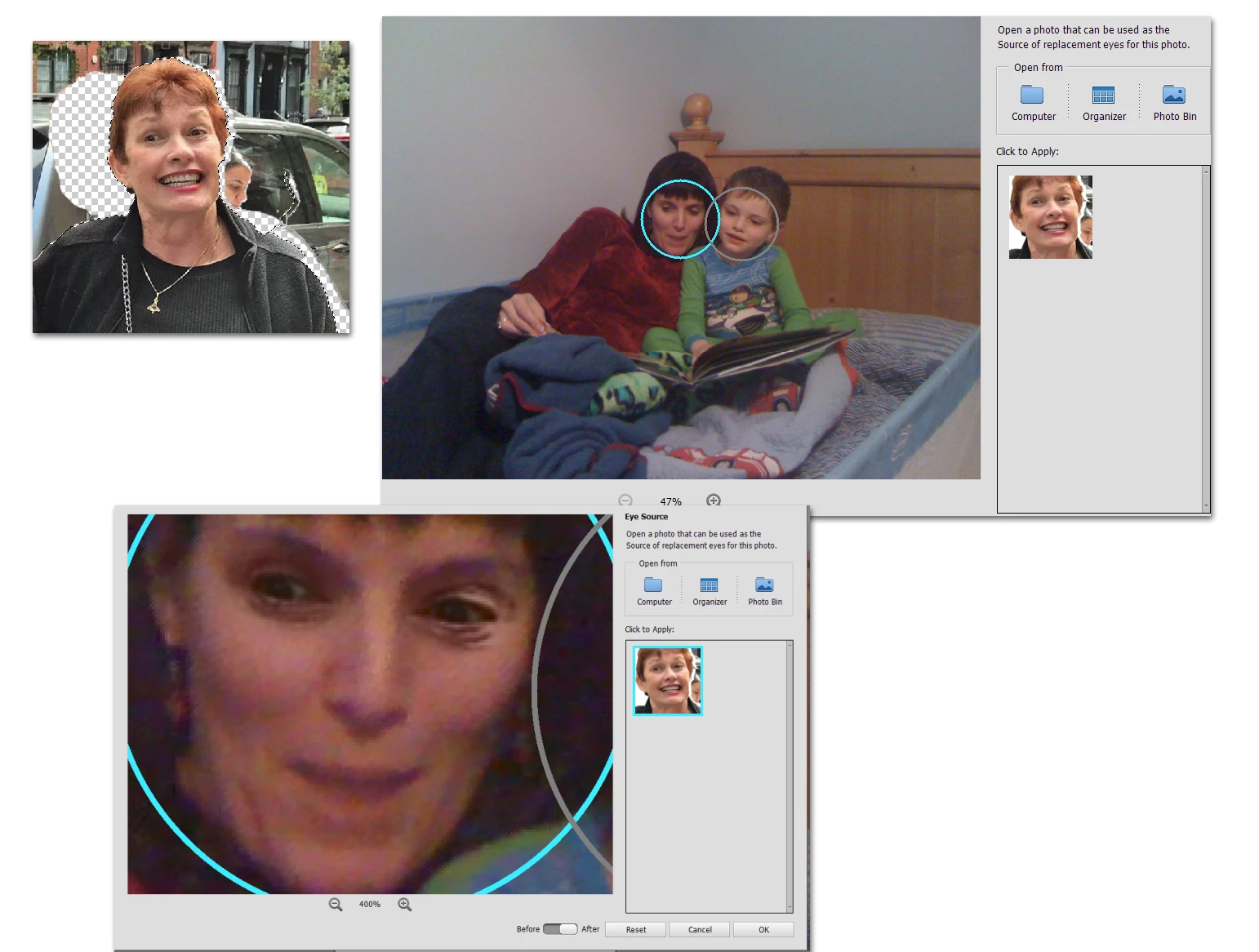
As I understand your post, you want to use the lady in the photo as the source for opening closed eyes in another photo. You are finding that the face is not recognized. It's a fairly easy fix. The find faces tools generallly work best on photos with level heads. The lady in your photo is on a slant. To fix this issue, here is what you can do.
- Copy the photo so you don't mess it up.
- Open it in the editor.
- Press Ctrl+J to add a new layer.
- Use the Straighten tool. Don't worry about the options if all you want to do is use the eyes from the photo.
- Draw a straight line across the lady's shoulders. This should straighten the layer.
- Save the file with the straightened head.
- Open the photo with the closed eyes.
- Use the Open Closed Eyes tool.
- Browse on your computer to your new "eyes" photo to make it the source.
- Select the open eyes and click OK.
Here are some screenshots of what I did using your photo. I replaced my daughter's closed eyes with the open eyes from your photo.

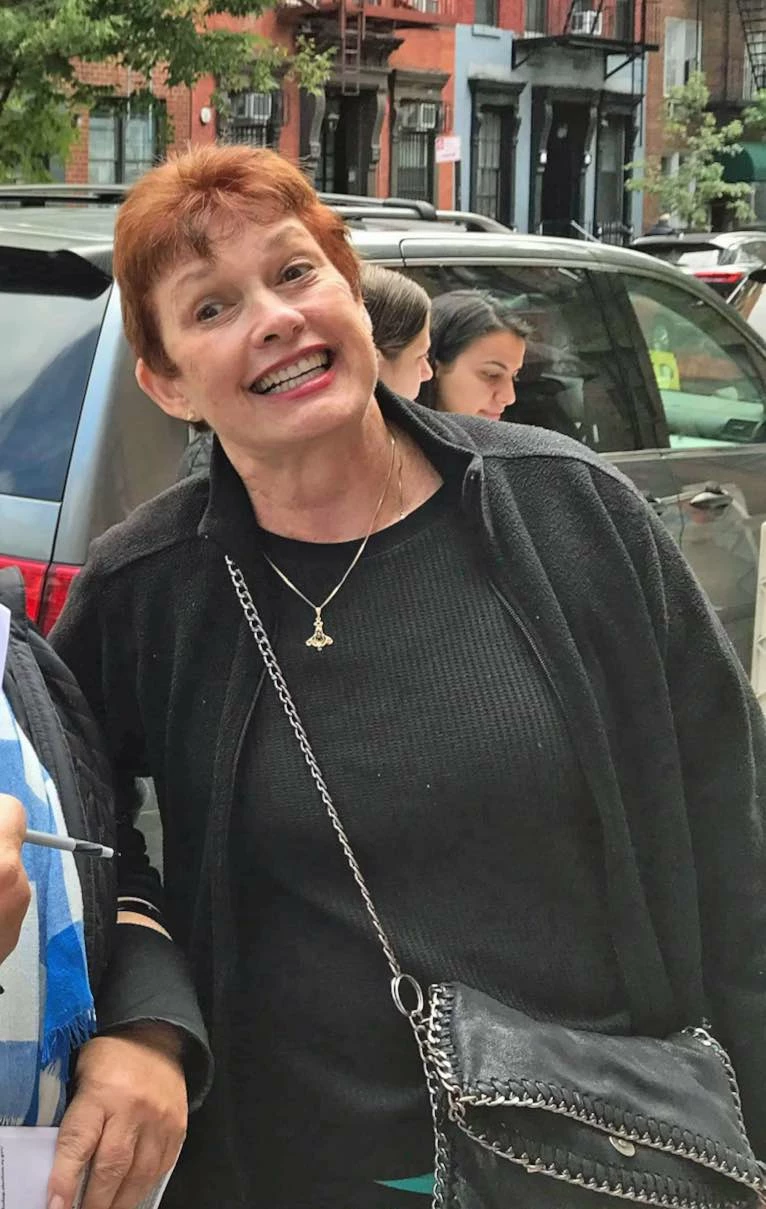 have the same error message except I'm trying to 'open closed eyes'. IS2020 does not detect a face in the source photo in the bin. the photo attached. Obviously there's an unobstructed face with eyes open.

 AdChoices