donaldg53680866
Participant
November 23, 2023
Answered

Elements 22 at "save for web," how to set default "new size" at 800 px?

  • November 23, 2023
  • 2 replies
  • 197 views

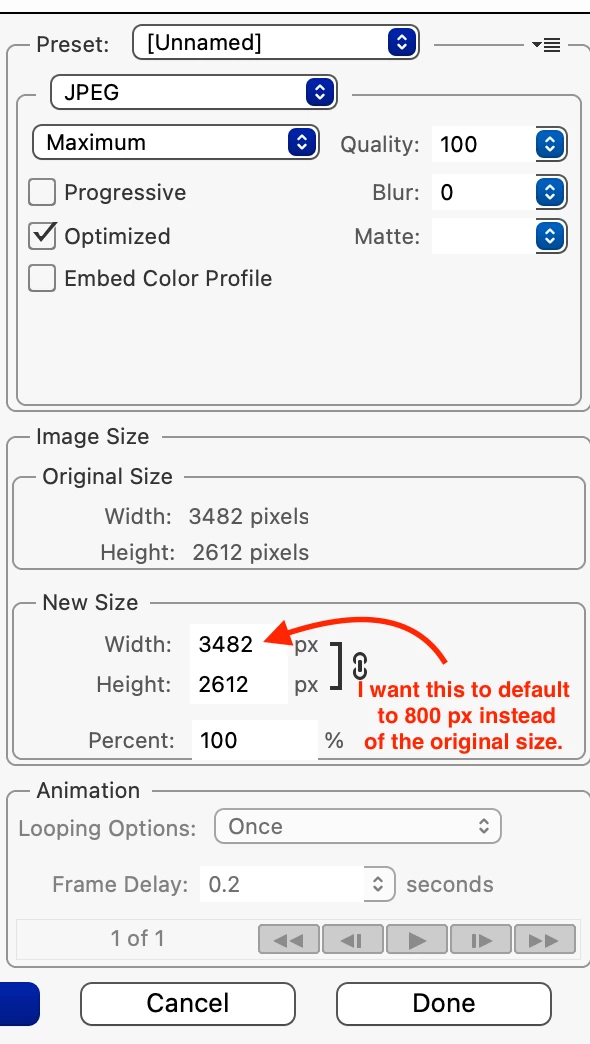
using PE 22 on macbook pro, I generally save my jpgs for the web at 800px, which requires manually changing the "new size" entry to 800 px from whatever the default full size of the image is.  is there a way to change the "new size" default to 800 px to avoid the step of manually changing it every time?  tnx. 


this is from the "Save for Web" display:
This topic has been closed for replies.
Correct answer Glenn 8675309

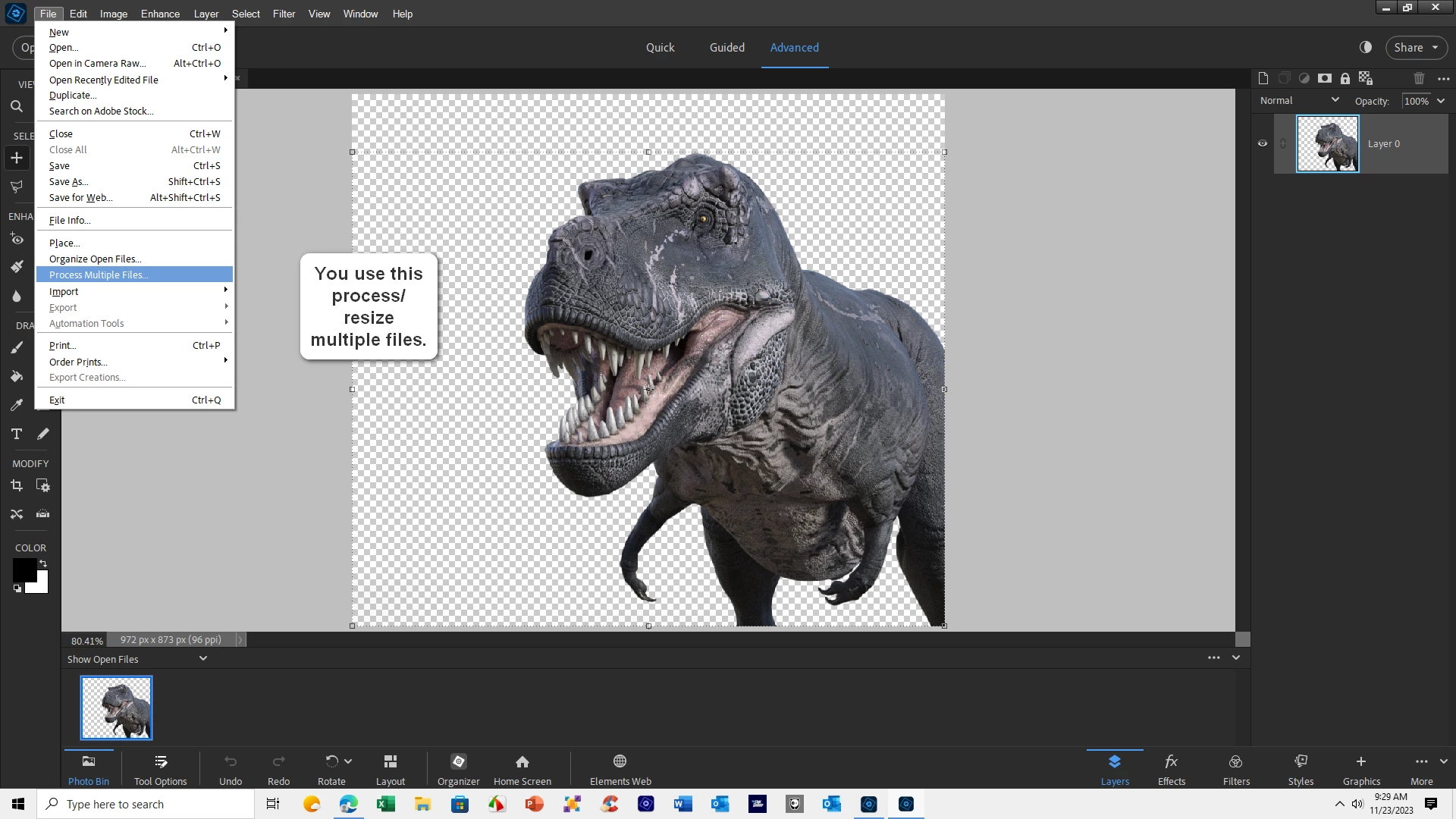
There is no way to change it.  It's based upon the size of the current image-- it's also not how to resize images.

2 replies

donaldg53680866
Participant
December 2, 2023

thanks! appreciate it.

Glenn 8675309
Glenn 8675309Correct answer
Legend
November 23, 2023

There is no way to change it.  It's based upon the size of the current image-- it's also not how to resize images.