Answered
Elements 6 - setting individual frame rates for gif
I can set a single frame rate for all frames but can't find a place to do it for individual frames. When I search for a solution nothing comes up for Elements 6.

I can set a single frame rate for all frames but can't find a place to do it for individual frames. When I search for a solution nothing comes up for Elements 6.
Yes the setting in Save for Web applies the same frame rate to all frames.
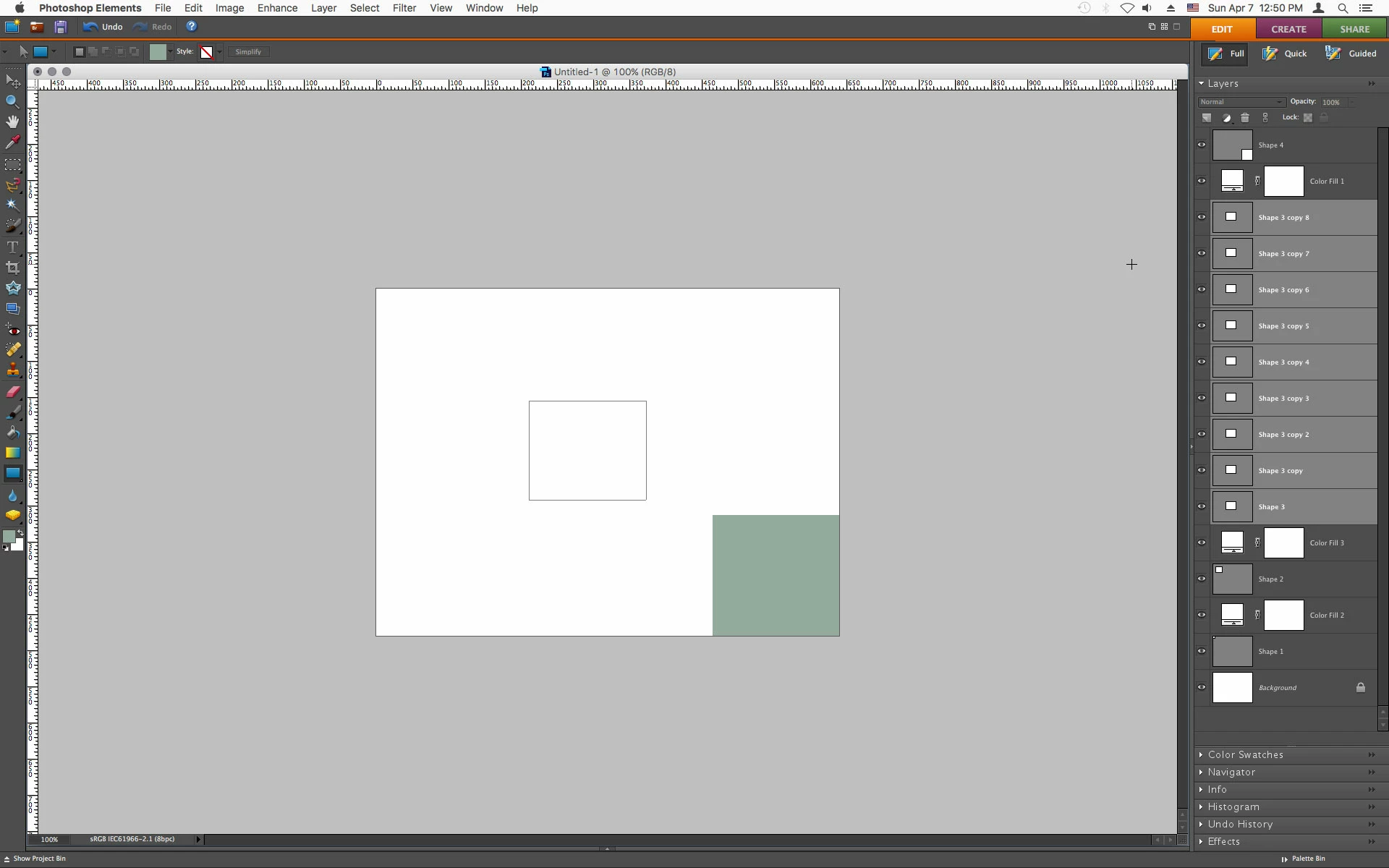
If you want to vary the frame rate you can add Frames (layers) in the layers palette.
Below layers were added to the middle rectangle to make the frame rate slower for that particular frame.

Already have an account? Login
Enter your E-mail address. We'll send you an e-mail with instructions to reset your password.
 AdChoices