
dennisl41440521
Participant
May 15, 2025
Question

Elements keeps wanting to reconnect with files

  • May 15, 2025
  • 2 replies
  • 317 views

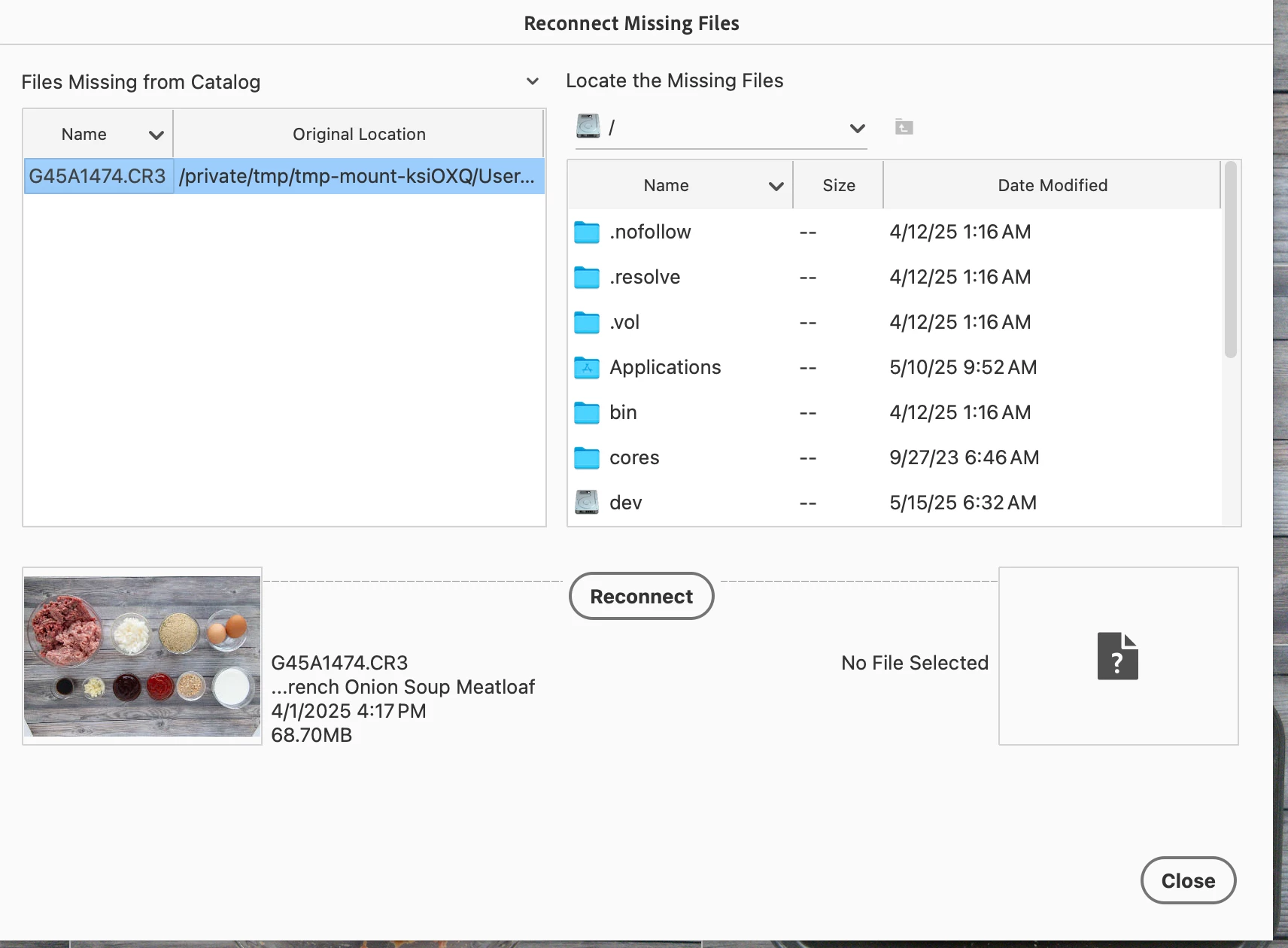
When I'm working on images, every 2-3 it says it can't find the file.  I need to shut down the organizer and restart it.  This just started happening.  

I deleted the program and reinstalled it, but that didn't help.
 

2 replies

Participating Frequently
May 16, 2025

I have the same problem. I'm using the Mac App store version of PSE2025. I already had a couple of bugs (e.g. Photo Downloader missing) but I could work around those and I quite liked the software. Then I installed Sequoia 15.5 and got the same problem you have which didn't exist before 15.5.. In addition, when I try to edit some of my files I get 'Disk Error'. 


I've already deleted and reinstalled twice but to no avail. Effectively, PSE2025 is unusable and I'm back using PSE2023 which works fine. This software is seriously 'buggy' and I'm disappointed in Adobe which I always thought was a quality softeware producer and also in Apple for allowing them to sell the software in this condition.


I wish I had a suggestion or a solution to offer but I don't.

dennisl41440521
Participant
May 16, 2025

I'm sorry to hear it's happening to you too, but I'm glad it's not just me.   Are you on a desktop or laptop., because for whatever reason, its working on my laptop.


Participating Frequently
May 16, 2025

I'm on a laptop. A MacbookPro M2. 


I think this software is just 'buggy' and clearly hasn't been tested properly before releasing it. I'm hoping that Adobe come out with an update to fix the problems but I'm not optimistic.

Monte307
Inspiring
May 15, 2025

It looks like the original location of the file is a temporary directory (.../tmp).   

dennisl41440521
Participant
May 15, 2025

I've got them on my desktop in folders, where I have always kept them.