
Elements only allowing one image onscreen
I regularly amuse myself making little cartoon collages by opening a background image then importing GIF or PNG images of various objects which (after clicking the "Move" tool) can be dragged onscreen and automatically become new layers which can then be selected and resized and repositioned as required to create a composite image.
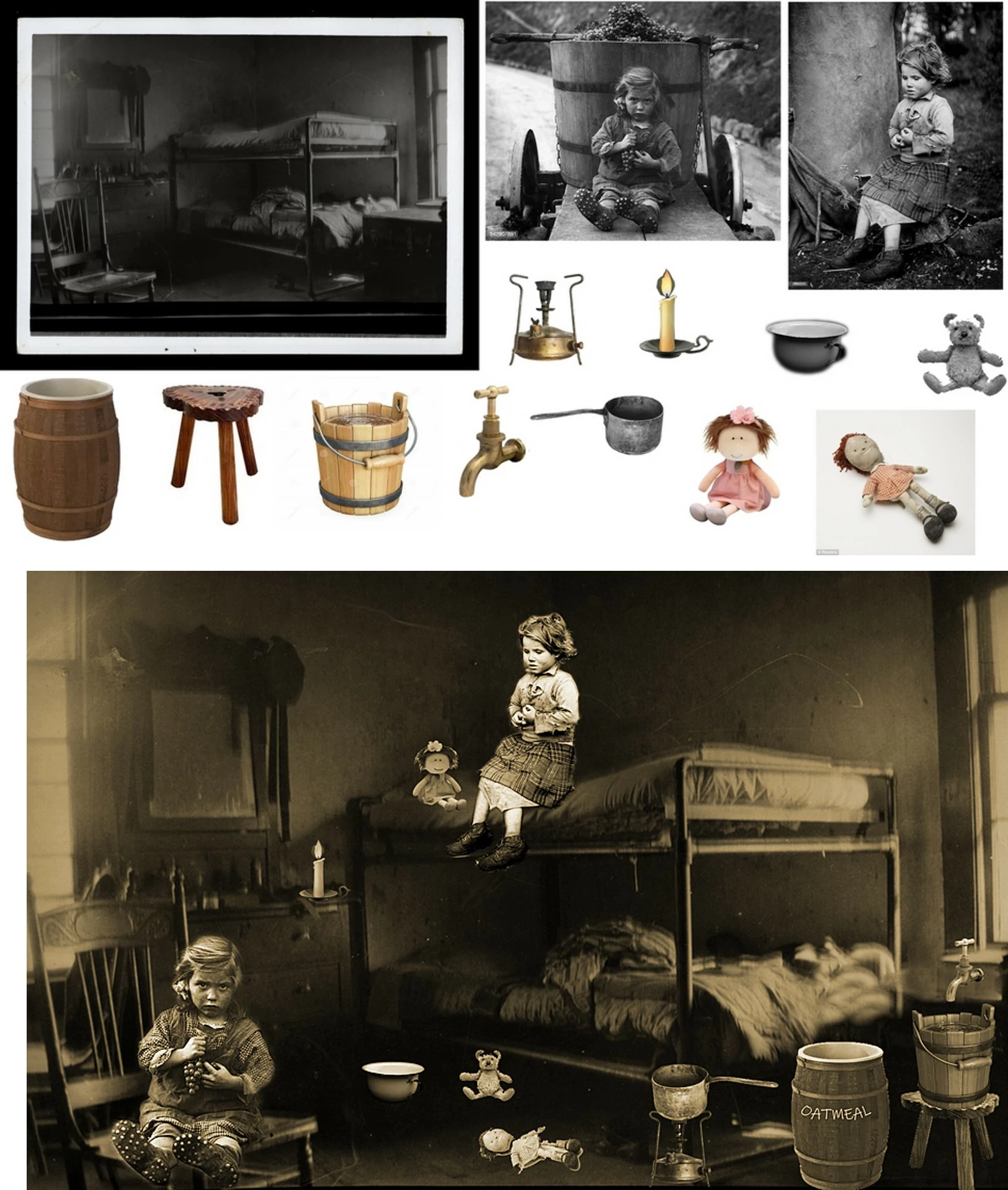
Suddely Elements won't let me do this anymore. It will only allow one file to be open on screen. If I drag in a second image from the bin it replaces the first image onscreen and also in the layers palette, which will only show one layer - the current onscreen image - whereas before it would show all imported images as layers. The original background layer is deleted from the palette and replaced by the new image as layer 0.
Has Elements corrupted or have I accidentally changed some setting? ! "Auto select" for images is "ON". Trying to reset the "Move" tool doesn't do anything.
Another oddity - possibly related - is that if I open an image then select and drag it, it moves OK but leaves a checkerboard "transparency" rectangle in its place.


 AdChoices