
Participant
May 27, 2018
Question

Elements Opening Photos In Top Corner

  • May 27, 2018
  • 1 reply
  • 363 views

Every time I open a group of photos in Elements 2018 it bunches them all up in the top left corner so I can't even see the "minimize", etc. buttons in the photo's window. I have tried resetting my preferences and I know that I can hit CTRL 0 to each one full size individually but this is driving me crazy. Anyone have any ideas?
    This topic has been closed for replies.

    1 reply

    MichelBParis
    Legend
    May 28, 2018

    Yes, it's the result of the last Windows 10 (build 1803) update.

    Many posts for this precise issue on Elements 2018 and 15 (not for 14 for me).

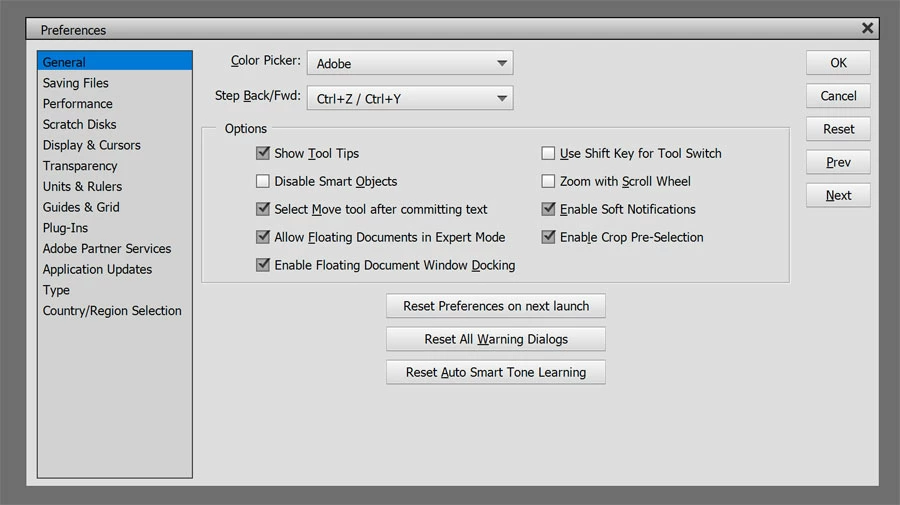
    No real solution except unchecking the option to allow 'floating windows in expert mode.

    However, it's good to know that if you open one or many files at the same, they appear grouped in the corner, but you can use the menu 'Window' option 'float all in windows'. Then all your opened file are displayed in the working space.

    Elements 15: floating images open extremely small in the editor