You say you used an older version of Photoshop and you are now trying to do the same thing with Elements version 11 (which is 9 years old itself). There should be no difference in how the eliptical tool works in any version of Photoshop or Elements. What exactly is the problem?
As I understand what you are trying to do:
- Use the eliptical tool to draw a selection on your image. This selects the area you want to keep.
- Invert the selection, so the unwanted background is selected. You can do this by either choosing the Select>Inverse menu item, or using the keyboard shortcut Shift+Ctrl+I.
- Press Delete. You will end up with your selected oval.
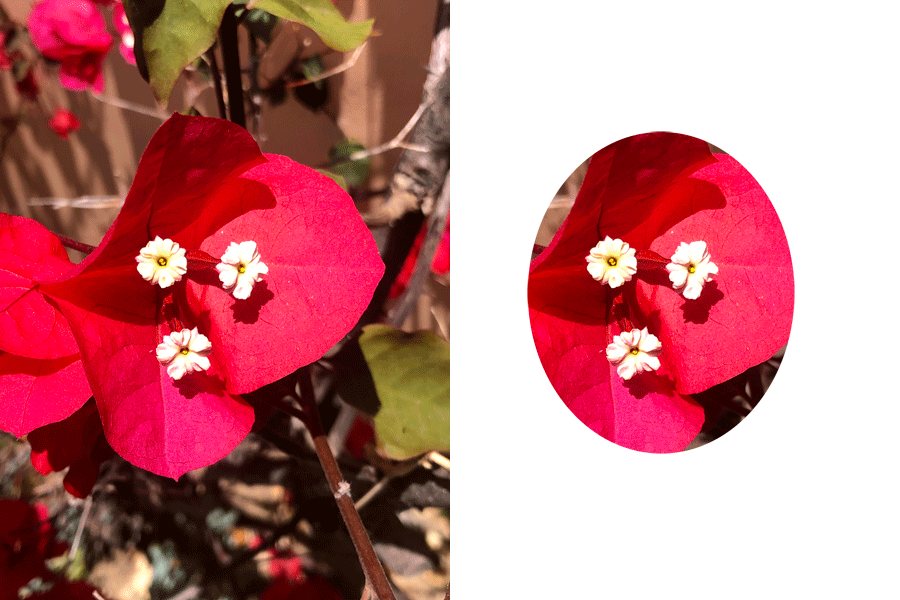
If this doesn't resolve your issue, we need more information from you.






 AdChoices