empty circle or square
How can I make an empty or transparant rectangle/circle in PSE?
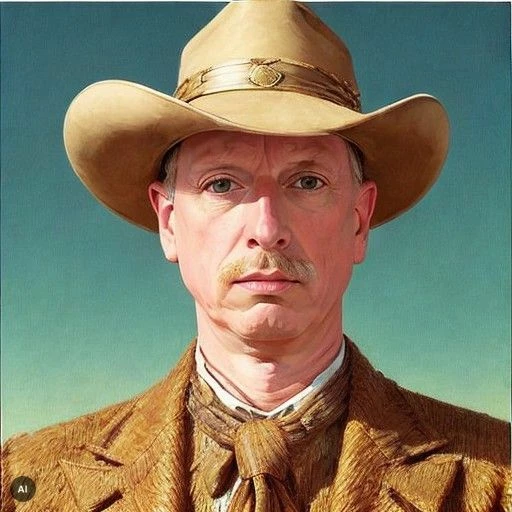
I want something like this
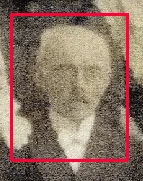
The draw tool only gives me a filled object.

How can I make an empty or transparant rectangle/circle in PSE?
I want something like this

The draw tool only gives me a filled object.
Try this:
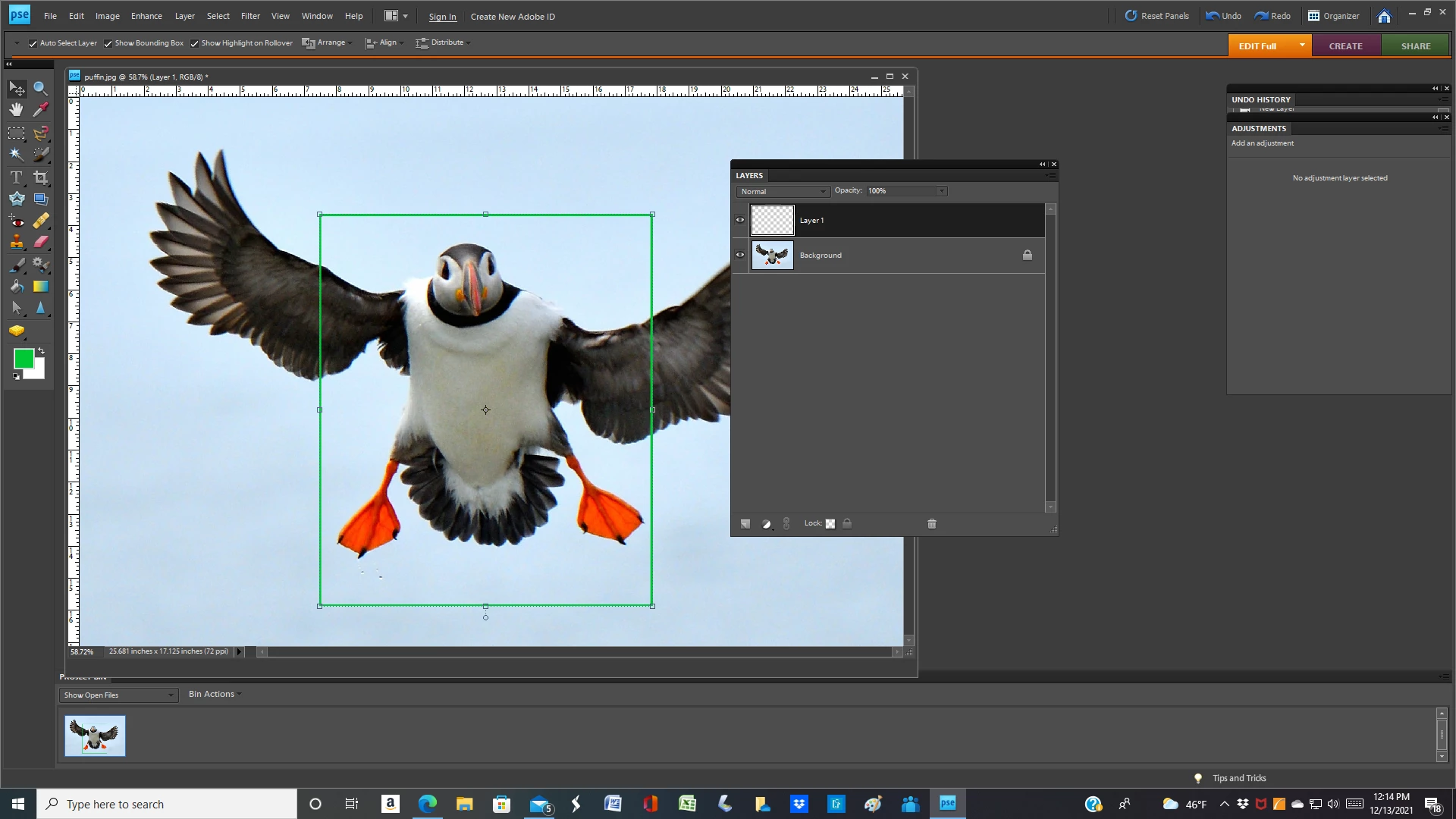
1, Open the picture file
2. Set your foreground color chip to the color that you have in mind for the rectangular outline
3. Activate the Rectangular Marquee tool and drag the outline to embrace the head & ncck
4. Open a blank layer above the Background layer. This will be Layer 1
5. Go to Edit>stroke(outline) selection. In the dialog that opens, place the stroke inside. Try stroke width 4 px. You may have to adjust this
6. If the outline is not positioned prefectly, use the move tool to reposition it
7. Press CTRL+D to get rid of the "marching ants"

Already have an account? Login
Enter your E-mail address. We'll send you an e-mail with instructions to reset your password.