

Error Code: 199 Trying To Reinstall PSE 2020
I'll try to make this problem description as brief as possible but still give details.
PSE 2020 was installed and running fine on my Windows 10 laptop PC. I think it had even gotten updated to version 2020.1 My laptop has an Intel i7-7700 CPU with an onboard Intel graphics GPU. It also has a discrete Nvidia GeForce GTX 1050 Ti GPU. I prefer to use the Nvidia GPU, so I had the onboard Intel GPU disabled in Device Manager and everything ran fine ... until a problem updating my Nvidia graphics driver caused a problem that re-enabled the Intel GPU. Even after I disabled the Intel GPU again PSE 2020 would only use the Intel GPU - it would NOT use the Nvidia GPU!
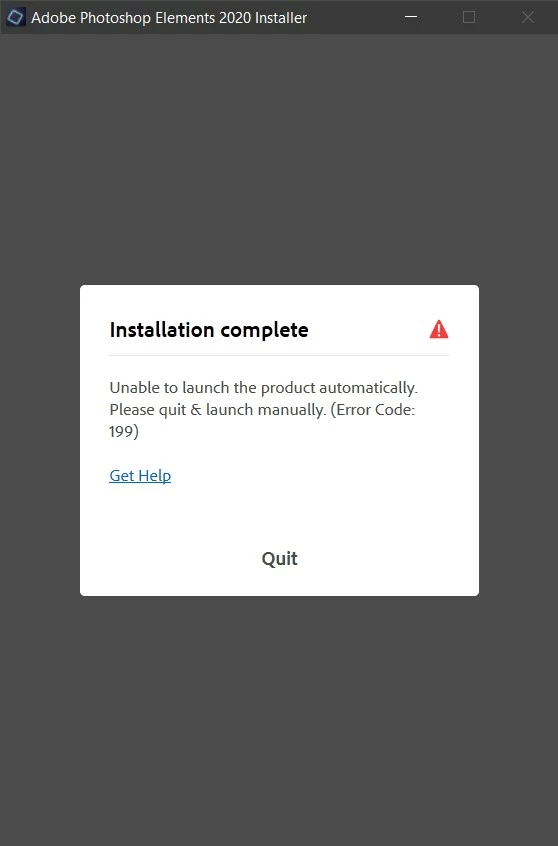
So, I uninstalled PSE 2020 thinking that when I reinstalled, it would correctly use the Nvidia GPU. Now, it will NOT reinstall. The install starts up fine and begins, then when it gets to 6% it stops with Error Code: 199. The "Get Help" link does not list Error Code 199. I've tried reinstalling numerous times and always get the same error.
What do I need to do to reinstall PSE 2020 onto my laptop??
Here are a few screenshots of my reinstall attempts.




 AdChoices