skydivephil
Inspiring
January 3, 2017
Answered

Expert mode is suddenly empty in Elements

  • January 3, 2017
  • 1 reply
  • 984 views

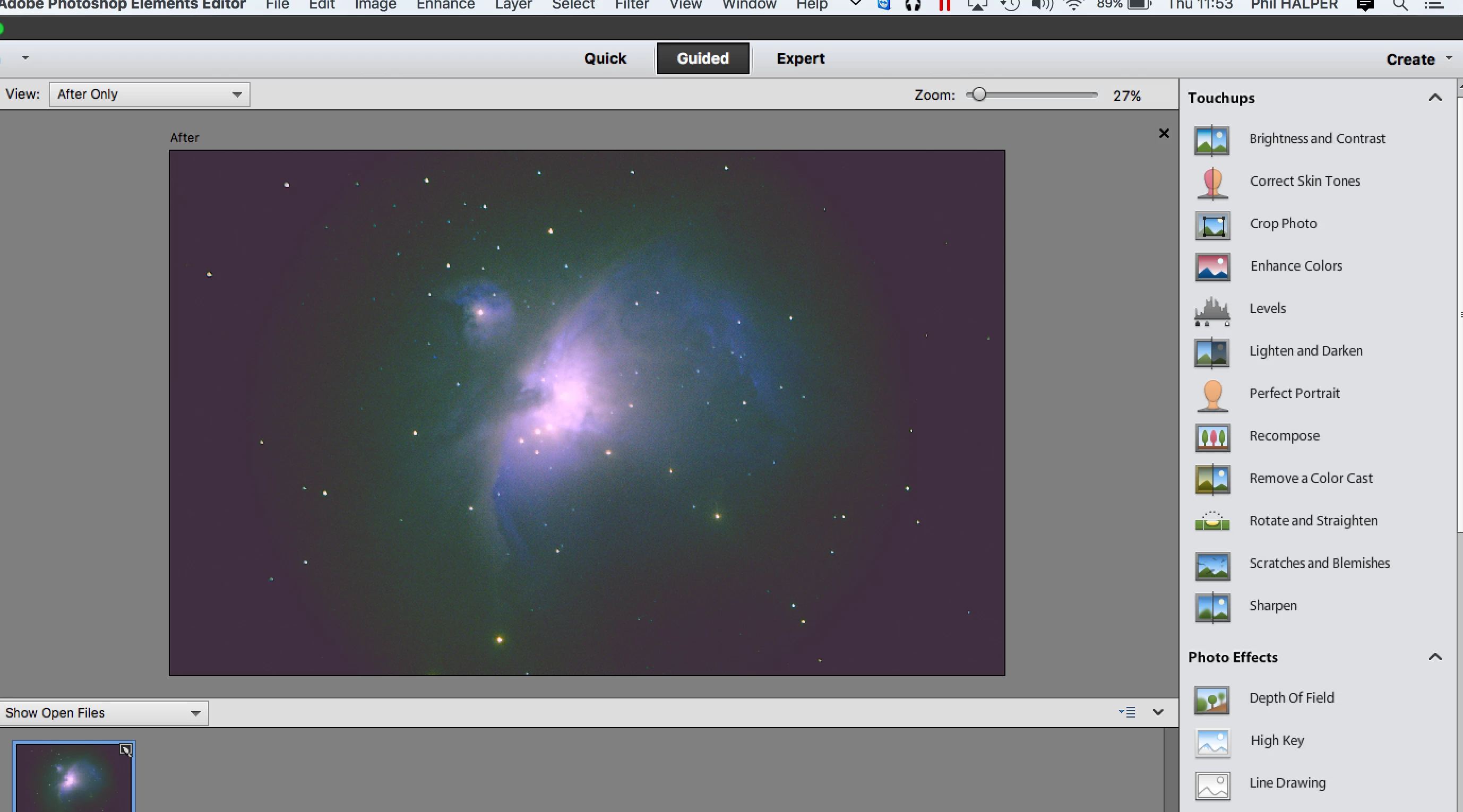
Ive been using Elements 11 in expert mode. Just opened it up and the expert mode is empty. When I click on quick and guided all the options pop up but when i click on Expert nothing oops up at all. It used to but as of today its gone. How do i get it back?

    This topic has been closed for replies.
    Correct answer arshla jindal


    Hi,

    Thanks a lot for providing the required information.

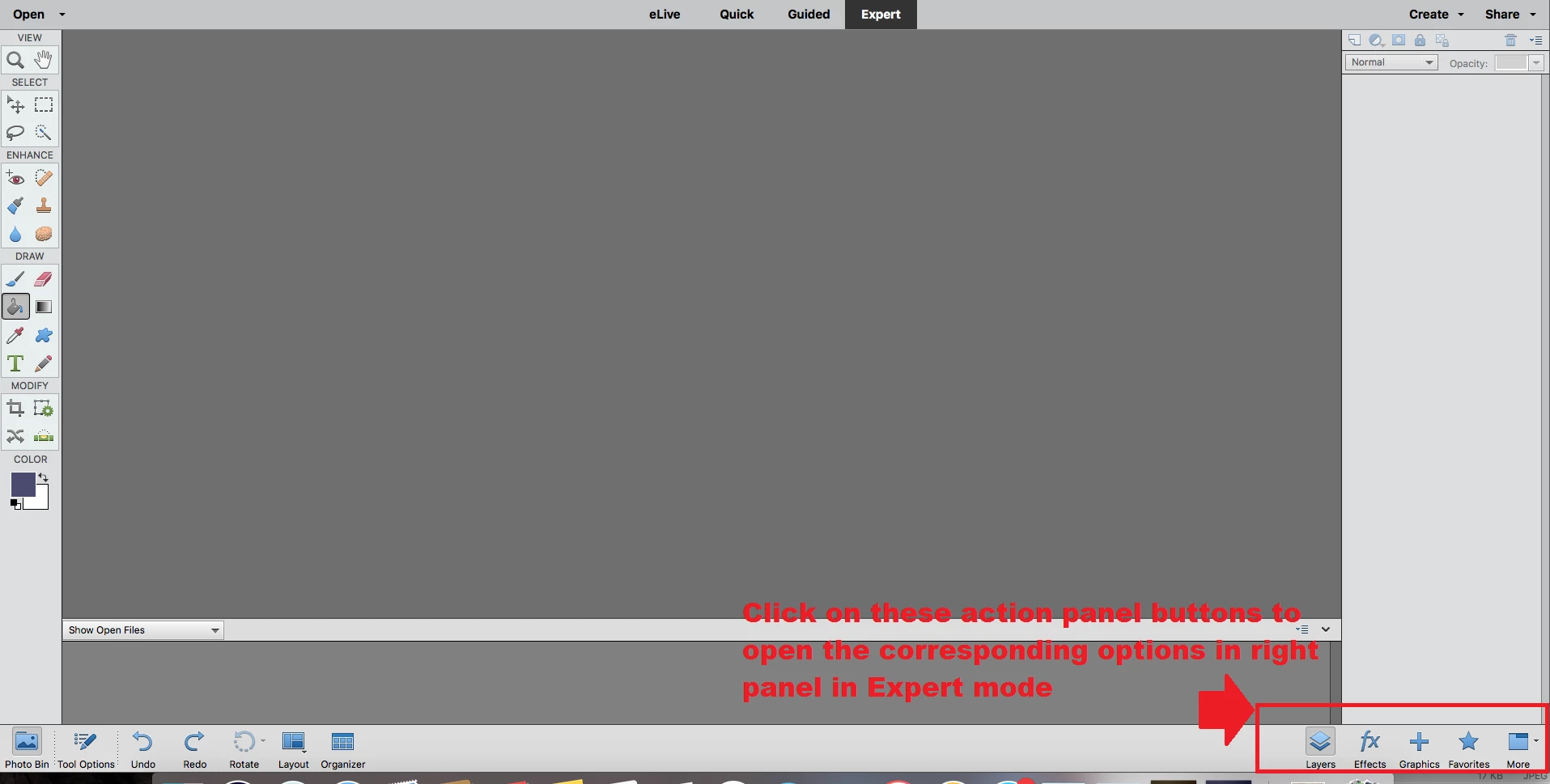
    From your screenshots, it seems that you have not opened the right panel in expert mode which is why it doesn't show you any options.

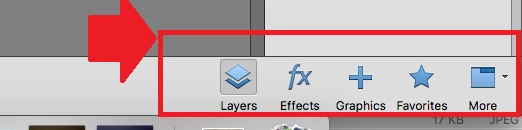
    Click on the the action panel icons in Expert mode to open/collapse the right panel.

    Click on Layers/Effects/Graphics/Favorites and this will open the right panel. Correspondingly clicking it again would collapse the panel.

    Please try this and get back if you any query.

    Thanks,

    Arshla

    1 reply

    Adobe Employee
    January 4, 2017

    Hi,

    Please try resetting the preferences. Do one of the following:

    Quit Photoshop elements.

    Launch and press and hold Alt+Control+Shift (Mac: Option+Command+Shift) immediately after Photoshop Elements begins launching. Click Yes to delete the Adobe Photoshop Elements settings file.

    Now check if the expert mode displays fine.

    Thanks,

    Arshla

    skydivephil
    Inspiring
    January 4, 2017

    I tried that it only gave me a dialog box to reset scratch disc. SO I followed a tutorial on how to reset preferences.

    I went to preferences general and hit reset preferences at next launch I also hit the reset all warning dialogs. I then re opened elements ad the expert windows dialog is still entirely empty. it did not work at all. Anything else I can try ?

    Adobe Employee
    January 5, 2017

    Hi,

    Thanks a lot for trying this. We really regret the inconvenience you're facing.

    Please post the screenshot of the faulting UI in expert mode here so that we can assist you further accordingly.

    Thanks,

    Arshla