
Expert mode no color
I have been working in Photoshop Elements in the quick and guided modes mostly. I recently switched to the expert mode. I am making a poster saying (all text boxes), when I try to add graphics to dress up the poster, all the graphics, frames etc... come in as black and white.
If I drag in a photo and try the same thing the color appears. If I leave the photo and set up everything the way I want, then import the jpeg (poster text) I keep the color. Then I delete all the layers I don't want and the color stays.
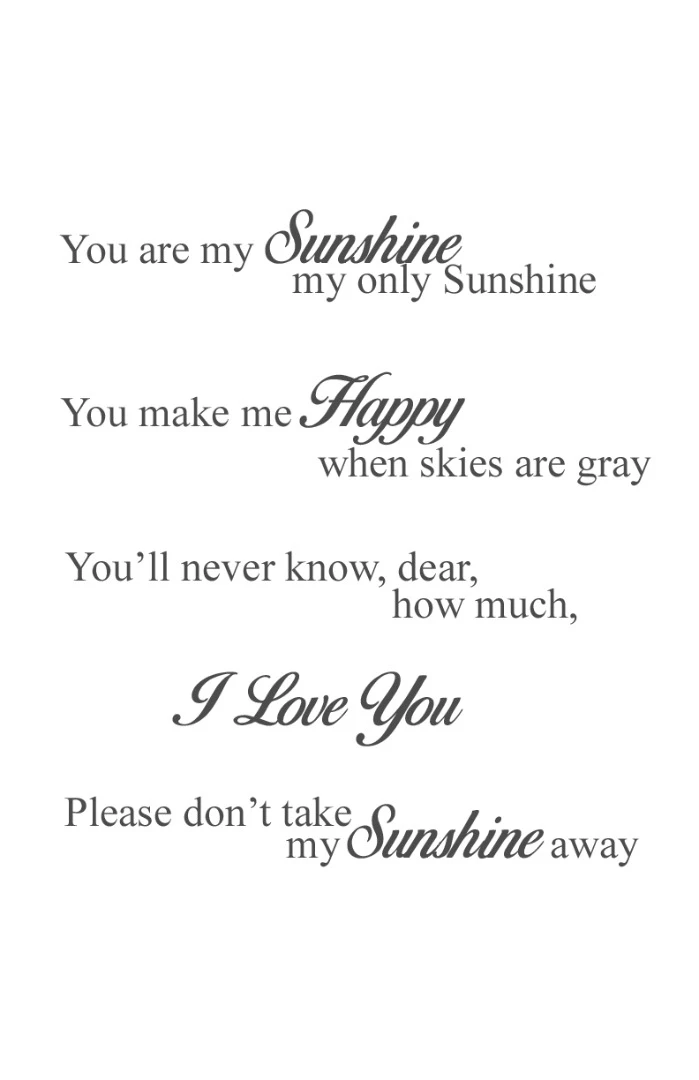
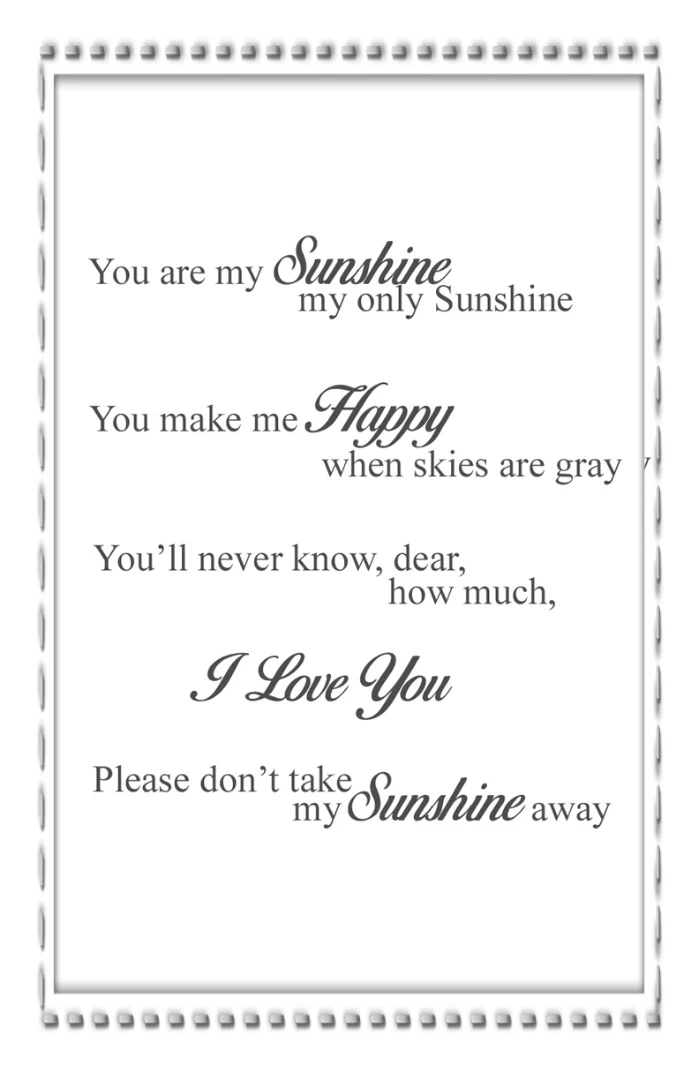
I have can see color in the other modes (guided and quick), but no color in expert mode. Do i need to turn something on in this mode to see color? Is this a glitch in the program? This is the JPEG file. when I add a frame in expert here is what it does? The frame was blue. Now if I loaded a photo first under the saying and then added graphics I could see color.


 AdChoices