
Answered
Expert, Quick, Guided menu is partially displayed in PSE 14 Edit screen
The menu for Expert, Quick, Guided is partially displayed in PSE 14 Edit screen. How can I correct this? (On Windows 10) Thanks. Photo below:
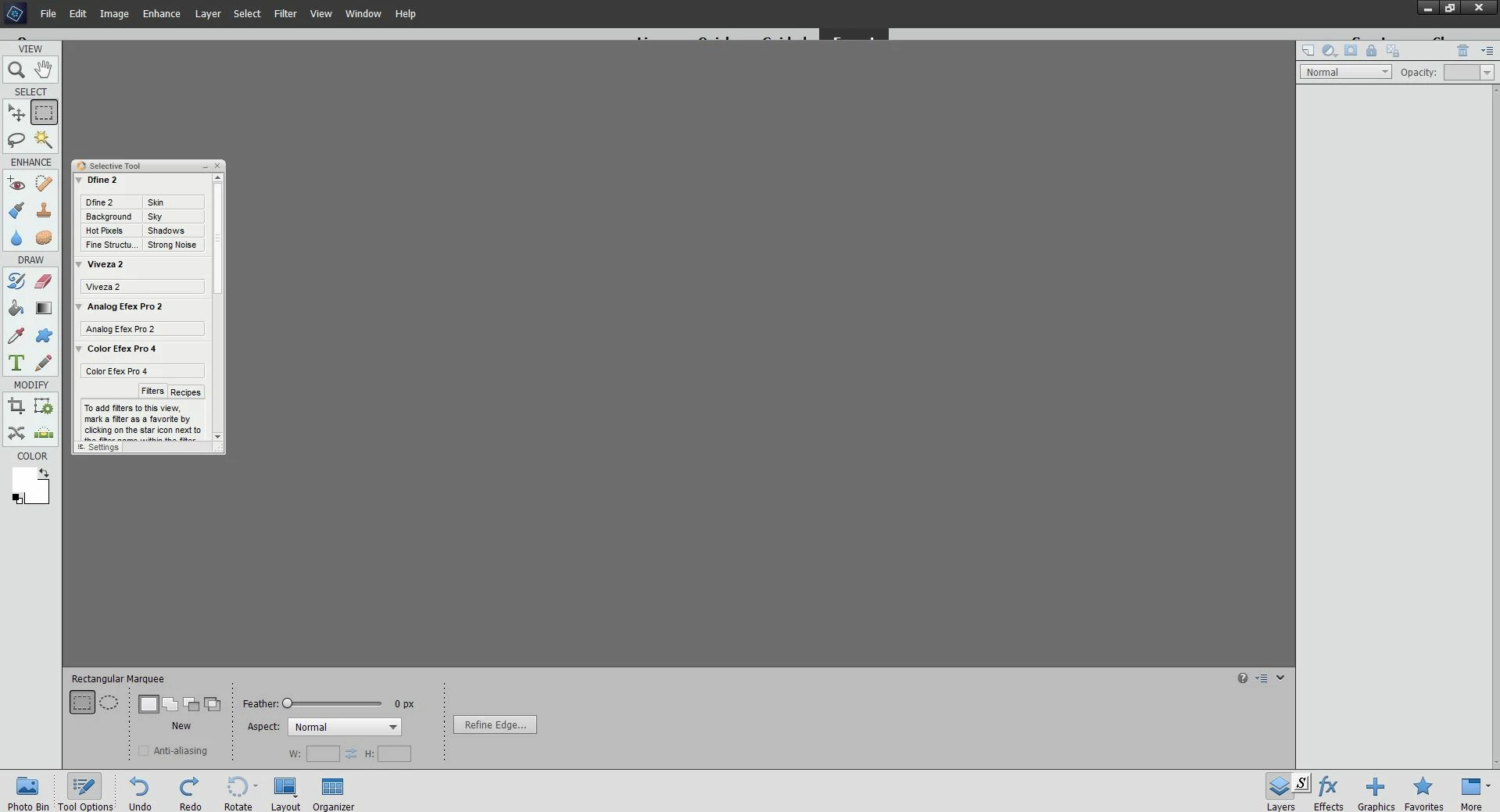

The menu for Expert, Quick, Guided is partially displayed in PSE 14 Edit screen. How can I correct this? (On Windows 10) Thanks. Photo below:
Try uninstalling and reinstalling using an administrator account.
Already have an account? Login
Enter your E-mail address. We'll send you an e-mail with instructions to reset your password.
 AdChoices