
Answered
Feathering edges
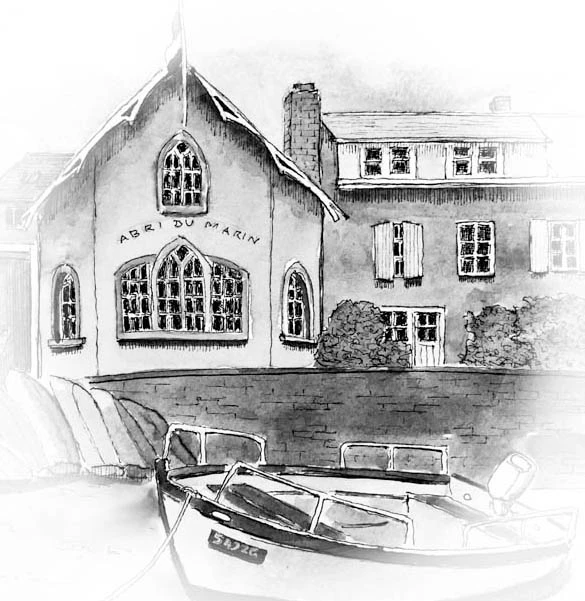
I recently acquired Photoshop Elements 2019, which runs in Windows 10. I need to create soft feathered edges on rectangular black and white pen-and-ink drawings. They are to be used as illustrations in a textbook. I’m following instructions found online, which don’t produce any perceptible feathering. Here is what I am doing:
1. Open a jpg file
2. Make a selection using the rectangular marquee tool
3. Choose Select and then Feather
4. Type in a value of 100
5. Press Enter
What I am missing or doing wrong?
 AdChoices