

Glenn 8675309
Legend
September 29, 2023
Question

Get ready for a new version!

  • September 29, 2023
  • 1 reply
  • 287 views

No, I don't know when PSE 2024 will get released.

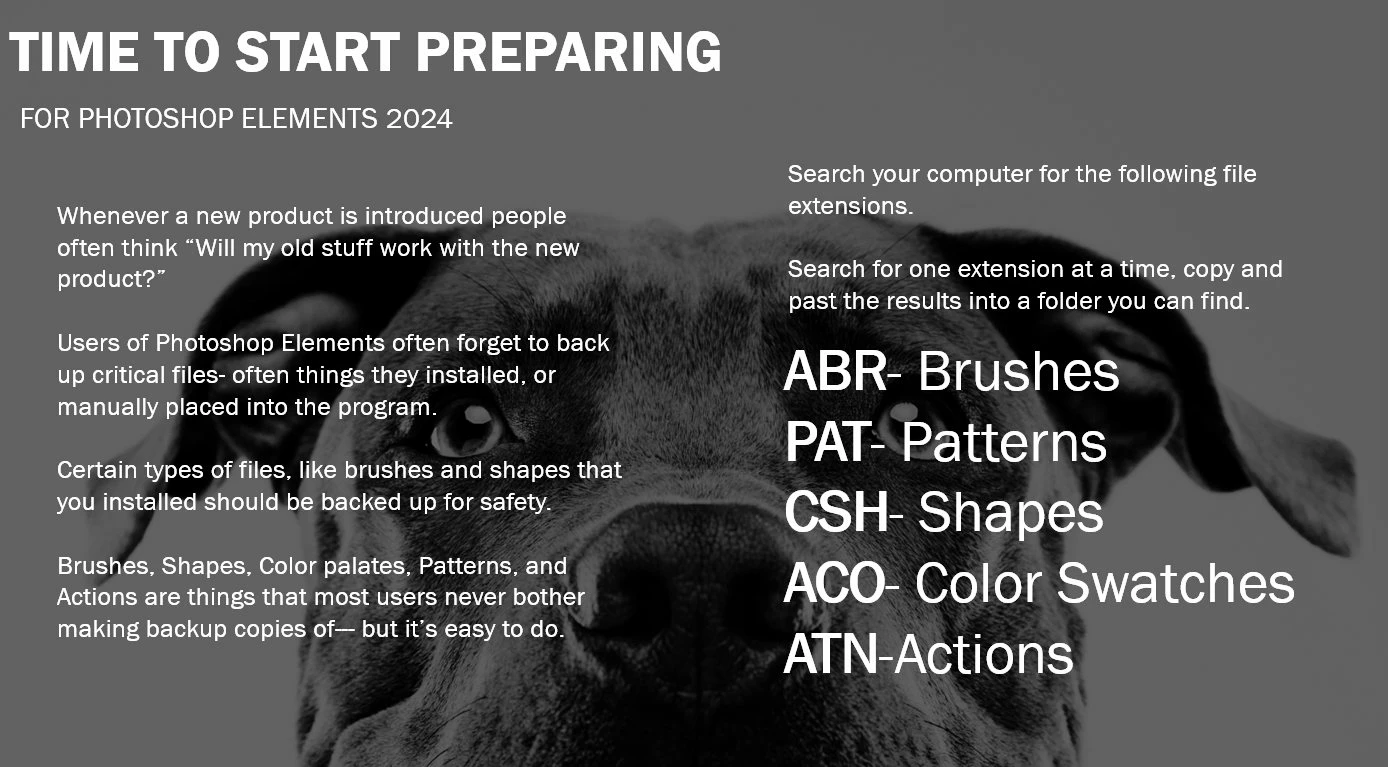
No reason to put off getting prepared for it:  You will need to manually copy and paste things you installed into a folder on your computer that you can find.

No, you do not need to uninstall a previous version:  IF YOU DO only do so after your catalogue is imported into the new version of the program.

Each version of the program is a new version, and a new installation- your old version is never "upgraded" to a new version.

If you have any other add-ons, such as elements plus (Elements+) you probably will have to purchase a new version of elements plus. 

There are probably other things, but not many, that you should make backup copies of, to me, these are the most important ones.

This topic has been closed for replies.

1 reply

Peru Bob
Community Expert
Community Expert
September 29, 2023

That's some good advice. 

Glenn 8675309
Legend
September 29, 2023

I install and unistall  from version 10- up to pse 2023-- right now I have 6 versions installed.   I got lazy and stopped moving everything over to the version I just installed.  Now I just reinstall all the brushes and action stuff only if I need to explain stuff.  

Some shape files are huge-  I might use about 50 out of one of the monster sets. 

 This is always a good place to look for brushes and other stuff:

https://www.brusheezy.com/


I've downloaded tons of brushes, and shape libraries.  I've downloaded color swatches from paint companies too. 


Glenn 8675309
Legend
September 29, 2023