Participant
September 18, 2018
Answered

Halftone lines

  • September 18, 2018
  • 2 replies
  • 1839 views

Hi everyone, I recently bought photoshop elements because I like to make designs for paintings. Especially the halftone line effect, but I have a question... How can I change the angle of the lines in Photoshop Elements? I can't find it anywhere... This is like the only reason I bought it for... Can someone help me please. Thank you!!!

This topic has been closed for replies.
Correct answer MichelBParis

fleur.josephine  wrote

Hi everyone, I recently bought photoshop elements because I like to make designs for paintings. Especially the halftone line effect, but I have a question... How can I change the angle of the lines in Photoshop Elements? I can't find it anywhere... This is like the only reason I bought it for... Can someone help me please. Thank you!!!

I don't think that's a question asked by more than one user in ten thousands...

But it's an interesting challenge.

First I have been searching exactly which effect (filter) you were asking about.

I am probably wrong, but I believe you mean the filter found in Filter >> Sketch >> Halftone Patern, with the option 'line' instead of 'dots'.

Why not rotate your image to custom value first, apply the effect, then rotate the image back?

(Image >> Rotate >> Custom...)
2 replies

MichelBParis
MichelBParisCorrect answer
Legend
September 18, 2018

fleur.josephine  wrote

Hi everyone, I recently bought photoshop elements because I like to make designs for paintings. Especially the halftone line effect, but I have a question... How can I change the angle of the lines in Photoshop Elements? I can't find it anywhere... This is like the only reason I bought it for... Can someone help me please. Thank you!!!

I don't think that's a question asked by more than one user in ten thousands...

But it's an interesting challenge.

First I have been searching exactly which effect (filter) you were asking about.

I am probably wrong, but I believe you mean the filter found in Filter >> Sketch >> Halftone Patern, with the option 'line' instead of 'dots'.

Why not rotate your image to custom value first, apply the effect, then rotate the image back?

(Image >> Rotate >> Custom...)

Participant
September 18, 2018

That's brilliant! And now I have to find out how to change the lines, like they change size with the shadows, I'll show you some examples... I'm afrais it's not possible in elements though...

Participant
September 18, 2018

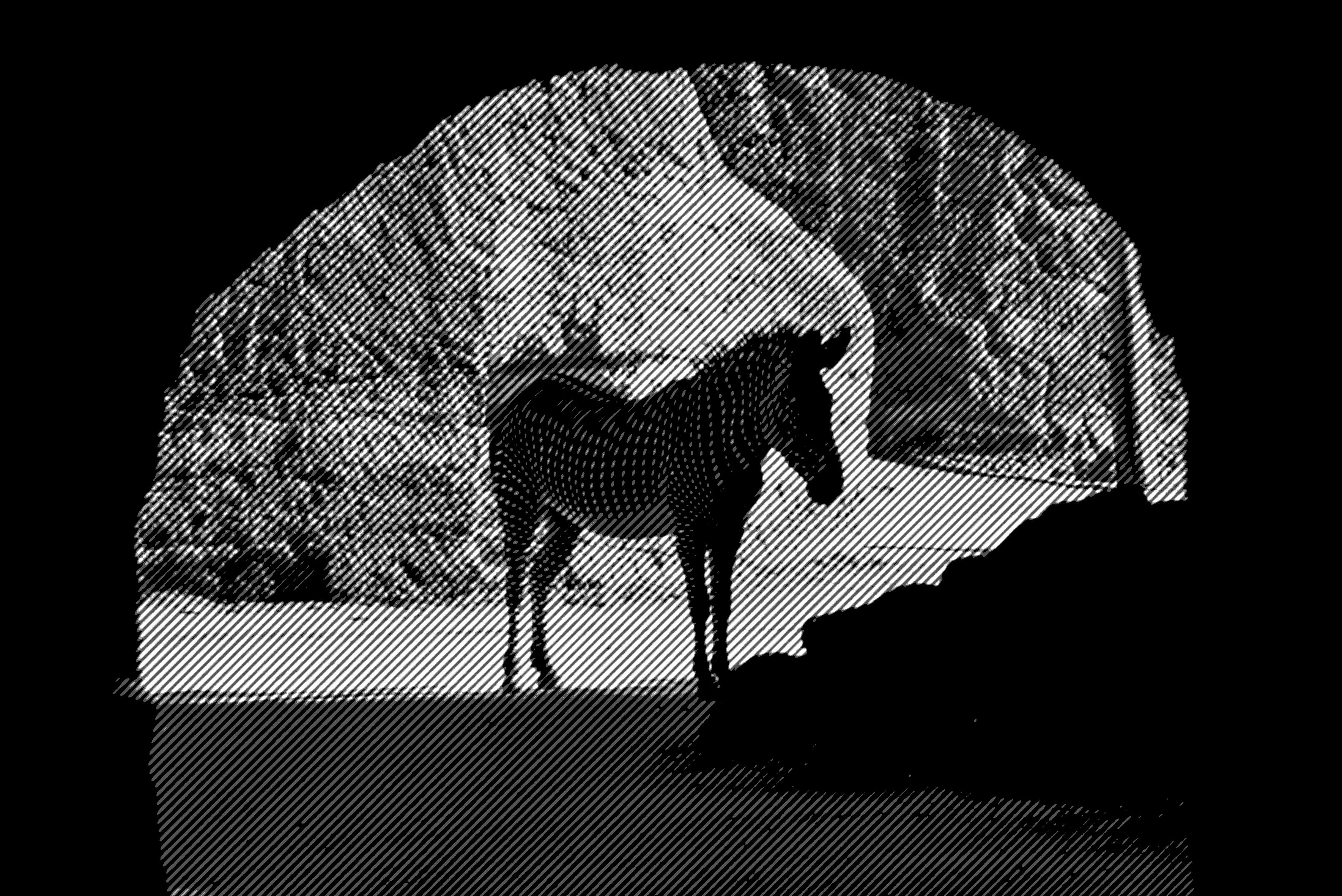
I just created this, thanks so much for helping!

99jon
Legend
September 18, 2018

In Elements there is some limited availability but it is normally the size/strength of dots that can be controlled.

Open your image in expert mode and from the menu choose:

Filter >> Pixelate >> Color Halftone

Participant
September 18, 2018

Hi Jon,

I found that, was just looking for an angle to put it in. Just got my answer, rotating the image thanks though