
Participant
May 1, 2023
Question

Having Trouble Opening a Sony Raw File (ARW)

  • May 1, 2023
  • 3 replies
  • 8100 views

Hi. i just bought a new Sony A7Riii Camera and the Elements Software won't open the RAW files even though Adobe says it supports this model camera. 

I'm using Elements 2021 Version 19.0 and the Camera Raw version is 13.0.0.612.  I downloaded the latest version which is 15.3 and it installed but Elements only recognizes the 13 version.

The ARW files are around 34 mbs in size. 

I tried using different cards and the compressed and uncompressed settings on the camera yet the RAW files won't open. Here is te error message I am getting:
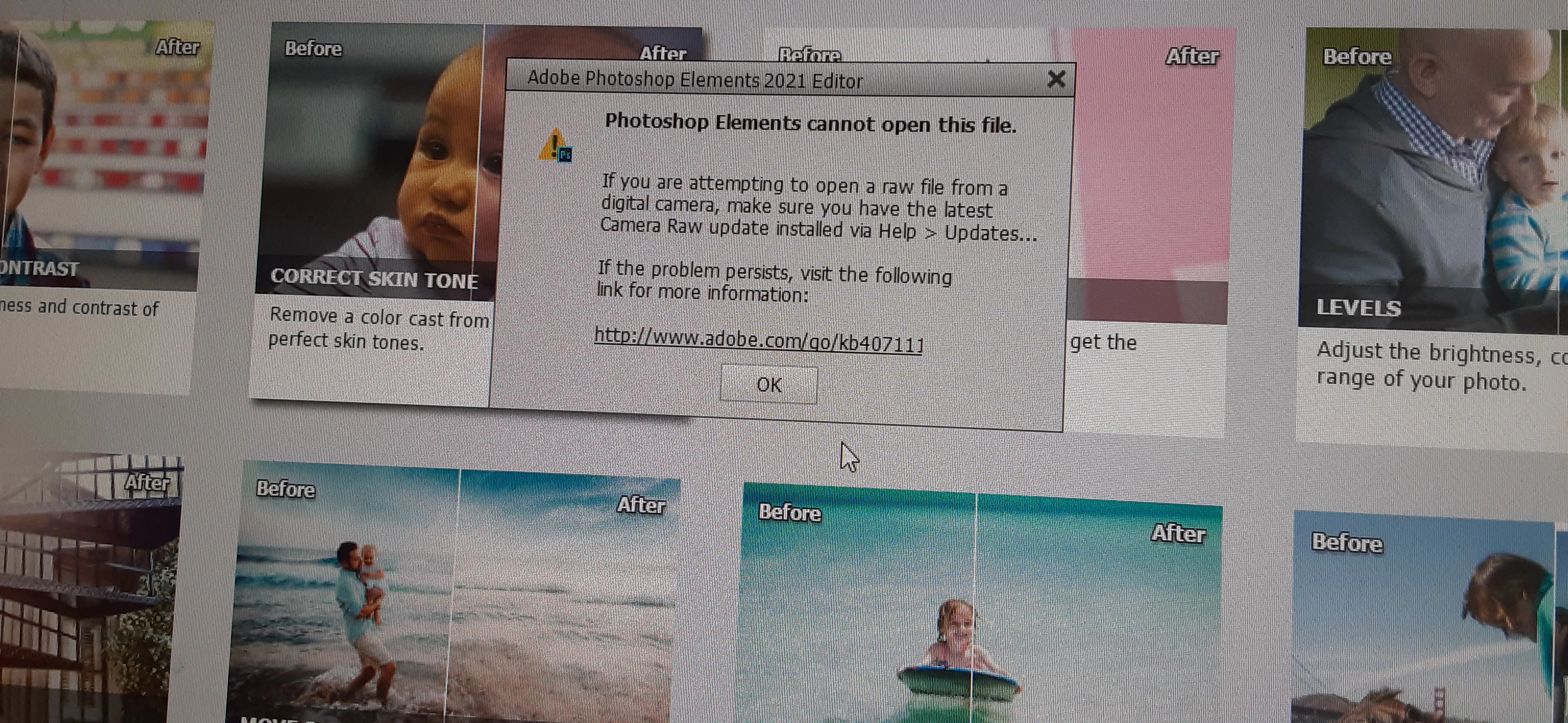
 Thanks in advance for any suggestions.

Howie

This topic has been closed for replies.

3 replies

Glenn 8675309
Legend
May 4, 2023

Your camera only requires ACR 10.1.  It was released 5 years ago. It has been discontinued  and replaced with the Sony A7IV.   The problem appears to be the ARW image format produced by your camera. 

SOMETHING TO TRY:

download a sample arw file or two from here.  choose "open with" and select photoshop element, or open it how you usually open files.   I had no problem with sample images and ACR 15.2 in PSE 2023. 

https://www.photographyblog.com/previews/sony_a7s_iii_photos#google_vignette

be sure to download the arw file samples and not the jpgs first listed.

MichelBParis
Legend
May 2, 2023
quote

Hi. i just bought a new Sony A7Riii Camera and the Elements Software won't open the RAW files even though Adobe says it supports this model camera. 


By @Howard296788063gud

Where do you read that?

This camera raw format is supported for the full Photoshop ACR and Lightroom. Not for the current ACR version of Photoshop Elements (version 14.4)

The ACR version of Elements is a stripped down of the full Photoshop, and as it is not a subscription licence, it's not updated as frequently.

The good workaround offered by Adobe and linked by @Jeff Arola  adds the support for your camera but obviously not the premium features of ACR. Owners of older supported cameras have no advantage at all with version 15.3.

Anotther free solution is to download the free DNGconverter 15.3 which can batch convert a whole folder of your raw files to the univeral raw format DNG, offering all the advantages of raw editing for free.

Jeff Arola
Community Expert
Community Expert
May 2, 2023

You can install camera raw 15.3 by following the directions on this page:

https://helpx.adobe.com/photoshop-elements/kb/camera-raw-update-not-available.html