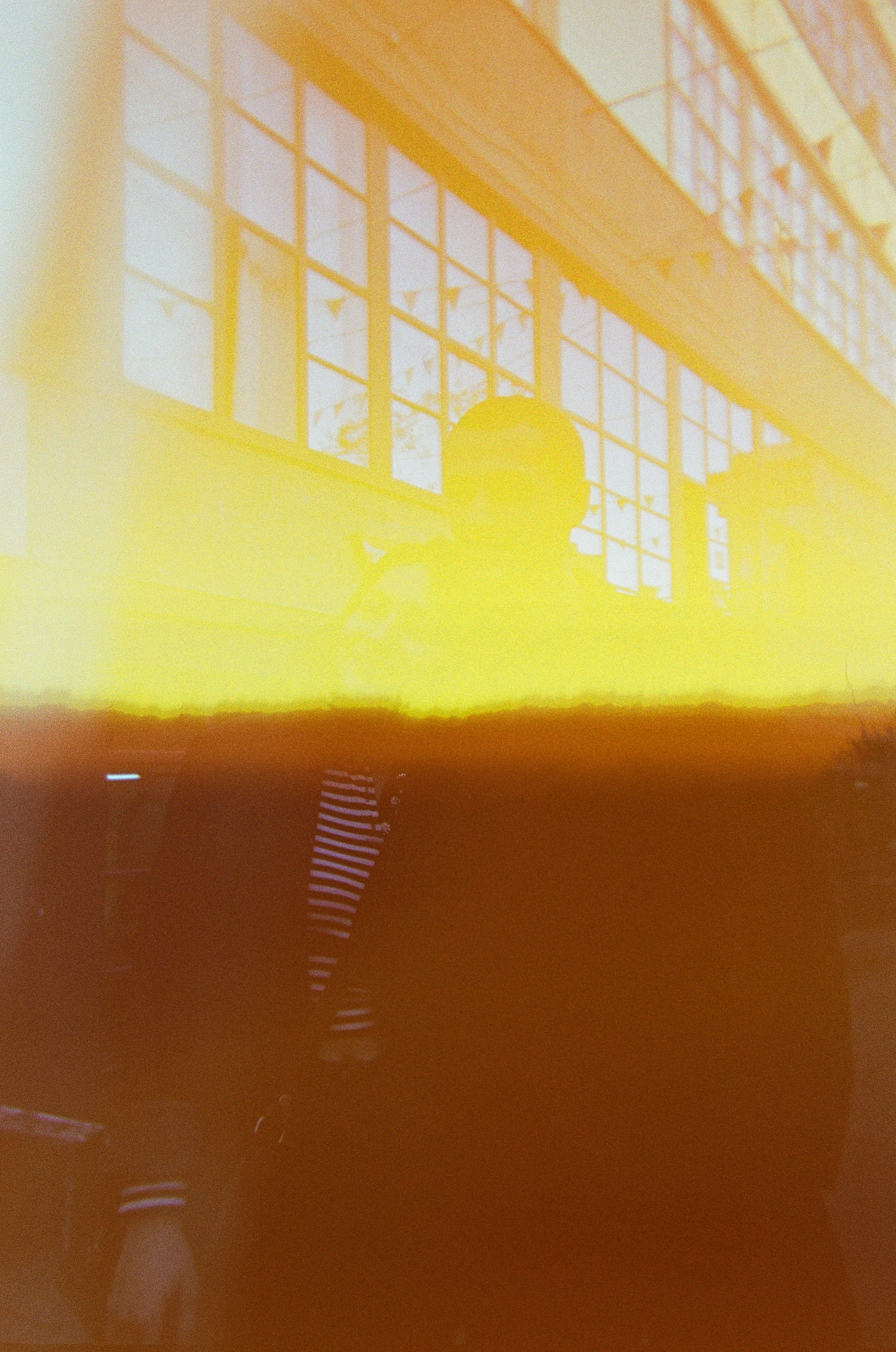
The first thing I tried was Quick Mode., Color, Hue, then upper left square -180 or bottom right +180 gave me something I could start with. Color mode wiped out ALL color info (not that there was any left), and I was hoping to work with any remnants. With Photoshop, or suitable (Harry's?) filter that can split the image into color channels you can probably do some more.
I believe it is too damaged. There is almost no remaining detail information. Even changing it to black and white won't help to recover the top half of the photo.



 AdChoices