
Question
HELP [PSE 2018 Win 10: Error 1114 when uploading photos]
I purchased the Adobe Elements Photoshop 2018. I installed it on my PC computer using Windows 10. It installed fine and I can open the program, but when I try to upload a photo to edit, I receive an error message stating "loadlibrary failed with error 1114 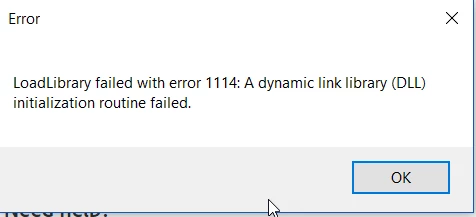
I have tried many different recommended tips, such as checking my graphics card, changing the graphics settings to high performance, and downloading adobe creative cloud. I seemed to get a little bit further with the program, but this error message still pops up when I try downloading a photo from my library into the program. Can someone please help!? And talk simple, because I am the furthest from an expert when it comes to computers!
 AdChoices