


Participant
February 17, 2021
Question

How can I create nested Album content

  • February 17, 2021
  • 1 reply
  • 194 views

I am trying to figure out how to create structure within my albums.


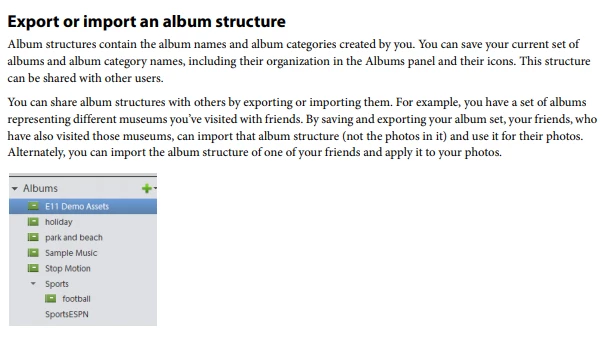
I know I can create Categories and Albums but I want to break my albums into sections. similar to the in the Documentation but can't figure out how to do it.


I saw a post that described the concept of having folders within Albums to achieve this but I haven't been able to figure out how to do this. Folders are generally associated with the File Structure not a container within the context of an Album.


Could someone describe how to implement the folder concept within Albums?

Thank you!


This topic is closed to new replies. Start a new post to keep the conversation going.

1 reply

Adobe Employee
February 18, 2021

Hi,


To create an album from a folder, right click on a folder in folder view, and choose 'Create an instant album'. An album will get created in Album view with same name, having media contained in that folder.


To club albums into categories, you need to first create 'New Album Category', by clicking on arrow beside '+' sign. Then you can create albums in those album categories. You can move an album from 1 category to another by drag and drop.


Let me know if this resolves your issue.


Thanks!