


How can you go back with no History Brush in Elements
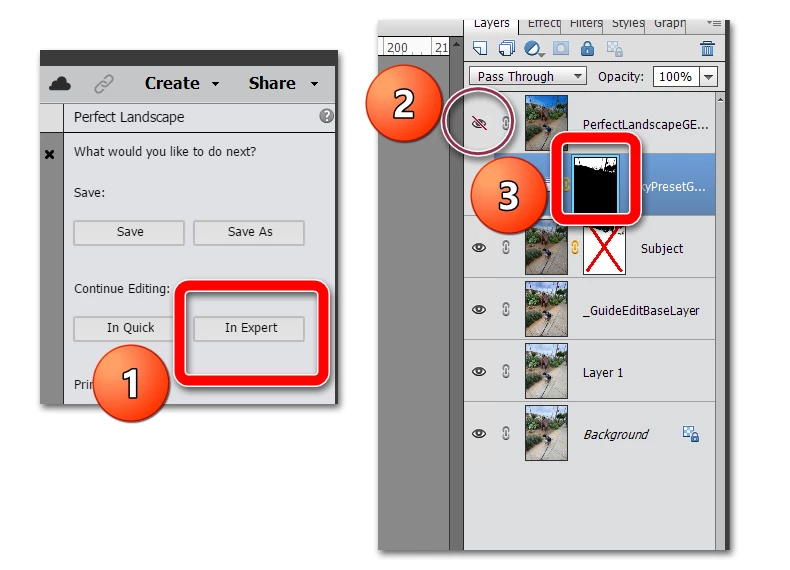
I've done a few checks on the net and it looks like the history brush I'm used to using in PS CS6 is not a tool that PS Elements has, feel free to correct me if it's hidden away somewhere and I've missed it? My problem is that when I use the sky replacement in PS Elements it also re colours some other parts of the picture other than the sky, usually any white parts. My question to people is if there is no history brush tool in Elements how do you easily put the sections of the picture i.e. the parts under the sky that were recoloured back to their original state? An exsample was that there was a white van quite a bit lower than the horizon that went from white to blue when I replaced the sky, with a history brush that would have been a 2 second fix to put it back to it's original colour , no idea how to easily fix it in Elements.

 AdChoices