
Question
How do I automatically get sharp scans?
I have been using Elements 14 for a few months and still do not know how to get sharp scans automatically. I sell baseball cards so I scan many cards that are in a hard plastic case. I set the custom settings to scan at 200 DPI. The image scanned is dull. Each time I scan, I need to select Auto Smart Fix to get the desired results.
Is there a way I can have every scan come in clear without having to do the extra step?
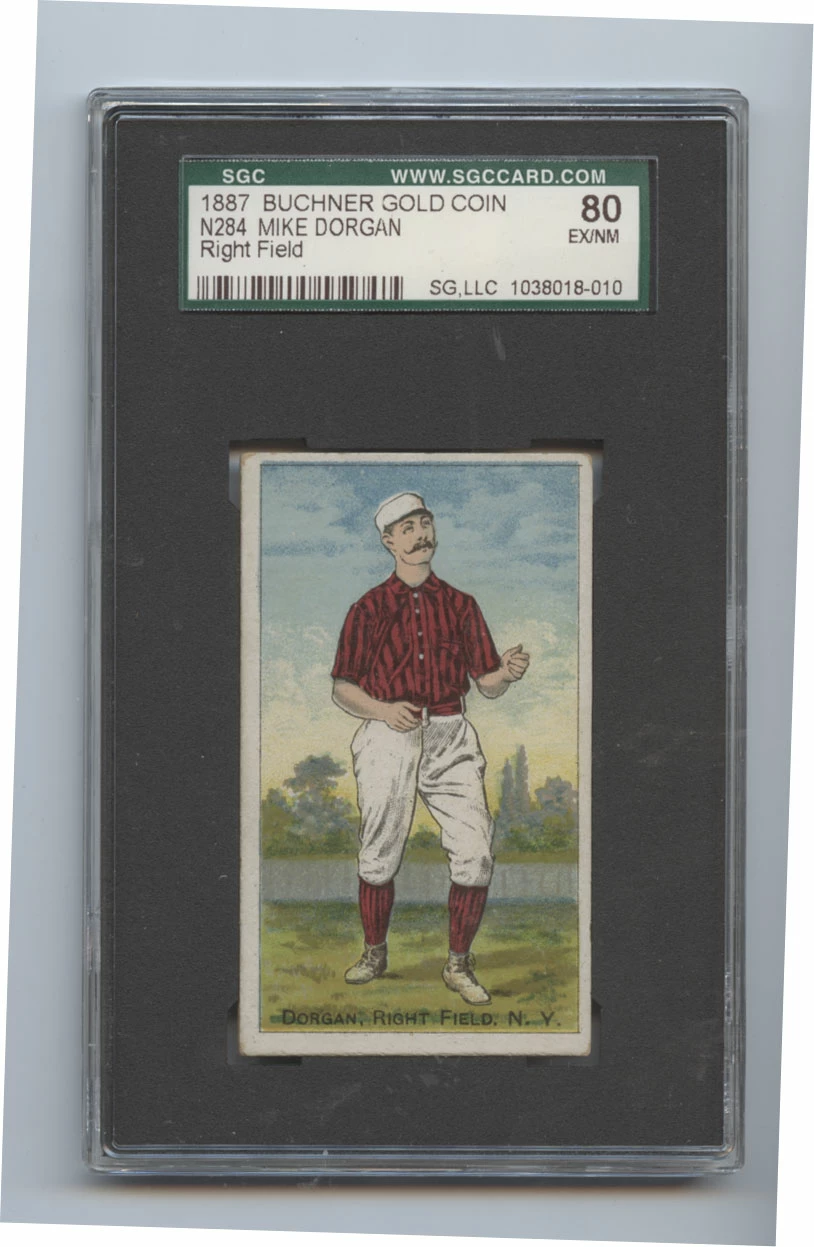
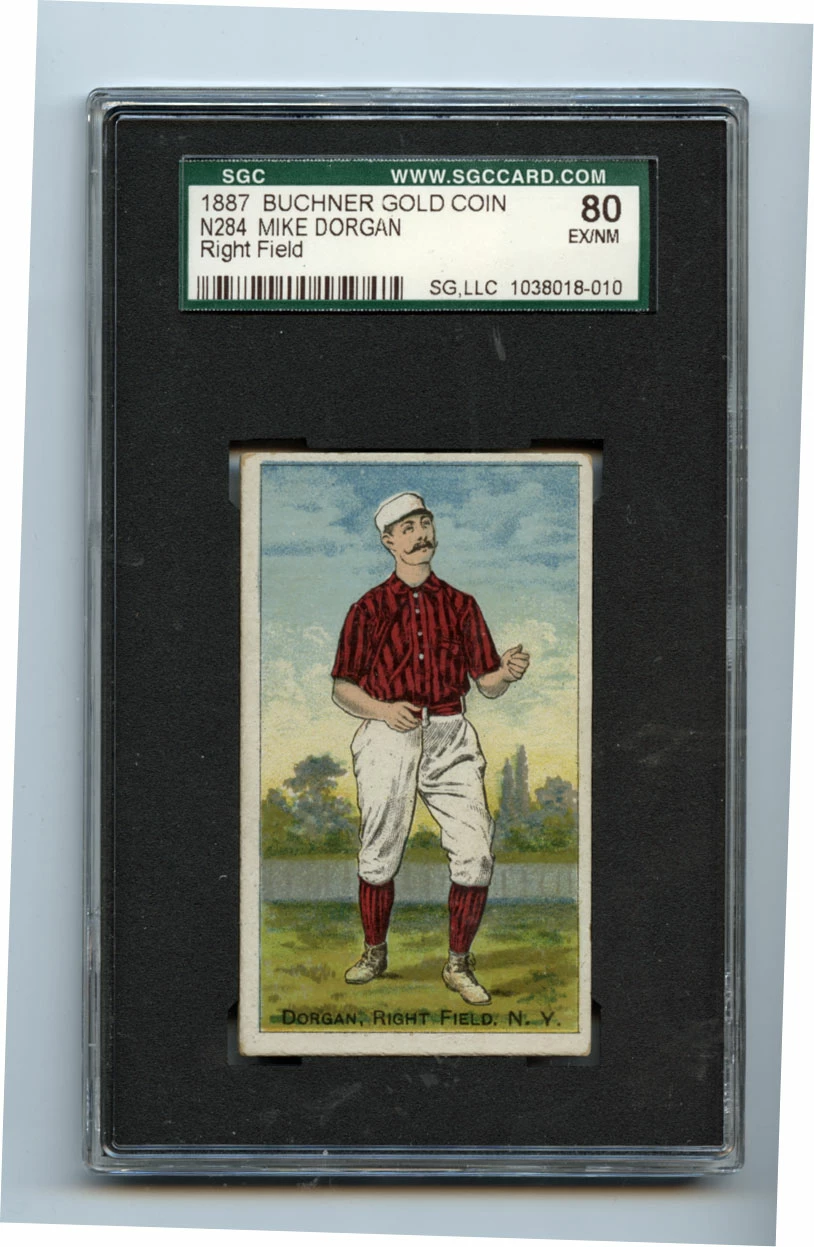
Here are what my scans look like before and after.
 AdChoices