

How do I change a folder of photos from DNG to Jpeg in Photoshop Elements?
I went to the Adobe tutorial here to figure out how to change DNG to JPEG in Photoshop Elements.
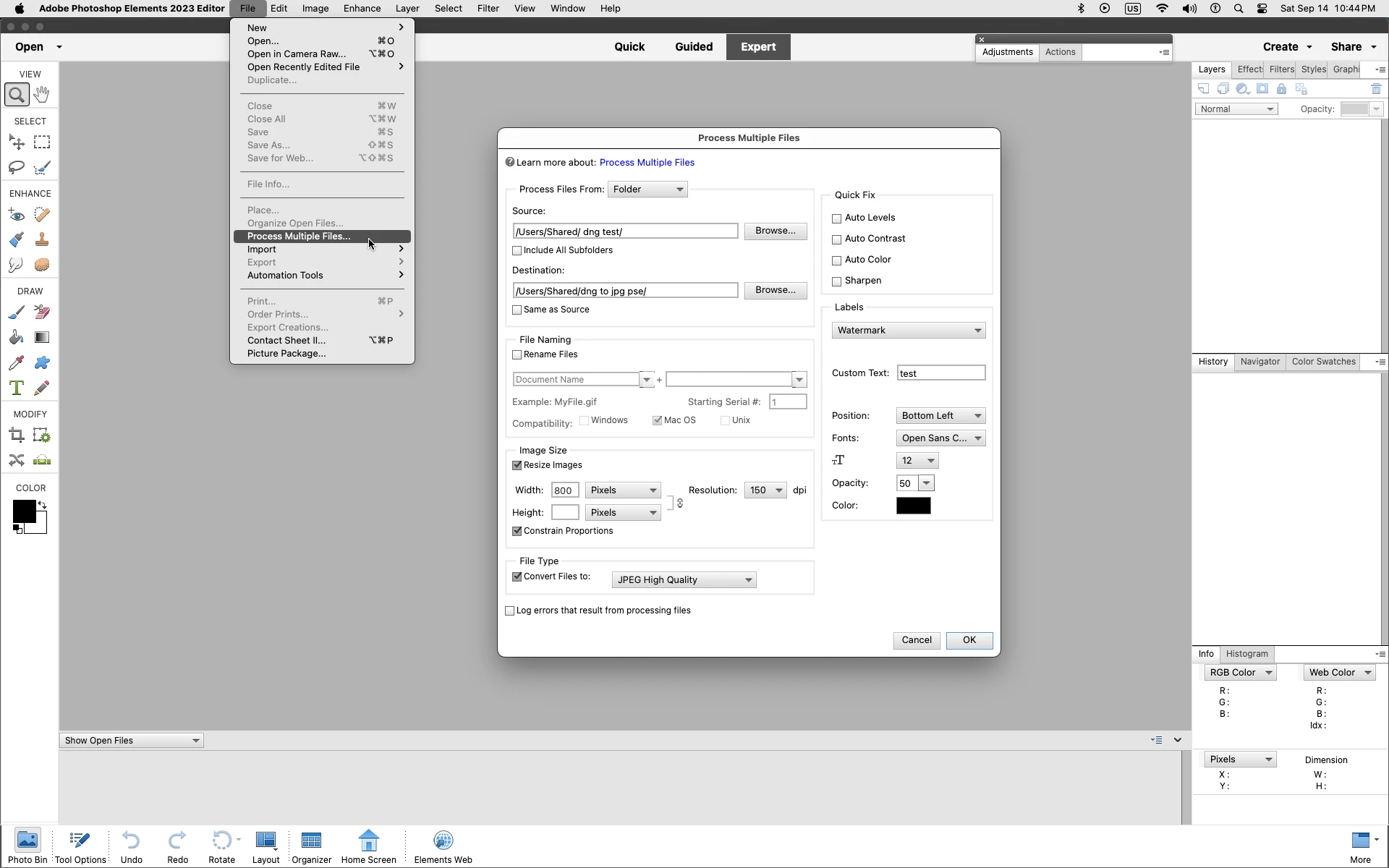
The problem is on the turotial video, it shows a page that show Import on the left side with Folders showing up on the right. When I open up Photoshop Elements my screen shows Quick, Guided and Expert. There is no Import on the left side of the screen only open. I have no idea how to get to that page. If I go to Import under File, it says WIA Support and does not take me to the screen where the photos where I want to go
Yes, I went to Guided and changing photos sizes in Adobe Elements, but it does show you anything about converting RAW to JPEG, or reducing the size of the photos by a certain size. Instead it states resize your photos for Web or prints. Then it says slect a size option; long edge, short edge, width and height or file size. So I go into file size, and it has a blank box- that you fill in to be less tha a certain Kb size. If I had one photo, not a big deal, but I just 200 photos and I don't want to go through each one and do this.
I then went to my PC and tried to copy the photos to a new folder and change them to Jpeg. When I sent toe the Properties of a photo, under General it says Type of file DNG; Opens with Photos. There is no option to change it to a Jpeg. I tried Advance and nothing is there.
I spent over 2 hour trying to figure this out. The biggest lesson I learned. ONLY SHOOT IN JPEG


 AdChoices