



Question
How do I change the default background and caption colours added to photos, when using Adobe Photoshop Elements 2026? I can add a caption to a photo but it is difficult to read, displaying grey text on a dark grey background.
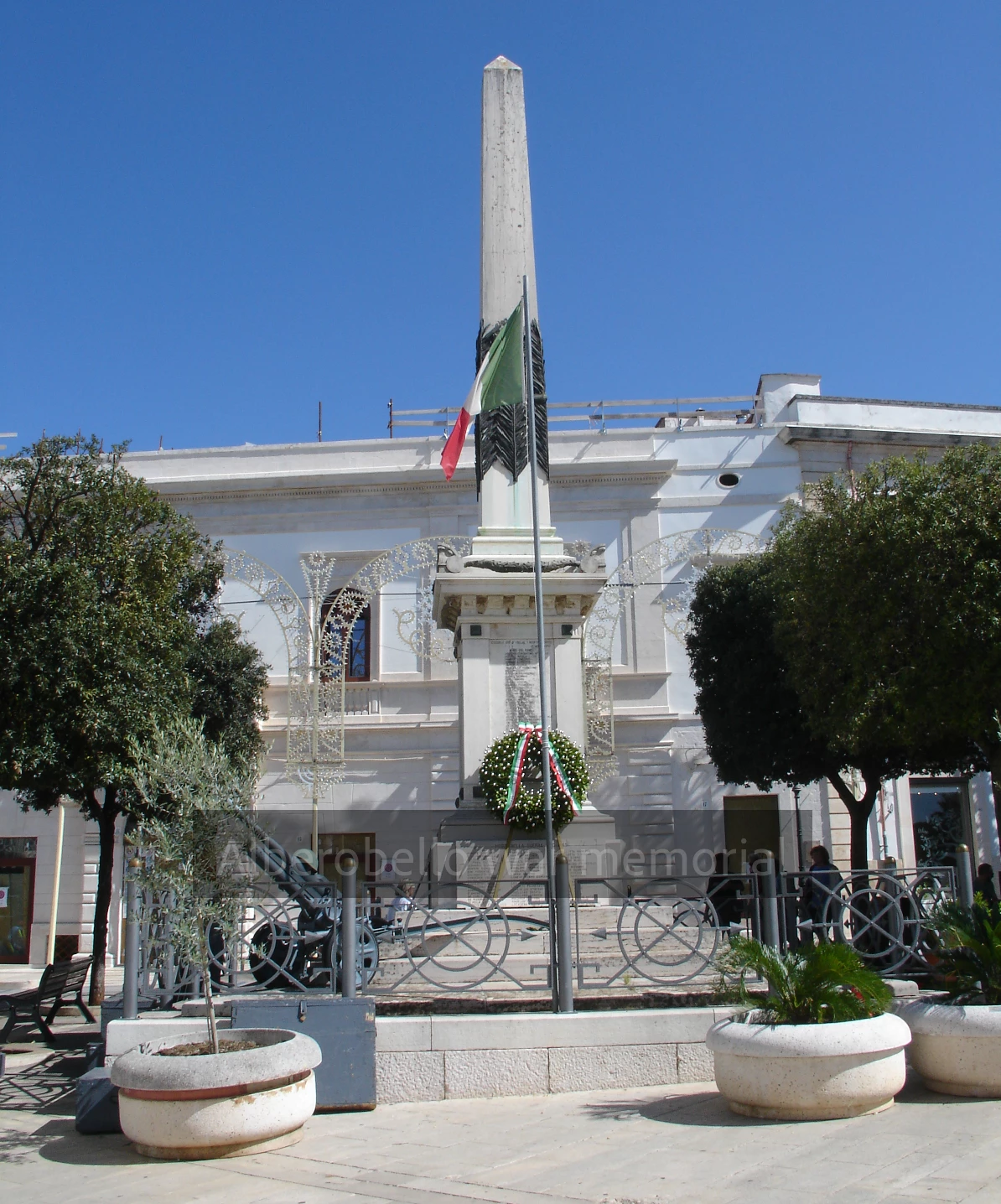
I would like to choose a sharp white font on a black background, for maximum contrast. It would be good to reposition the caption much lower in each photo. How do I achieve this?
 AdChoices