
Participating Frequently
March 5, 2023
Question

How do I delete a font - it is already deleted in font book

  • March 5, 2023
  • 3 replies
  • 363 views

I am trying to get rid of a font name in Photoshop Elements 2023. I have deleted it in my Font Book Manager but it will not delete in Photoshop Elements 2023. I had the same issue in PSE2019. I am tired of error coming up when I scroll through the text manager box.
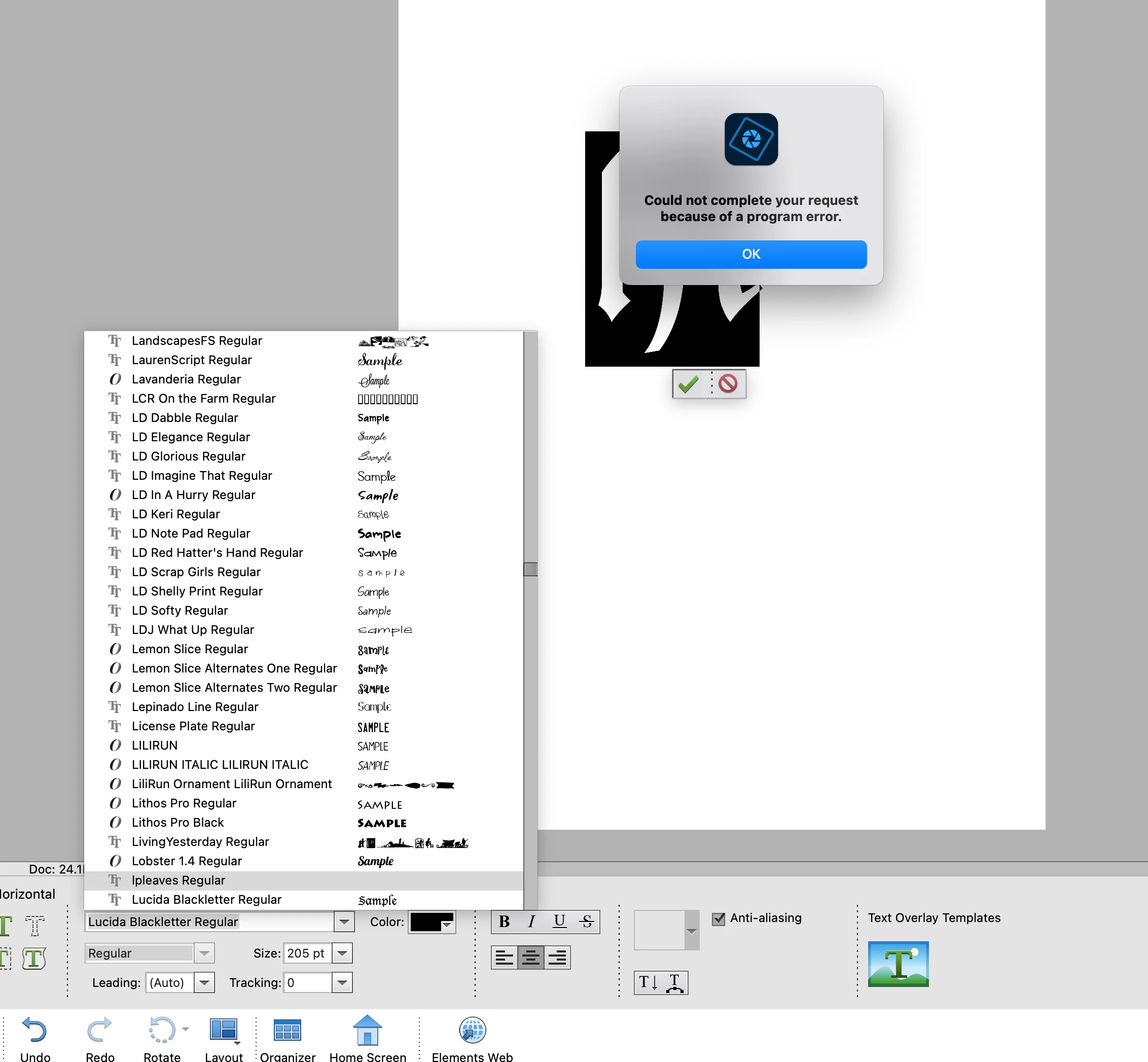
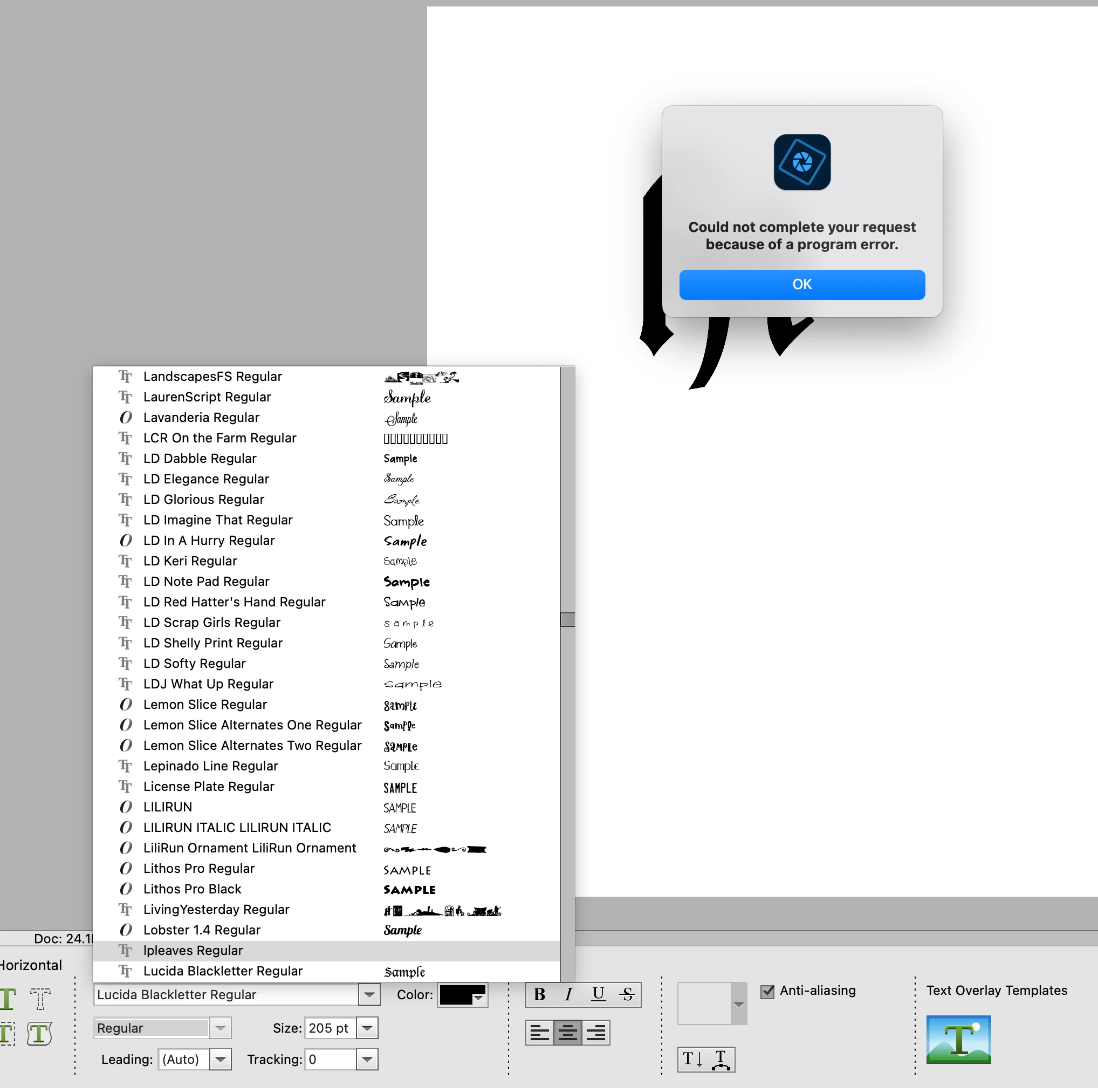
 As you can see there is nothing there but as I scroll I get the error message. Just annoying.

This topic has been closed for replies.

3 replies

Jeff Arola
Community Expert
Community Expert
March 6, 2023

Do you have more that one user account on your Mac?


You can try resetting the photoshop elements 2023 editor preferences by going to

Adobe Photoshop Elements 2023 Editor>Settings (Preferences)>General, clicking

Reset Preferences on next launch and restartting the photoshop elements 2023 editor.


Jeff Arola
Community Expert
Community Expert
March 6, 2023

Did you look in


Macintosh HD/Users/UserName/Library/Fonts


to verify it was gone?

Participating Frequently
March 6, 2023
The font is not in there.
Peru Bob
Community Expert
Community Expert
March 6, 2023

Did you restart the computer?

Participating Frequently
March 6, 2023
Yes. It was this way when I had PSE19 and I installed 2023 and it is still there.