
Inspiring
January 15, 2021
Question

How do I delete auto creations in PSE 2021

  • January 15, 2021
  • 3 replies
  • 1410 views

I am trying to get rid of this feature which is preventing me from closing files

How do I turn this  of this auto creations feature off in the preferences

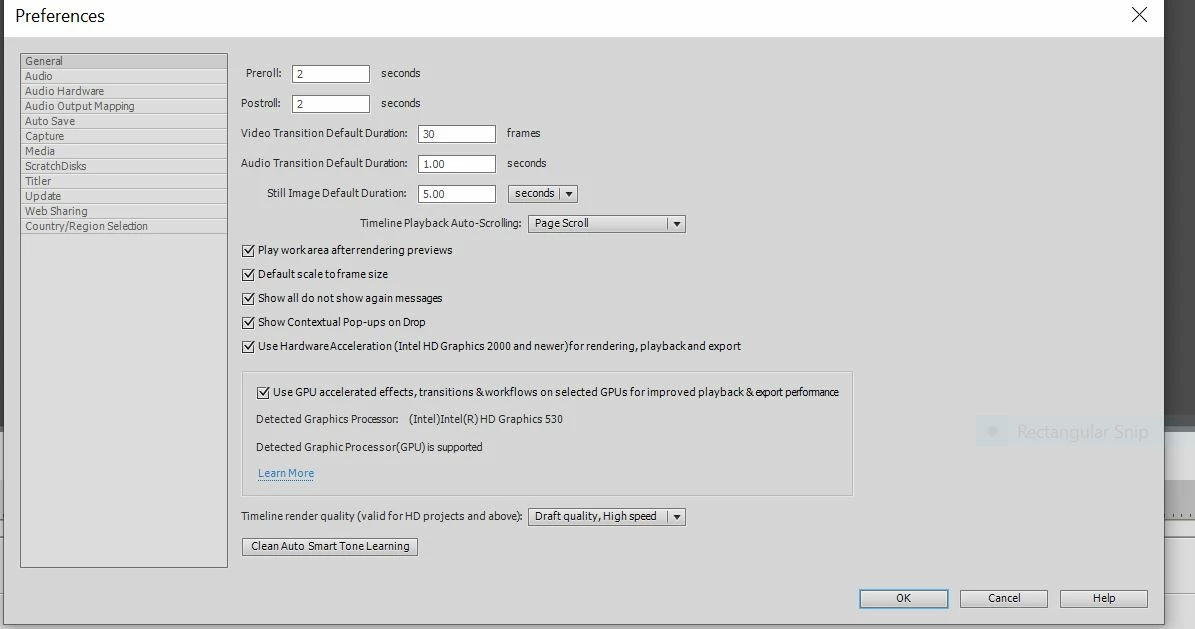
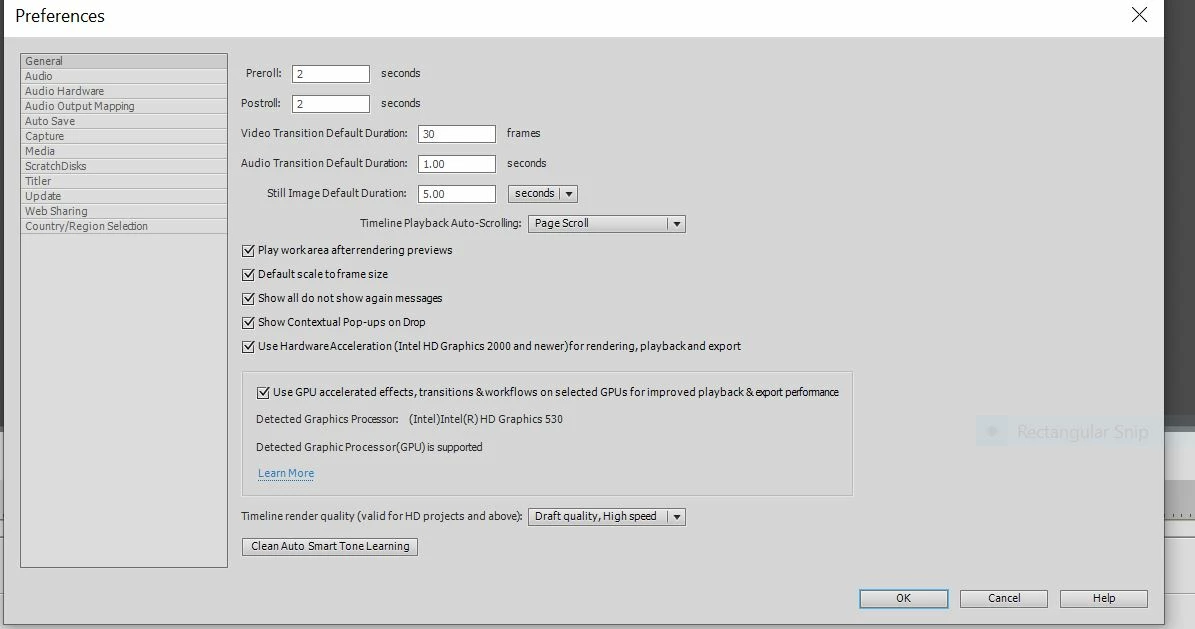
Below is a capture of the preferences menu.  I cannot find any option to turn this annoying feature off

 Thanks for your help
This topic has been closed for replies.

3 replies

Greg_S.
Community Expert
Community Expert
February 16, 2024

@wildcatherder if you click on the View All button in the Welcome Screen's Auto Creations panel, it will take you to a new dialog where you can use the trash can button to delete individual creations if that is what you want.  However, depending on how many auto creations have been generated, when you delete one, it will be replaced by another.  So, if you want to delete all currently generated auto creations, you would have to use Glenn's method (if you have Elements 2024).  And if you don't want to have any new ACs, you would have to turn off the option as described in the responses to the OP.


Participant
February 16, 2024

How to delete existing creations is what the subject states and I need that answer.

Glenn 8675309
Legend
February 16, 2024

Go here and delete any folders you find:

C:\ProgramData\Adobe\Elements Organizer\24.0\CAHeadless\Creations

The subject header the OP made wasn't what he wanted- he wanted to turn off auto creations.  You want to actually delete them- something quikte different.

Greg_S.
Community Expert
Community Expert
January 15, 2021

You have to go into the Organizer's Preferences>Media-Analysis dialog:


Glenn 8675309
Legend
January 16, 2021

You will know it's all good when you see this.