Known Participant
July 22, 2025
Answered

How do I get the bottom panel of open images back?

  • July 22, 2025
  • 2 replies
  • 277 views

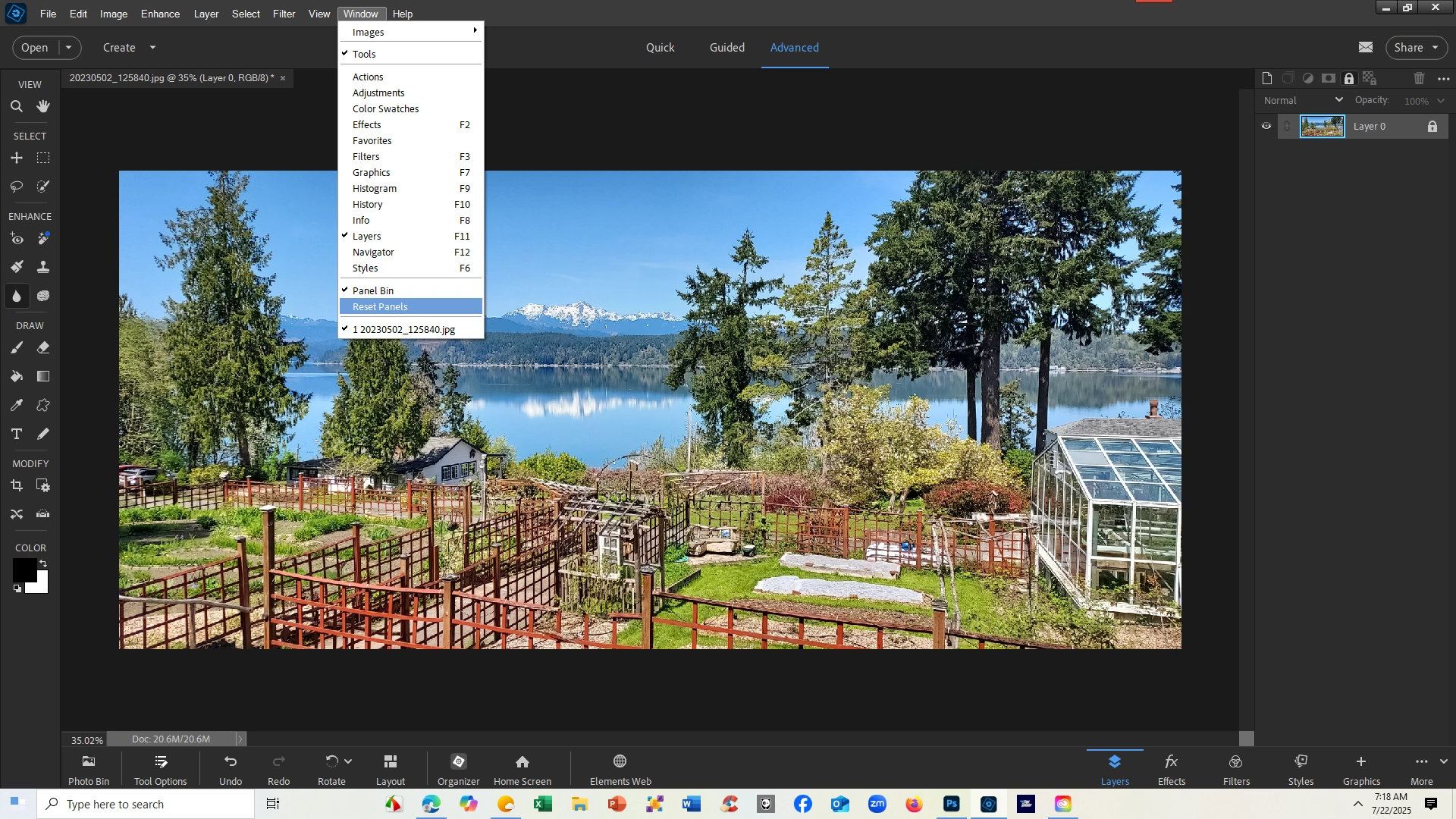
I've somehow lost the bottom panel in my window.

I could see how to get the right side panel back, but not the bottom one.  Tried a few things, which mostly just made it vanish with no way to bring itback.


It's where you get the thumbnails of all the tabs down there.  CAn someone tell me how you get it back please?  Thanks.
Correct answer Glenn 8675309

FIRST:   PRESS A TAB KEY ON YOUR KEYBOARD AND SEE WHAT HAPPENS.


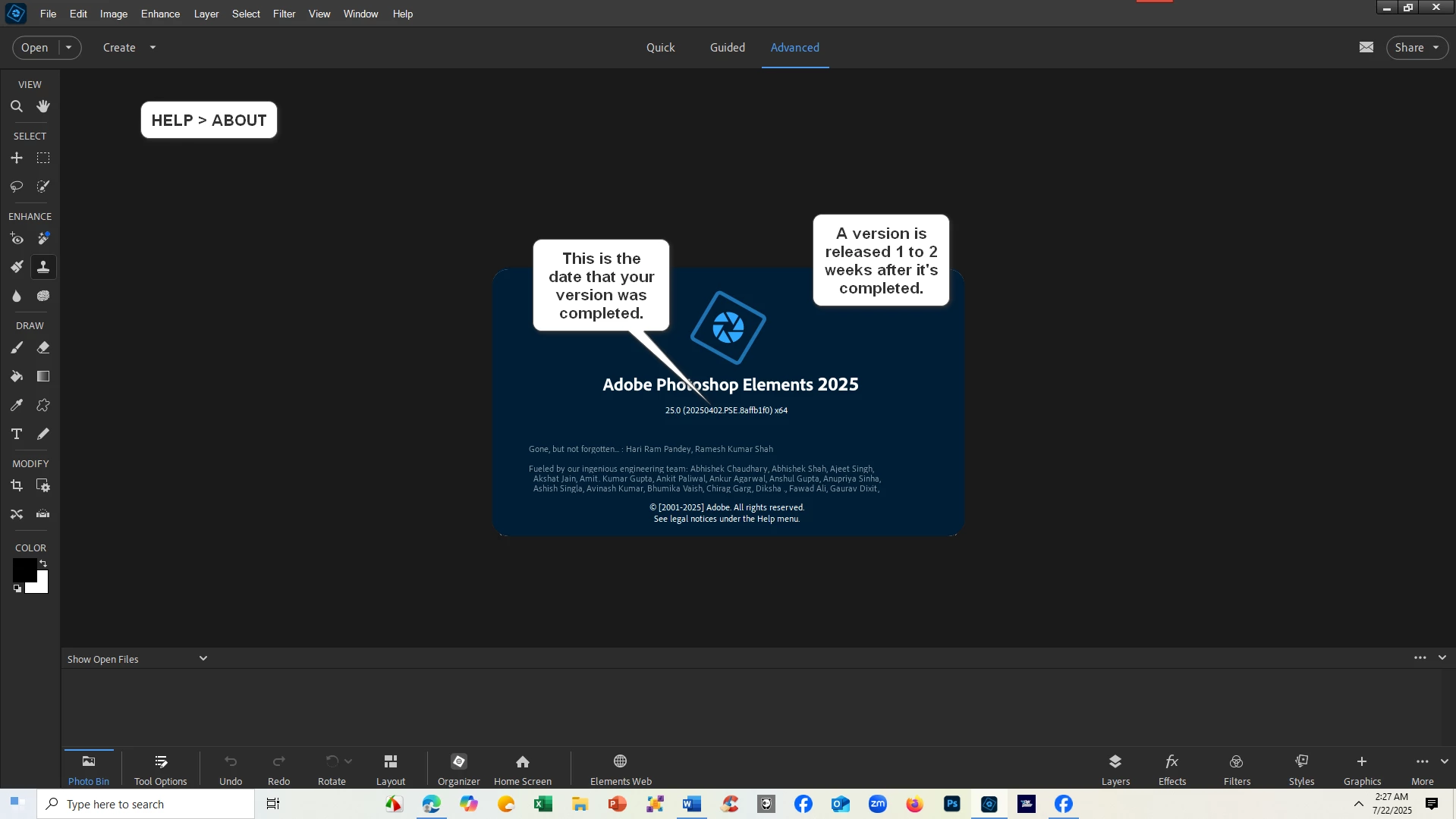
Please post a screenshot of the enitre program like what you see below.   Partial screenshots often leave out needed information. 
Start with this:

2 replies

Greg_S.
Community Expert
Community Expert
July 23, 2025

If pressing the Tab key doesn't work, do you have the Photo Bin button visible?  If so, click it.  If it is not visible, please do as Glenn suggests and give us a screenshot of your entire monitor screen.  Sometimes, the lower panel will disappear if the program is frozen.

simon_m5Author
Known Participant
July 24, 2025

Wow the Tab did it.  It revealed the PHoto Bin and other buttons down there.  Wow wonder what happened to that.  I don't even know where to find it in the Top menus.

Glenn 8675309
Glenn 8675309Correct answer
Legend
July 22, 2025

FIRST:   PRESS A TAB KEY ON YOUR KEYBOARD AND SEE WHAT HAPPENS.


Please post a screenshot of the enitre program like what you see below.   Partial screenshots often leave out needed information. 
Start with this: