Participant
January 3, 2023
Question

How do I update my photoshop elements 2021?
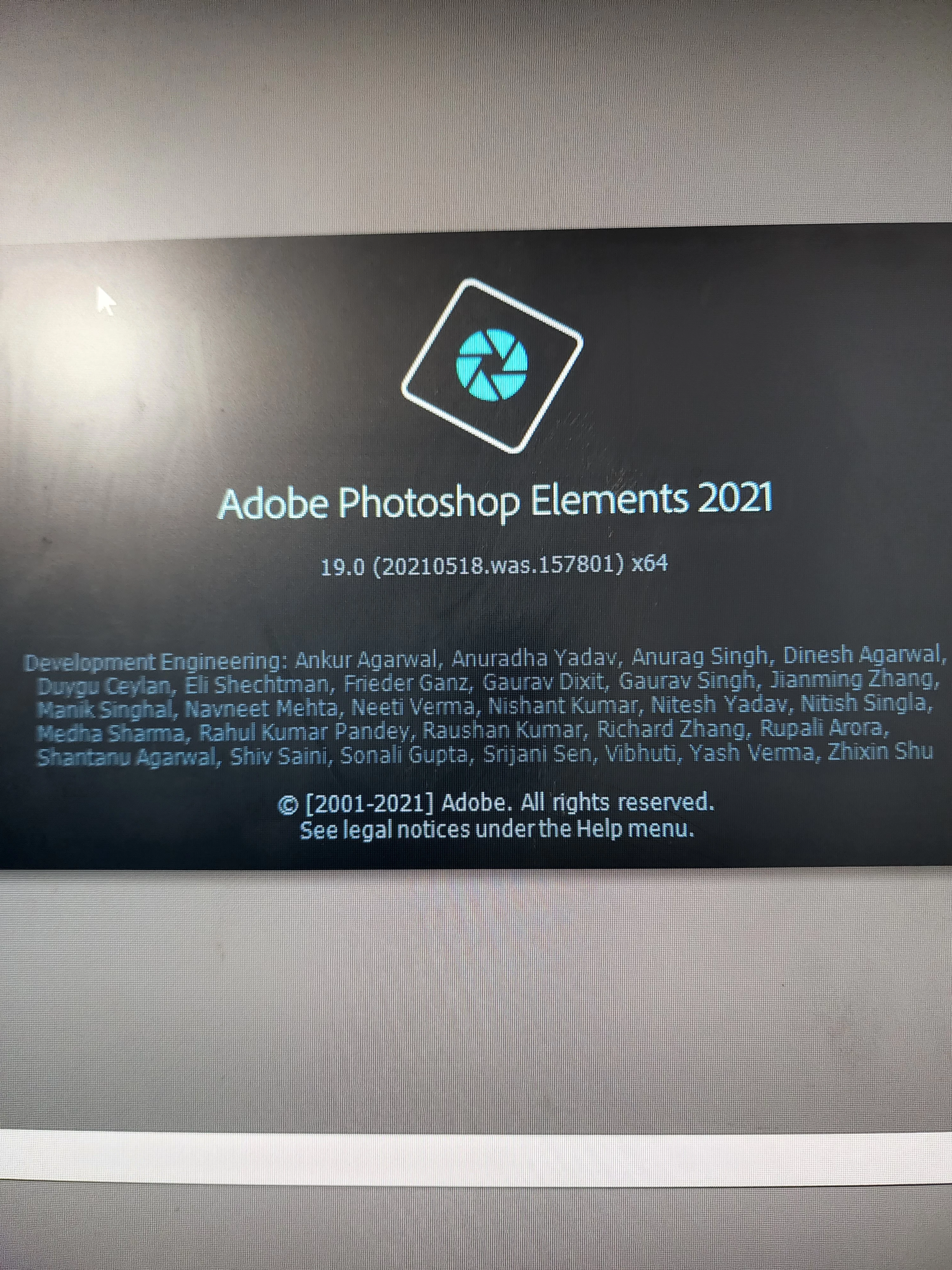
  • January 3, 2023
  • 4 replies
  • 1053 views

 I've attached a copy of what I guess is the version I have. All help is appreciated 

This topic has been closed for replies.

4 replies

VipinGupta
Adobe Employee
Adobe Employee
January 24, 2023

Hi,


It looks like you have installed Elements 2021 from windows app store. For any updates on the application please check the windows app store itself and update it from there if available.


Regards,

Vipin

Greg_S.
Community Expert
Community Expert
January 3, 2023

And just to be clear, each version of Elements is a separate program. So if you are asking about "updating" to Elements 2023, you need to purchase it. Since you purchased from Microsoft, you would not be eligible for the discount given by Adobe for prior version owners. 

Greg_S.
Community Expert
Community Expert
January 3, 2023

Then you probably have the latest version supported by Microsoft.

Greg_S.
Community Expert
Community Expert
January 3, 2023

What OS are you using?

You do not have the latest version of Elements 2021 which is Adobe Photoshop Elements Version: 19.0 (20210811.m.158081) x64.  The latest build number may be different if you purchased from the Apple or Microsoft stores.

Is the Help>Updates menu choice greyed out?


Participant
January 3, 2023

I purchased through Microsoft store. I don't even have an update option under the help tab.