
Inspiring
April 4, 2020
Answered

How do I upgrade Photoshop Elements to Ver. 2020.1

  • April 4, 2020
  • 2 replies
  • 3329 views

Hi,

I am trying to ugrade to ver 2020.1 but can't succeed when using the Help tab, Updates is shaded despite I am running the previous version: Ver 18(20190827.m.136736)
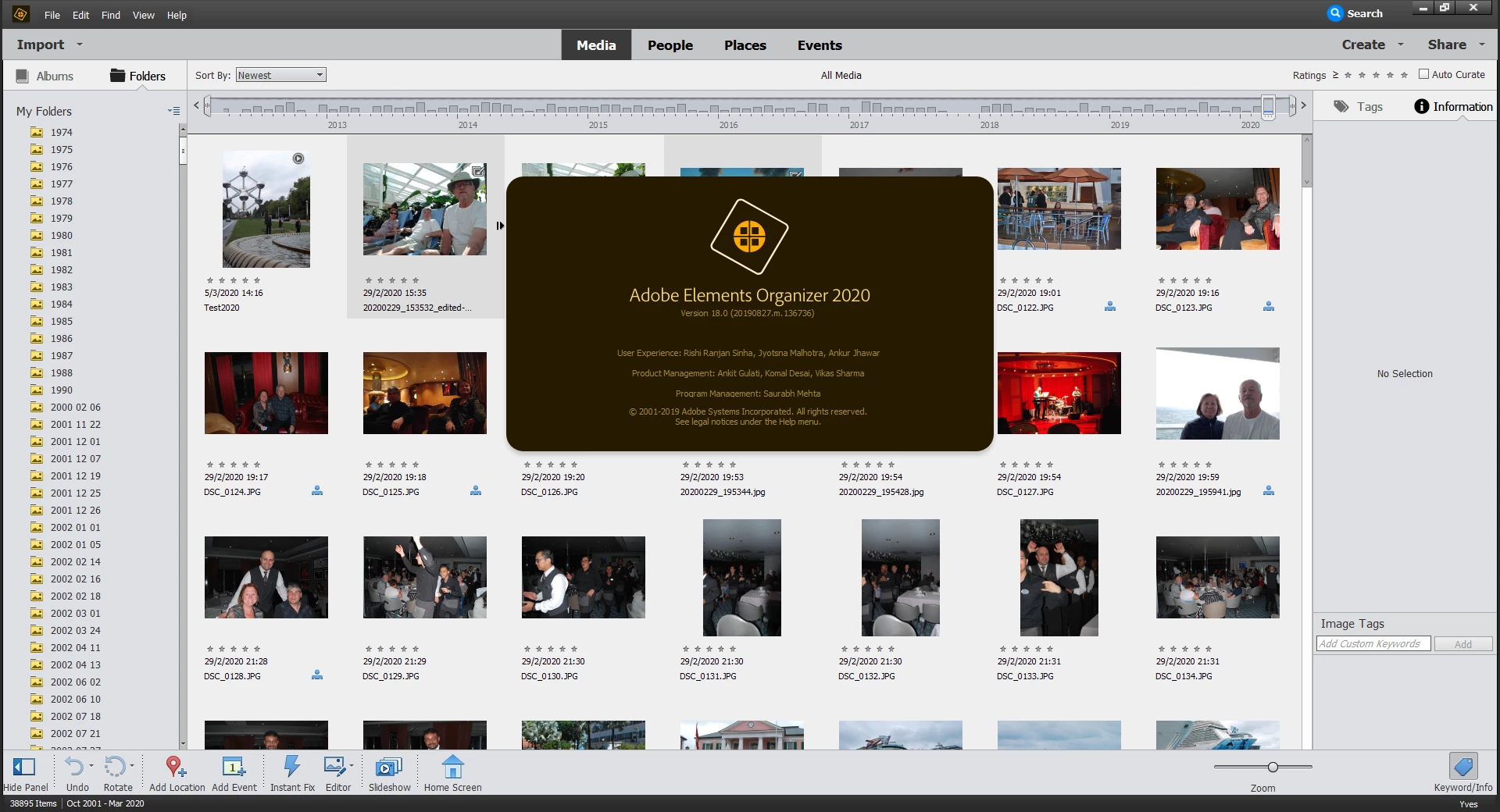


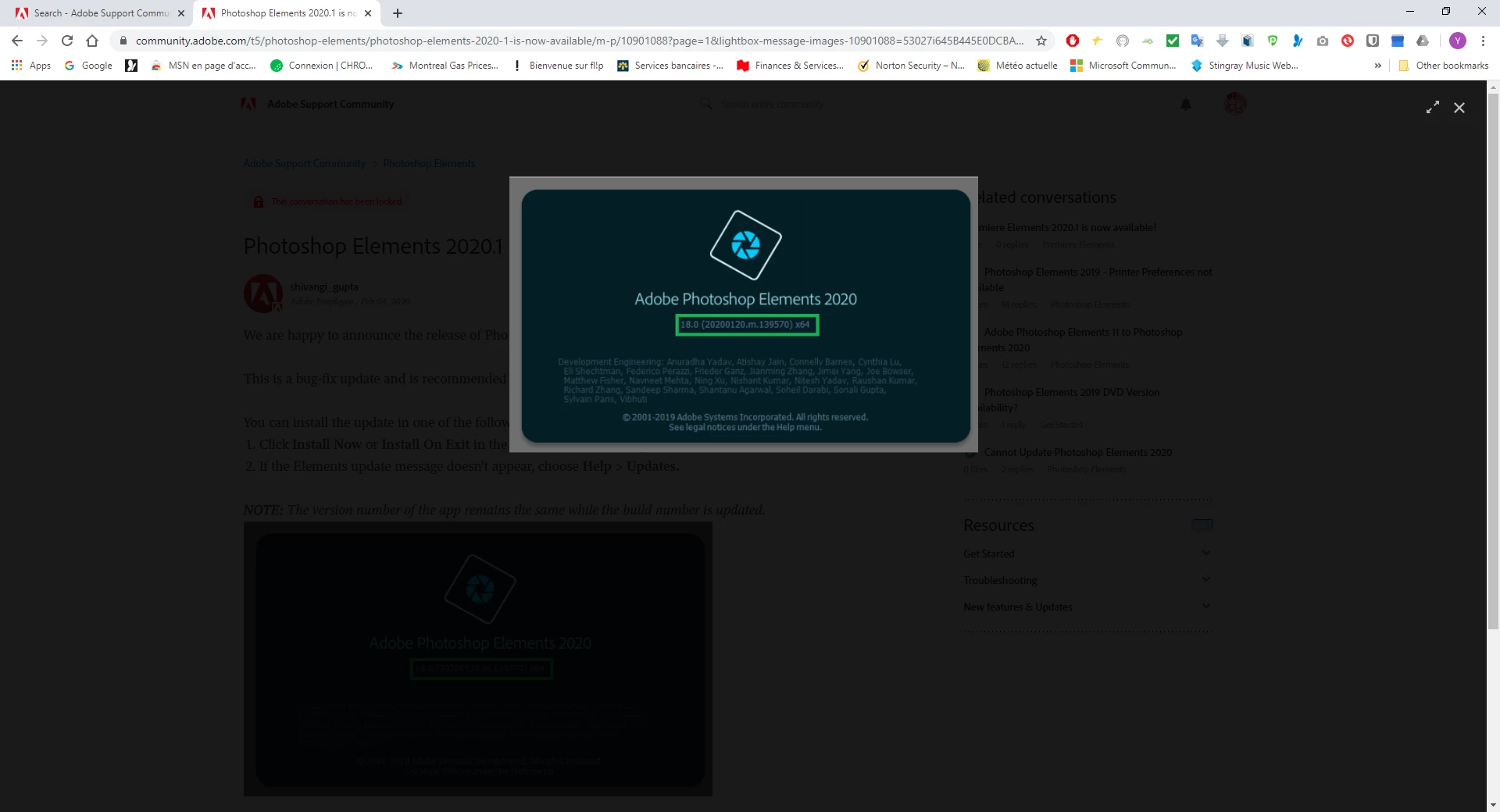
How can I upgrade to the latest version 18(20200120.m.139570)x64 ?


Thanks,

This topic has been closed for replies.
Correct answer YvesB

Hi Greg,


With the help of a phone call from support staff, I resolve my problem via a remote session.


Note that my version od PE2020 is now uptodate. Note also that Ver. 18(20200120.m.139570)x64 related ONLY to Photo Editor or NOT to the Organizer.


Regards

2 replies

Greg_S.
Community Expert
Community Expert
April 26, 2020

Hi Yves.  I'm just a regular Adobe user like you.  I am not employed by the company and I have nothing to do with support.  So, I suggest you do whatever you did last time to get the attention of Adobe's support.


The only other suggestion I have is to do an uninstall/reinstall of the program.  And when you do the uninstall, choose the option to remove settings.

YvesBAuthor
Inspiring
April 27, 2020

Hi Greg,


Thanks a lot. I have always appreciated your patience and support.


I will contact support by phone and reinstall in the worst case.


Regards

Greg_S.
Community Expert
Community Expert
April 4, 2020

The update process is now done automatically. That is why the Help>updates command is inactive.  It may take a day or two for the update to reach your computer.

YvesBAuthor
Inspiring
April 5, 2020

Hi Greg,


Thank you so much for your regular support. I really appreciate it.


I understand that I can't upgrade using the Upgrade Option in the Help tab, however I don't understand why when I use About Elements Organizer  in Help it shows I run Ver 18(20190827.m.136736) instead of Ver. 18(20200120.m.139570)x64.


Thanks,

YvesBAuthorCorrect answer
Inspiring
April 6, 2020

Hi Greg,


With the help of a phone call from support staff, I resolve my problem via a remote session.


Note that my version od PE2020 is now uptodate. Note also that Ver. 18(20200120.m.139570)x64 related ONLY to Photo Editor or NOT to the Organizer.


Regards