
Answered
How to find the original file?
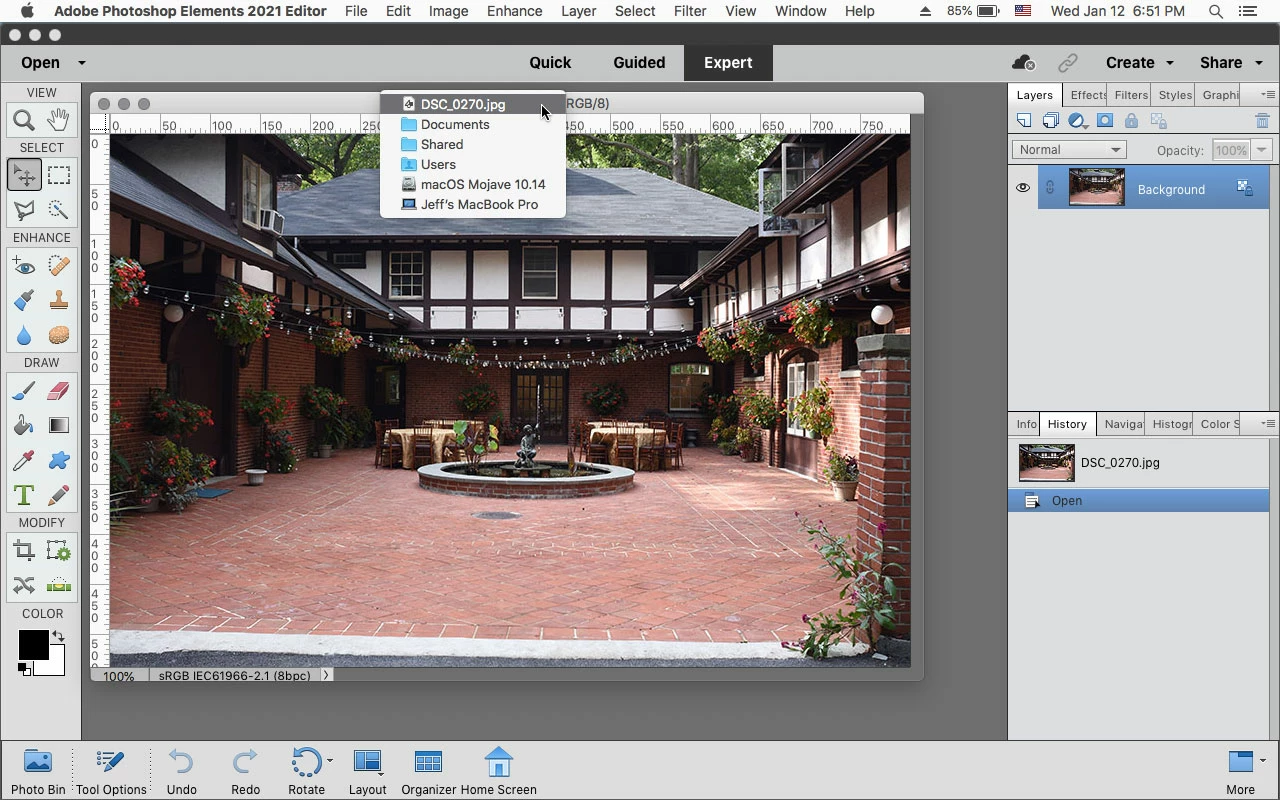
My photo viewer app creates aliases of images i want to edit later, so I have a folder full of aliases. Let's say I have an image open and I say, "That's cool, I wonder where the original is?" In older versions of Elements, which opened each image in a separate window, I could use the Mac trick of command-clicking on the title bar of the image, which would open a popup list of the folder hierarchy showing in which folder that image was located. In the current tabbed version of Elements, I can no longer do this. How can I quickly find out where the original of an opened image is located?
 AdChoices