



Answered
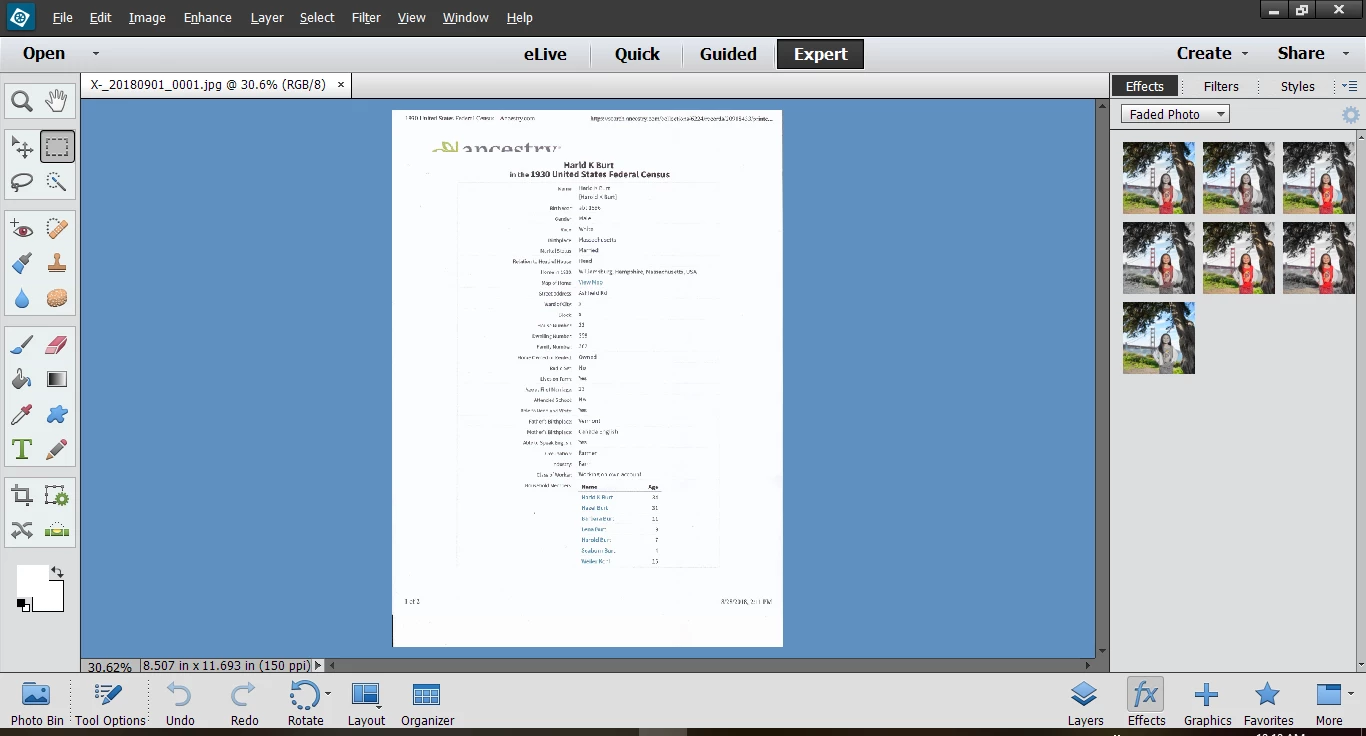
How to hide layers/effects/graphics panel in expert mode
I use Photoshop Elements only for scanning and cropping documents and photos - I don't need or want to see these options at the right of the screen. They appeared recently so I must have hit some key by accident and changed the display. How can I undo it?

 AdChoices