Participant
September 17, 2026
Answered

How to make hollow circle in Ps 26.11.7

  • September 17, 2026
  • 2 replies
  • 36 views

I really need help. I’m so frustrated. I remember in a class using the elliptical marquee tool, but it’s never a perfect circle and I think I used the object selection tool? 
Basically, I need a circle with a hole in it to see the background. Please help

    Correct answer Jeff Arola

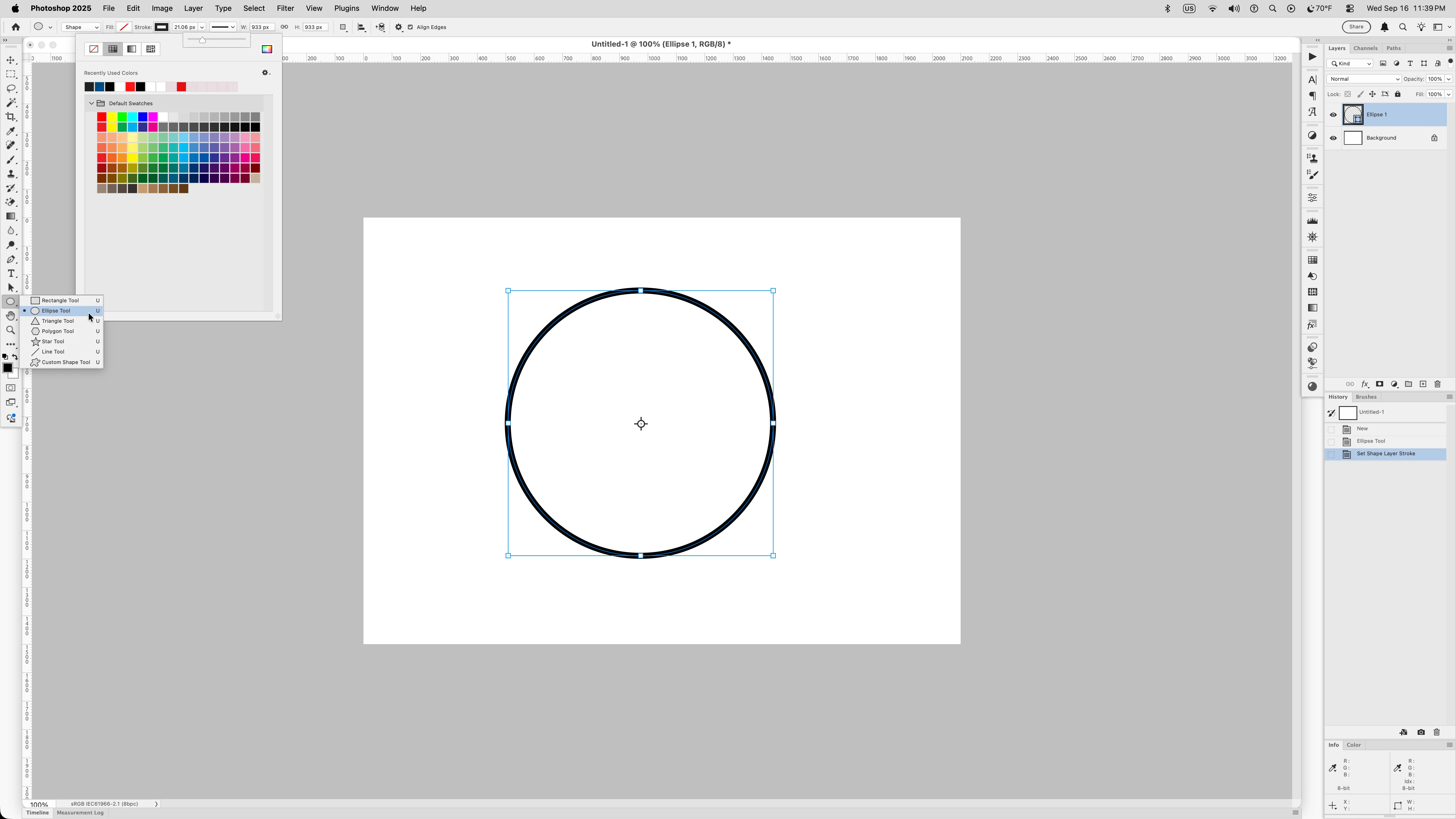
    Select the Ellipse Tool, then in the Tool Options bar set it to Shape, Fill to None, Stroke to your color choice and then slider to size and press the Shift key while drawing out the Ellipse to make a perfect circle.

    After you draw out the Ellipse you can still change the settings and they will apply to your already drawn circle.


    2 replies

    Jeff Arola
    Community Expert
    Jeff ArolaCommunity ExpertCorrect answer
    Community Expert
    September 17, 2026

    Select the Ellipse Tool, then in the Tool Options bar set it to Shape, Fill to None, Stroke to your color choice and then slider to size and press the Shift key while drawing out the Ellipse to make a perfect circle.

    After you draw out the Ellipse you can still change the settings and they will apply to your already drawn circle.


    Participant
    September 17, 2026

    Thank you so much. You seriously just saved my grade with this. I’ve spent an hour and a half lamenting over this. You’ve saved me!!