Participant
May 20, 2024 11:56 AM UTC
Answered

How to open photos in webp format with photoshop elements

Good afternoon community,

I am having problems opening photos in webp format with photoshop elements 2024.  I have installed the plugin from the adobe website but it doesn't work.


Is there any way to work in this format with this version of phostoshop?

Jeff Arola
Jeff ArolaCorrect answer
Community Expert
May 20, 2024 7:22 PM UTC

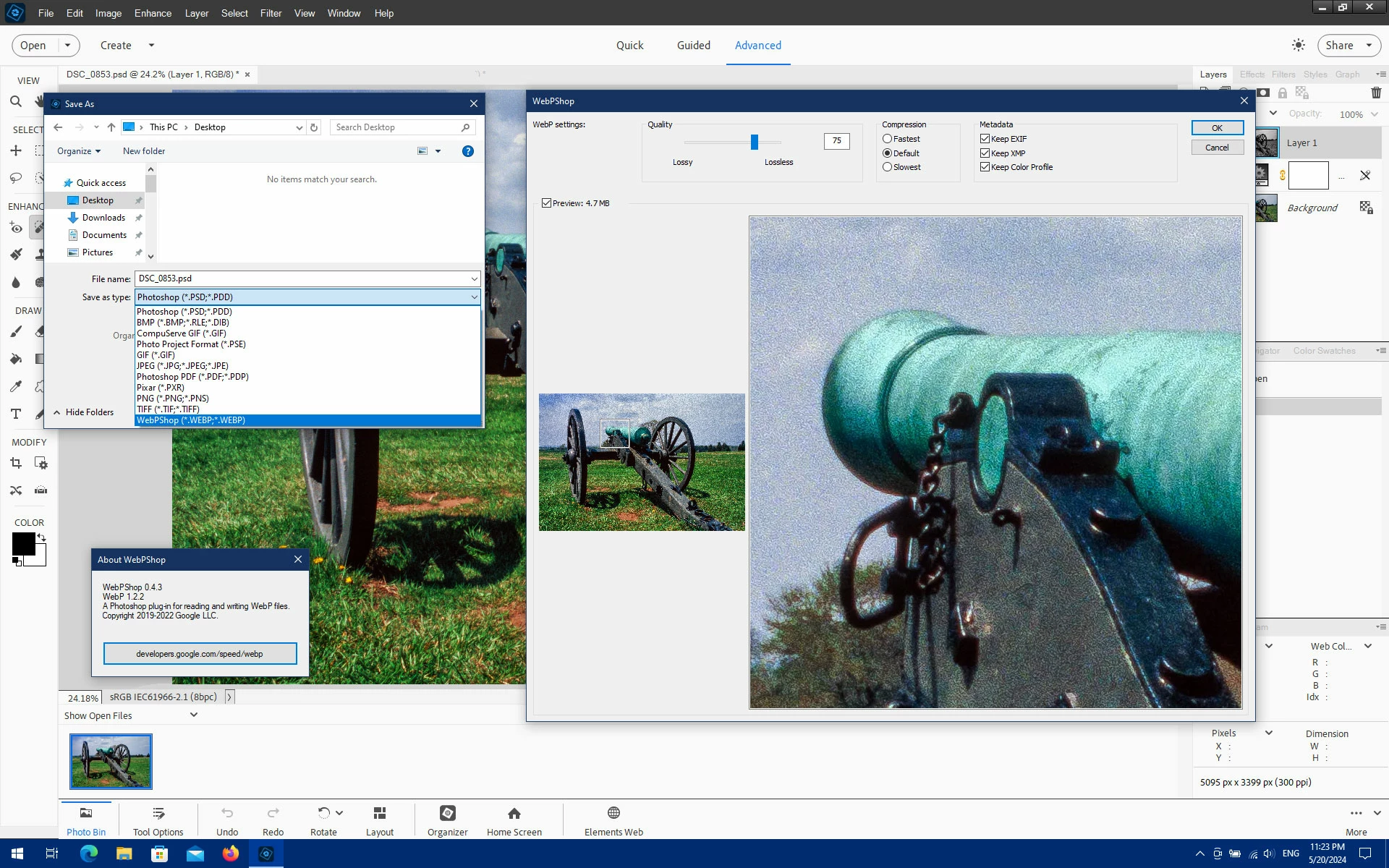
Try the WebPShop 0.4.3 plug-in from here:

https://github.com/webmproject/WebPShop


5 replies

Jeff Arola
Community Expert
Jeff ArolaCommunity ExpertCorrect answer
Community Expert
May 20, 2024 7:22 PM UTC

Try the WebPShop 0.4.3 plug-in from here:

https://github.com/webmproject/WebPShop


Translate
Participant
May 21, 2024 7:20 AM UTC

oh you saved me, it works perfectly

Thank you very much for your help

Translate
Ged_Traynor
Community Expert
Community Expert
May 20, 2024 12:00 PM UTC

@Leukante375102047228 try posting on the Photoshop Elements forum

Translate