


How to remove keywords in PSE2021 on MacBook Air?
I am looking for advice from an Apple expert knowledgable with PSE202.
In the process of importing previously tagged images to a new MacBook PSE 2021 catalog, I select the option to include the tags. After doing this, a list of Imported Keyword Tags is created under the headng of Keywords and these are also attached to the imported images. I select an imported keyword and then add the corresponding tag from my previously created people, places or events tags. So now I have two identical tags and I try to delete the Imported Keyword Tags. There doesn't seem to be a way of deleting them from the imagwes
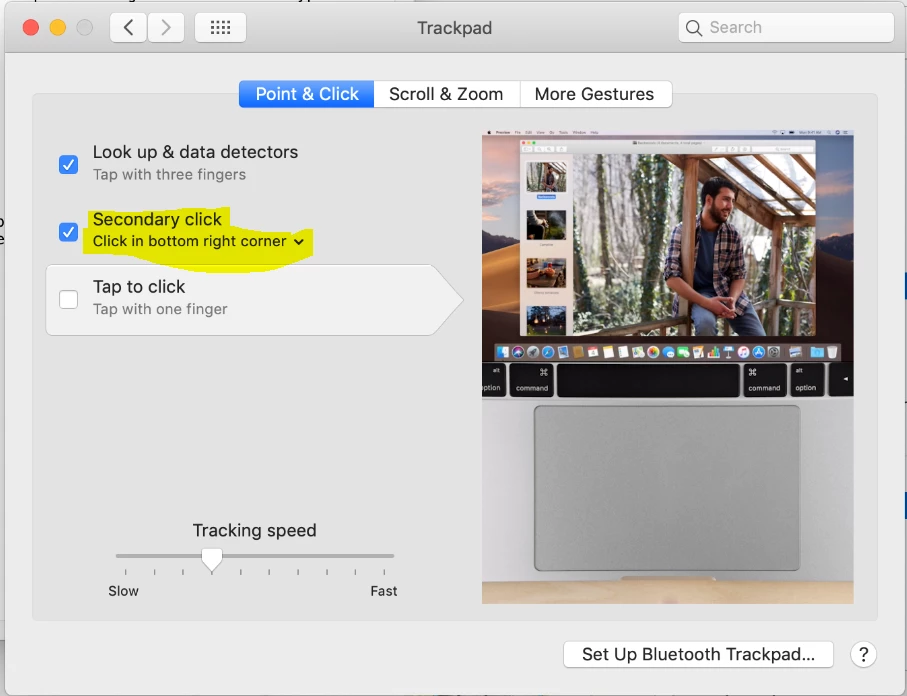
On my Windows 10 PC, it is easy to do this by right-clicking the unwanted tag and choosing 'delete'. This works for both Keywords and people, places or events tags. On the Apple version of PSE 2021, I cannot find a way to delete Imported Keywords tags. Right-clicking doesn't work for Keywords but it does work for the people, places & events tags. My question is: how to delete items in Keywords in PSE2021 Apple MacBook?
 AdChoices