


Answered
How to replace a corrupted file with a backup?
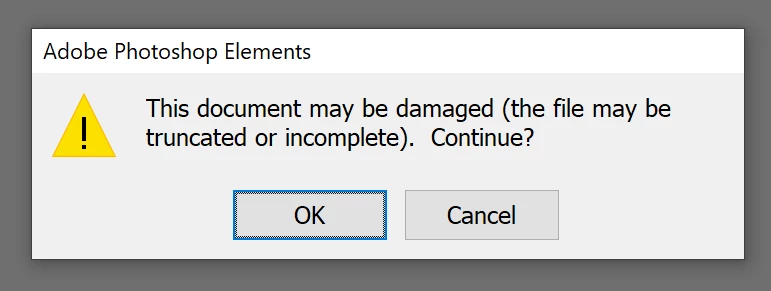
I have catalog of 20k pictures and glancing through I have broken thumbnails for a small percentage (1-2%). I tried the "rotate 4x" and "update thumbnail" tricks to no avail and when opening the file with PSE Editor, I'm informed they are corrupt.
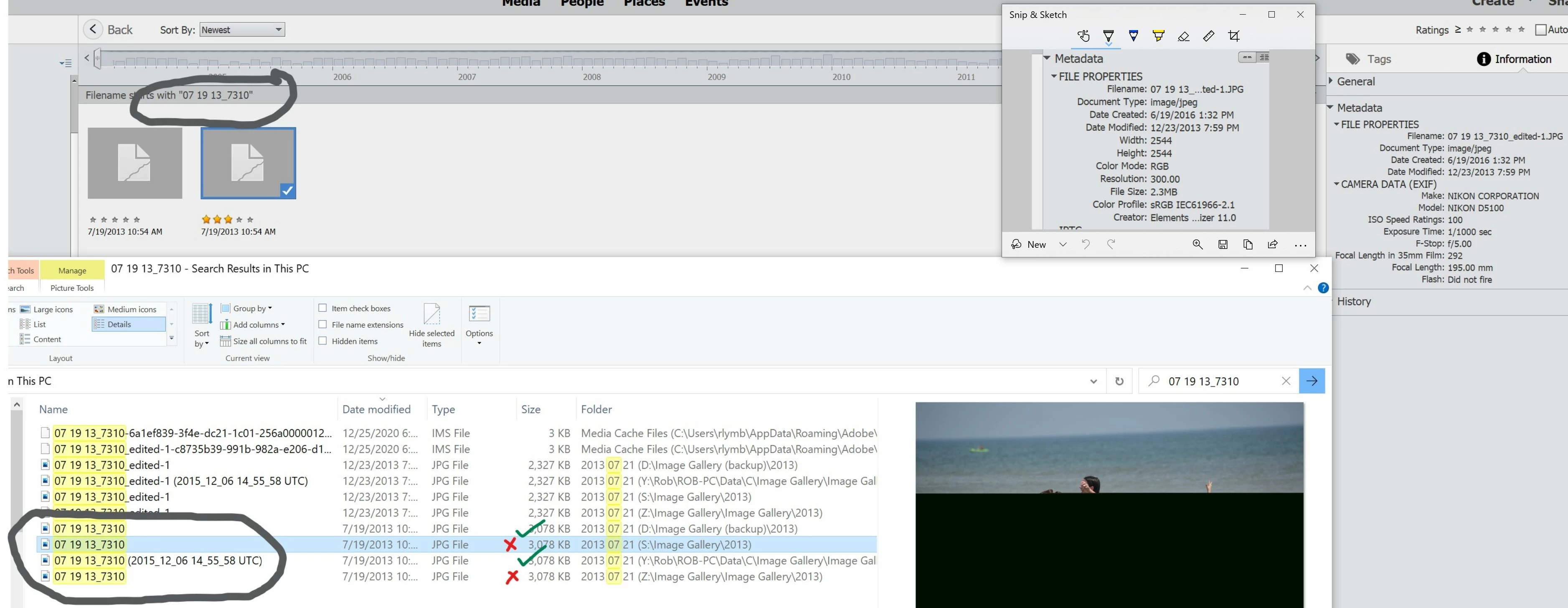
Fortunately I have backups which look valid (I can preview & open using Windows Explorer). Would I simply replace the corrupt file with the good one by copying the good file on top of the corrupt one? One of the files from the 4 circled has long file name that ends with "UTC)", what is that?
Windows 10
Elements Organizer 19.0.0.0
Core Version: 19.0 (20210126.m.155261)
 AdChoices