
Participant
January 31, 2023
Question

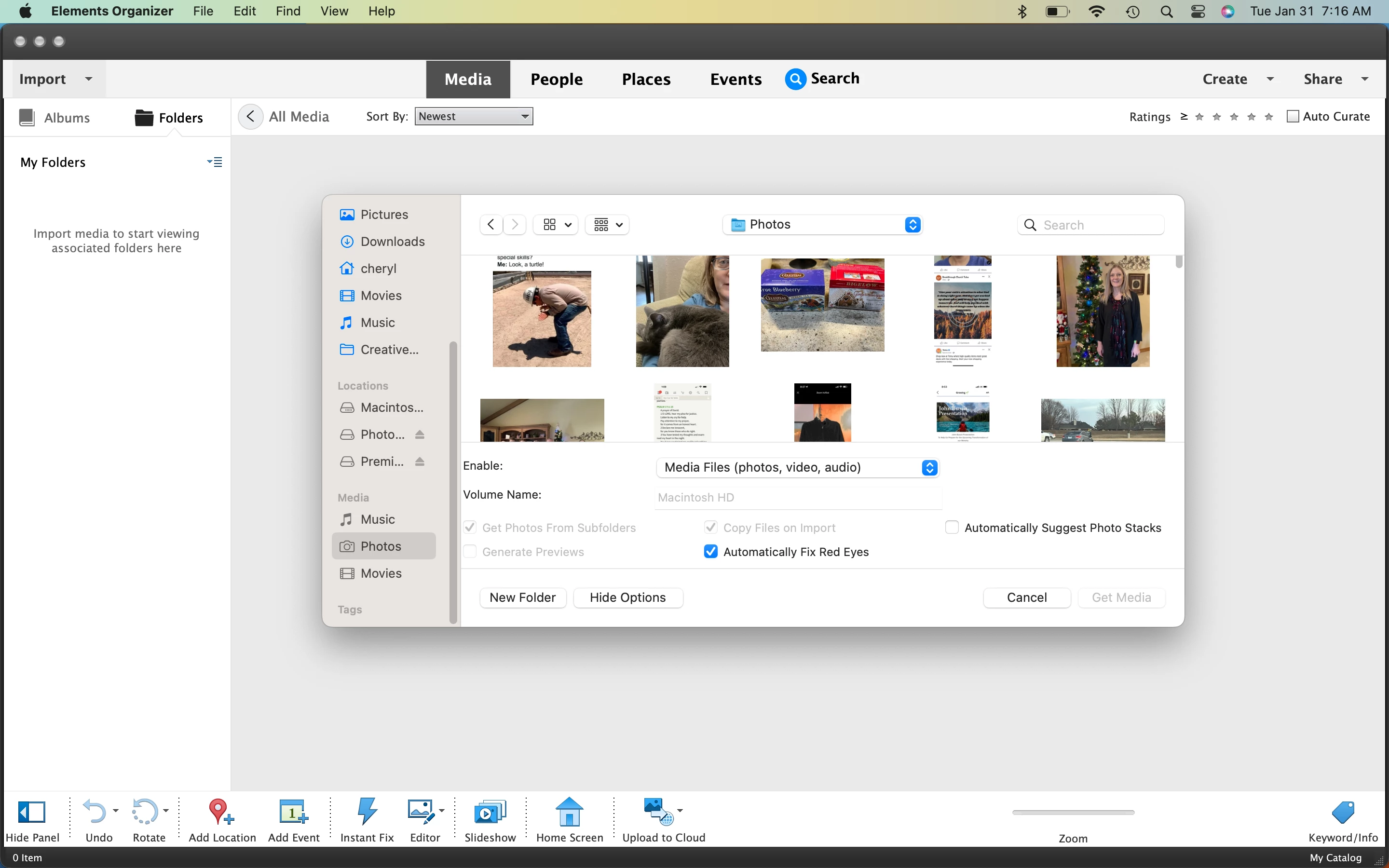
I can't import from Apple Photos into Organizer

  • January 31, 2023
  • 1 reply
  • 448 views

I'm using a MacBook, OS 13.1, M1 chip. I'm new to Photoshop Elements Organizer. When I select to import from my Apple Photos library the "Get Media" button is greyed out. How can I import my Apple Photos library? Please and Thank you.
This topic has been closed for replies.

1 reply

Ranjisha Sengupta
Legend
February 9, 2023

Hi there,


Thanks for reaching out.

Which version of the application are you using? Have you selected the files or the folder?

To import, you have to select files, not folders. What is the file format of the images?

Since when are you seeing this issue?


We're here to help, just need some info.

Regards,

Ranjisha

cherylzyxAuthor
Participant
March 10, 2023

Thank you for responding. I did not select files, I had folder selected. Thank you.