

Memesin
Participant
November 23, 2019
Question

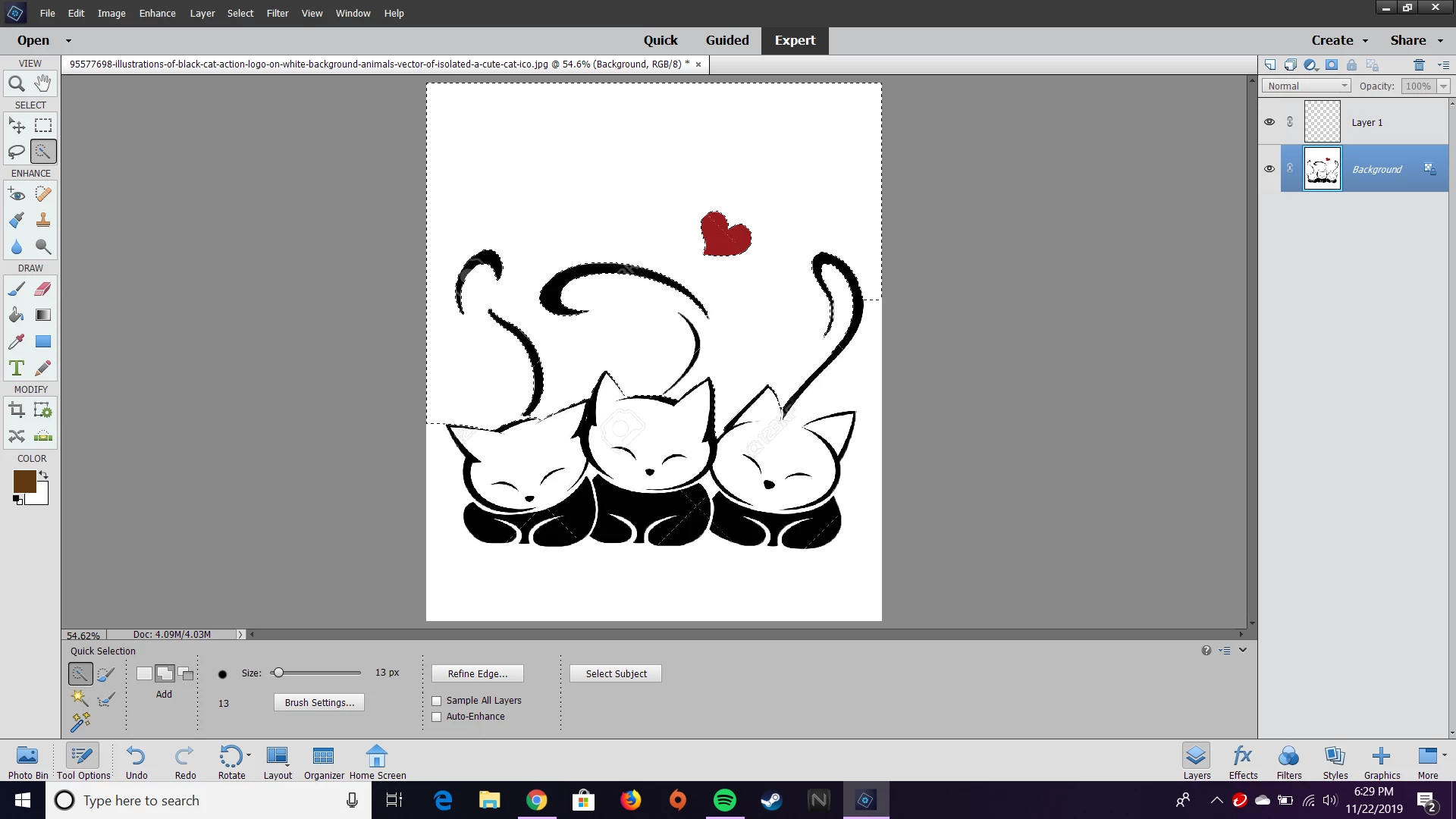
I can't make the background transparent with the quick selection tool

  • November 23, 2019
  • 2 replies
  • 1429 views

Hello! I recently just got the Photoshop Elements 2020. I used to use photoshop back in 2017, but I see things have changed. I mainly use photoshop for its quick use of making a photo's background transparent because I like to edit photos. But since I've gotten the 2020 version, I can't make the background transparent? It just turns to white. I'd appreciate the help!
This topic has been closed for replies.

2 replies

99jon
Genius
November 23, 2019

Make a selection. For example use the magic wand selection tool and click somewhere on the white area. Then use the menu:

Select >> Inverse

With the objects then selected press Ctrl+J (Cmd+J on Mac) to create a new layer with transparency.


John Waller
Community Expert
Community Expert
November 23, 2019

Moved from Photoshop forum.