It does work with gmail. Have you validated your gmail address & password in preferences? Maybe try validation again if it worked previously. It is often rejected first time. The message is usually because Goggle has blocked access and security settings need to be changed as all third party apps are considered less secure. You may see a message in your inbox that someone has tried to access your account from an unknown source or device.
Sign-in to your Google account and from the left sidebar click security.
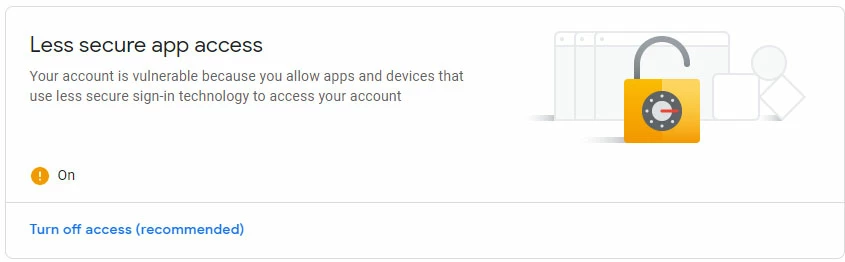
Scroll down to less secure apps and turn on to allow.
Your account should then show activation – see image below.
New return to Email preferences and click the validate button again.
A successful message means you can now email from the elements contacts or create new contacts for email.



 AdChoices