


Question
I have Photoshop Elements 12, it's an old version but has served me well up to now.
I have Photoshop Elements 12, it's an old version but has served me well up to now. I had a hard drive failure which resulted in having to install a new drive, and I installed Windows 11 at the same time. Everything has been reloaded, but Photoshop won't open, showing this Window -
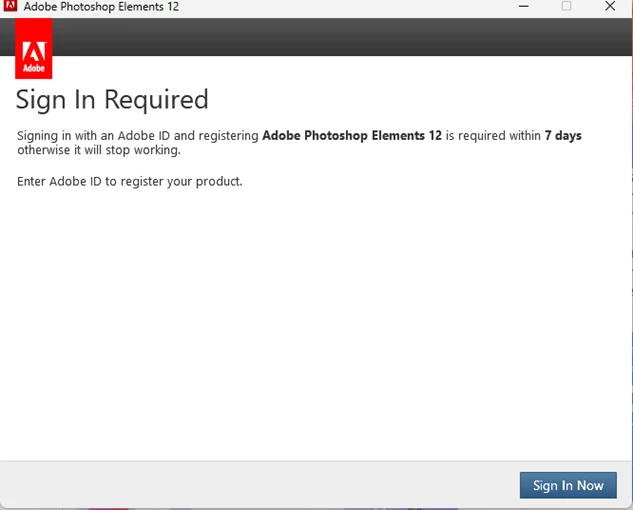
- the product is registered on my Adobe account? What can I do?
[Moderator: Moved to the Photoshop Elements forum]
 AdChoices