

Answered
ICC Profile Is Invalid
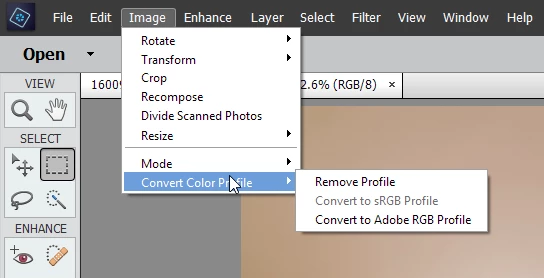
I just purchased and installed Photoshop Elements 15 on my Mac Pro. While in Guided Mode - Photomerge compose, after clicking Next to place my cropped image into the new image I receive the following error: ICC Profile Description is Invalid. Is there something wrong with where I installed the file (which was just the default directory)? I downloaded the new ICC color profiles from the adobe site and installed to the location specified in the instructions but still had the same error. Most of the ICC errors seemed related to printing that I found on these forums. Any thoughts on what else I can try to complete the Photomerge compose?
Thanks all



 AdChoices