
Participant
May 6, 2023
Question

Identifying controls in 2023 Organizer window
  • May 6, 2023
  • 1 reply
  • 253 views

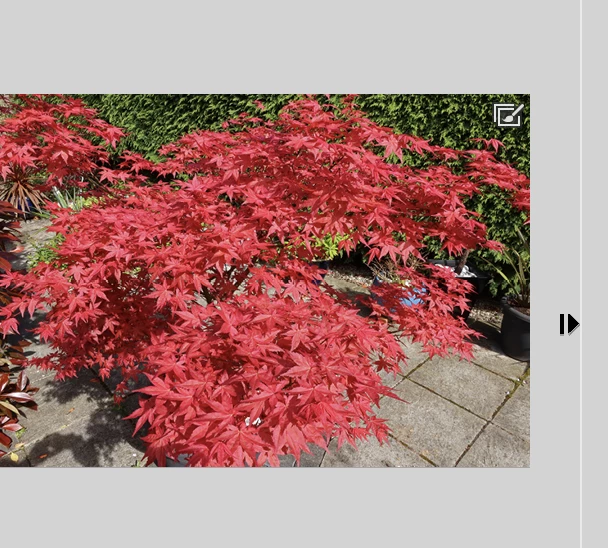
I have just started using Photoshop Elements 2023 Organizer and two controls have appeared alongside a couple of photos (see screenshot). One looks like a brush in a box and displays the words "Version Set' when hovered over. The other is a right pointing arrow with a bar to the left of it. This doesn't display any wording when hovered over but appears to duplicate the photo when clicked. Can anyone tell me what these two controls are used for?

This topic has been closed for replies.

1 reply

MichelBParis
Legend
May 6, 2023

Want to know what is a "version set"?

The home screen is there to help you. Type those words in the text entry  space on top of the dialog. You get a number of thelp docs about what you are searching.

Other ways to search Adobe's docs: in your preferred search engine, type "docx; " followed by the words you want to search.

Version sets are special kinds of stacks, they are the babies of a parent image, the different versions. As stacks only show the 'top of stack' hiding the children in the stack, you can't see those without expanding the stack, which is done with clicking on the right pointing arrow. A left pointing arrow does stack again, hiding all stack or version set members under the top of stack.


Note; to be able to clearly see those types of icons, better use the "detailed view" rather than the default one displaying the thumbnail without the filenames and dates. Shortcut to switch between both: Crl D.