
Question
Images downloaded from adobe cloud cause computer crash
Macbook Air with Sonoma 14.6.1 and Adobe Photoshop Elements 2024
I was curious about the mobile version(beta) and so went through the setup and and succeeded in getting it to run. It began by searching my catalog and downloading random photos which were identified by a blue cloud in the upper right corner. When my trial session of the mobile version ended, I found 4 photos that had been downloaded to my notebook catalog. The 4 photo (see screenshot) cannot be deleted and if I try to delete them, it causes the catalkog to freeze. I have to force quit the program. How do I delete these 4 photos?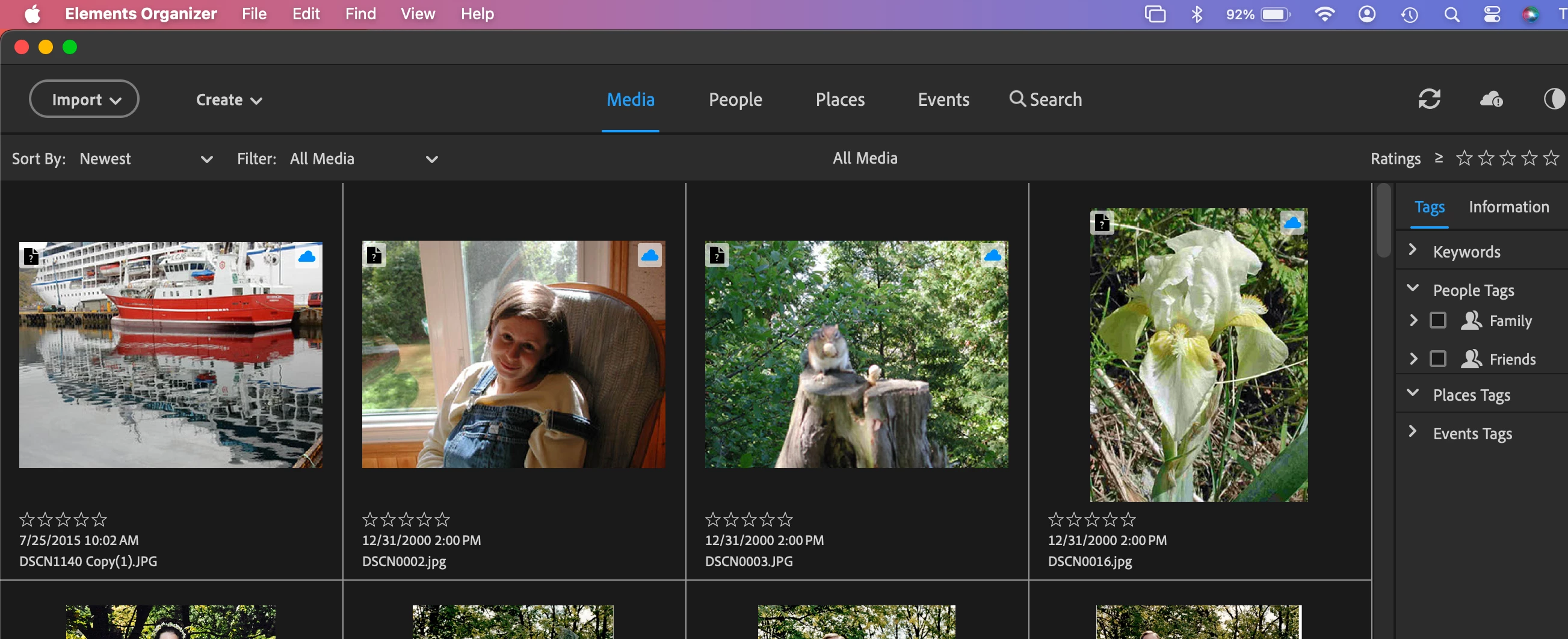


 AdChoices