Participant
November 12, 2024
Answered

Images suddenly attached to bar while open them

  • November 12, 2024
  • 1 reply
  • 227 views

Hi!

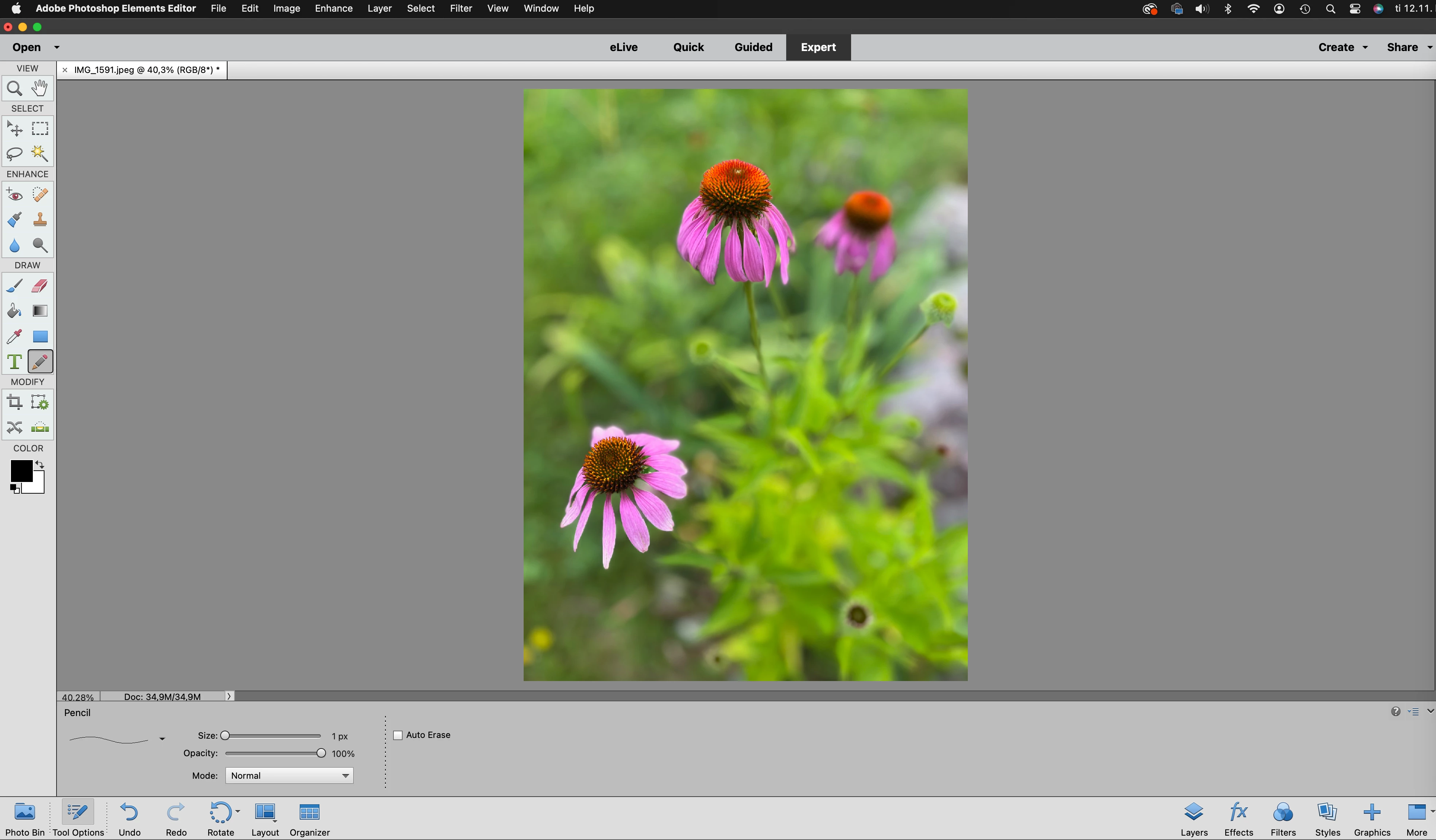
I'm still using the ancient Photoshop Elements 15 in Mac succesfully until now.  Suddenly today after opening the program all the images are attached to the bar, which I don't want. I'm used to working with images in separate windows. I always have many images open at the same time and they overlap eachother in the left hand corner of the window and they can be managed totally separately. How can I get this option back on again? I would really appreciate help concerning this!

Thanks, Mia
 

This topic has been closed for replies.
Correct answer Jeff Arola

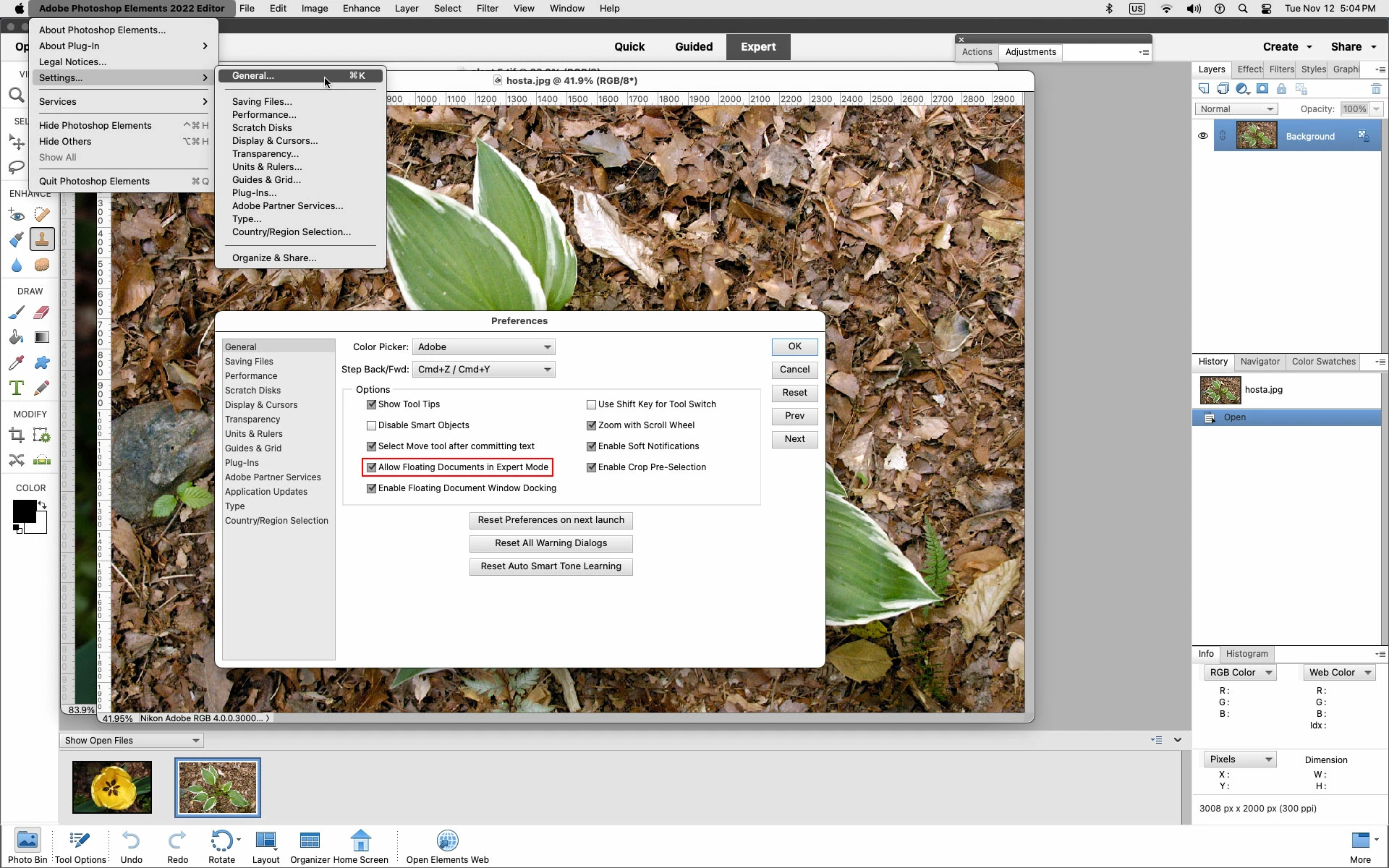
Go to Adobe Photoshop Elements Editor>Settings or Preferences>General and check Allow Floating Documents in Expert Mode.


1 reply

Jeff Arola
Community Expert
Jeff ArolaCommunity ExpertCorrect answer
Community Expert
November 12, 2024

Go to Adobe Photoshop Elements Editor>Settings or Preferences>General and check Allow Floating Documents in Expert Mode.


Participant
November 13, 2024

Hi and thank you so much for your answer! Now the images are "floating" when I open them.