September 27, 2017
Question

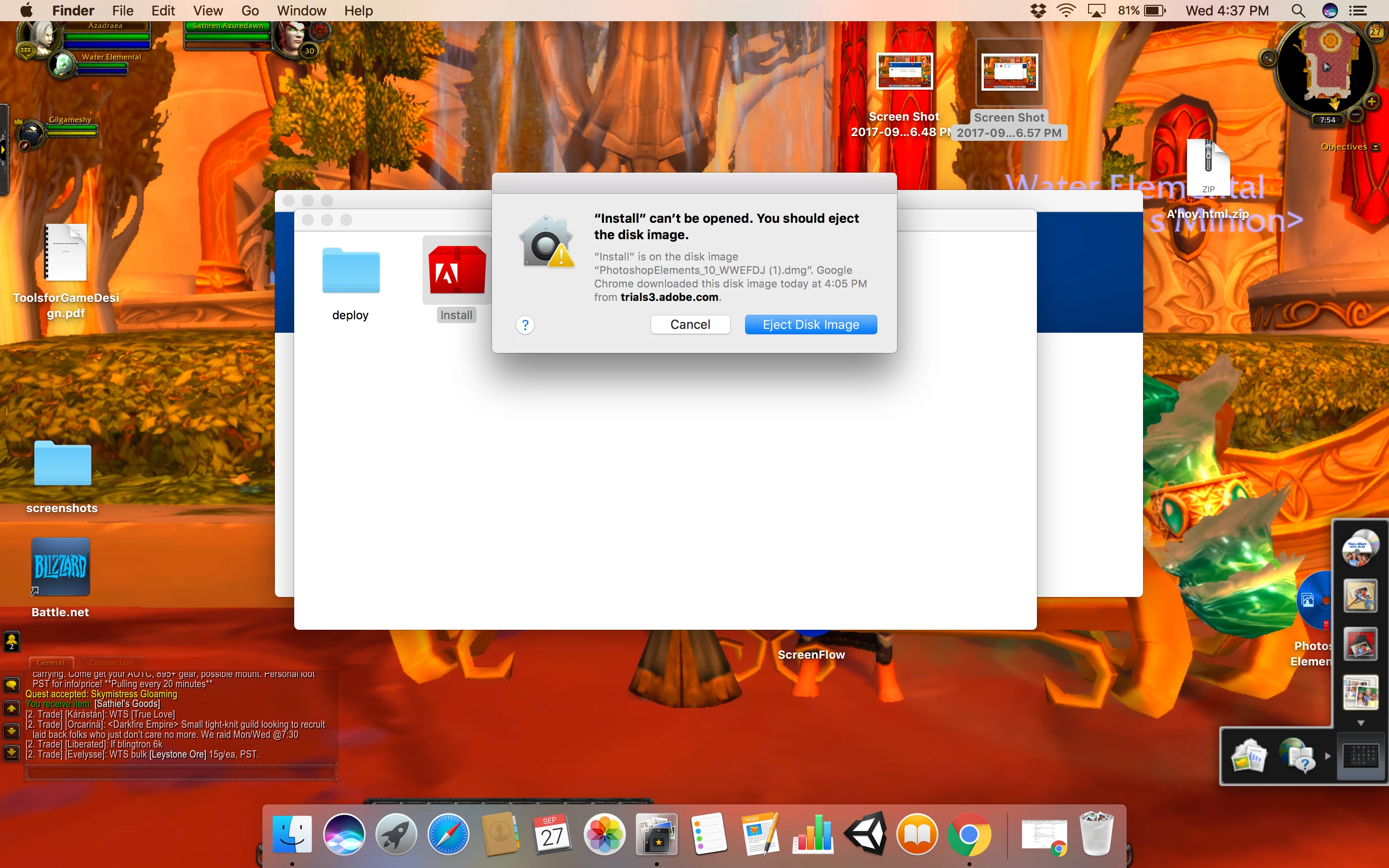
installing on Mac, Eject Disk Image?
  • September 27, 2017
  • 2 replies
  • 8761 views

i have been trying to download my product on my new mac and it keeps telling me i need to eject the disk image. when i do this everything sees to vanish. someone please help.

This topic has been closed for replies.

2 replies

October 1, 2017

it still isnt working

Jeff Arola
Community Expert
Community Expert
October 1, 2017

You need to open Terminal and drag the Install exec to the Terminal as described under Creative Suite 5.5, 5, and 4

Installing Creative Suite on macOS 10.12 (Sierra)

Here's an example using pse 9

How I can download and install Elements 9 ?

1. Double click on the downloaded PhotoshopElements_9_LS15.dmg to mount it.

2. Double click on the Adobe Photoshop Elements icon in the window that appears

3. Right click on the Install.app and click on Show Package Contents

4. Open Terminal by going to Applications>Utilities>Terminal

5. Go to the MacOS folder

6. Drag the Install into the Terminal window and press Return


Participant
October 4, 2018

This doesn't work, at least not in MacOS High Sierra 10.13.6 .  When you try to drag the Install file, you get a popup message '"Install" can't be opened.  You should eject the disk image.

I was able to get around this my going into the terminal, and using the regular shell terminal commands, changing directories to where the Install executable file is, and calling that file:

  cd "/Volumes/Adobe CS5 Design Premium/Adobe CS5 Design Premium/Install.app/Contents/MacOS"

  ./install

You may see error messages in the terminal window, but the installer window should come up and you can ignore the error messages.

Jeff Arola
Community Expert
Community Expert
September 27, 2017

Follow the install instructions under Creative Suite 5.5, 5, and 4 on the following page:

https://helpx.adobe.com/creative-cloud/kb/install-creative-suite-mac-os-sierra.html