
Interface completely broken for creating slideshows in Organizer
You are apparently supposed to be able to create slideshows using Organizer. However, when I select some files and then click "slideshow", the screen that eventually loads is only partially visible. (If I shrink the Organizer window first, it's smaller, but no more is visible.) That means I can't see some of the buttons and I have no idea how I'm supposed to edit the slideshow.
In the screenshot I am attaching, I used green to mark where my cursor actually was when "audio" was highlighted. This is another problem: I have to point at some point other than where the button is in order to interact with it. If I increase the size of the window before I launch the slideshow editor, it increases the size of this screen, but i can't see any more around the edges.
I definitely can't save anything like this--there's no save button at all!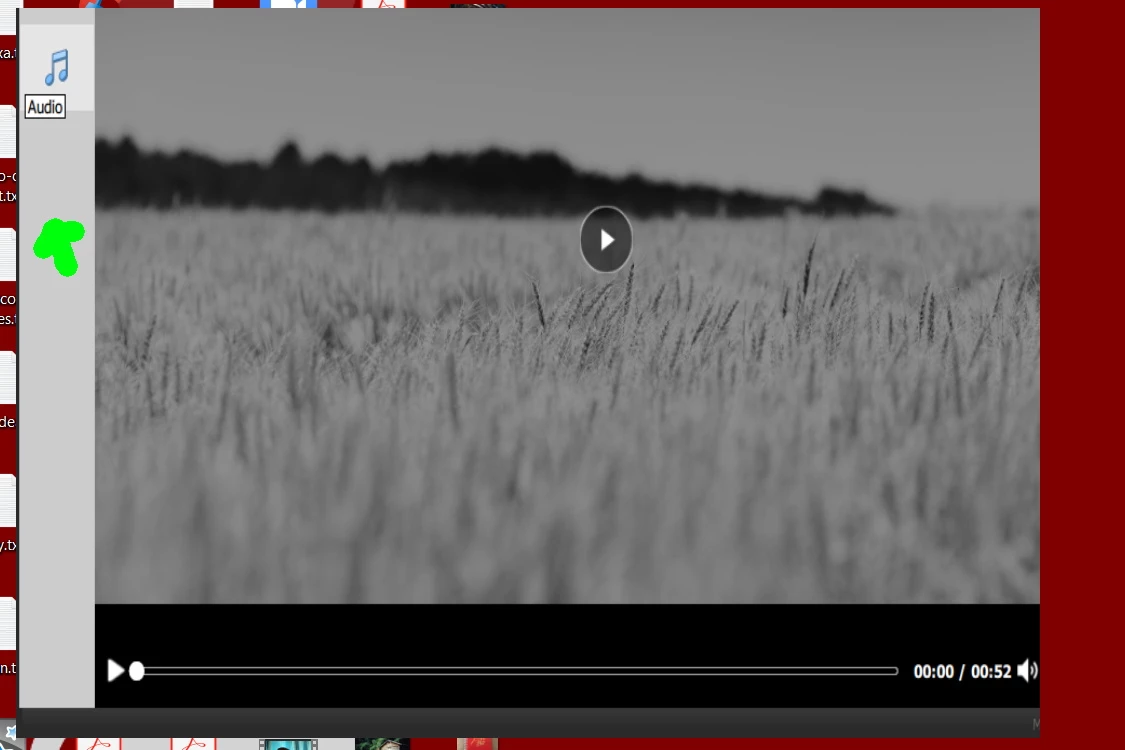


 AdChoices