Participant
December 7, 2016
Question

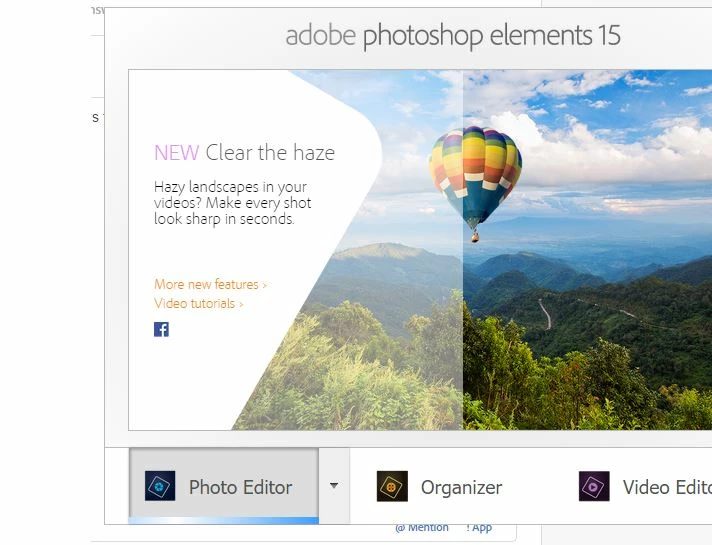
Issue starting PS E15 - getting past startup screen

  • December 7, 2016
  • 2 replies
  • 221 views

I'm a new user to photoshop and only purchased it on Sunday. I used the programme for a few days fine but now it won't go past the home screen.

The blue bar is still flashing but after an hour, no luck, no editor

I've tried restarting but no joy.

I can't get a crash report as it's not crashing (technically)

more info: It's windows PC running Window 10, technically all within spec for the programme.

This topic has been closed for replies.

2 replies

Participating Frequently
December 8, 2016

Hi Robert,

Can you please have a look at this KB- https://helpx.adobe.com/photoshop-elements/kb/editor-has-stopped-working.html  and let us know if this fixes your issue?

Thanks
Andaleeb

99jon
Legend
December 7, 2016

Try making a new desktop shortcut. Hold down the Windows key and press D to get quickly to your desktop.

Right-click anywhere on the desktop and choose

New >> Shortcut

Click the browse button and navigate to:

C:\Program Files\Adobe\Photoshop Elements 15

Inside the Photoshop Elements 15 folder scroll to the files beginning with P and find the application.

Choose (highlight) PhotoshopElementsEditor

Click Next and then Finish

You should be able to use the new desktop icon in future to launch the PSE15 Editor directly.