Participant
January 18, 2025
Question

Issue with openeing RAW files

  • January 18, 2025
  • 3 replies
  • 157 views

Hello,

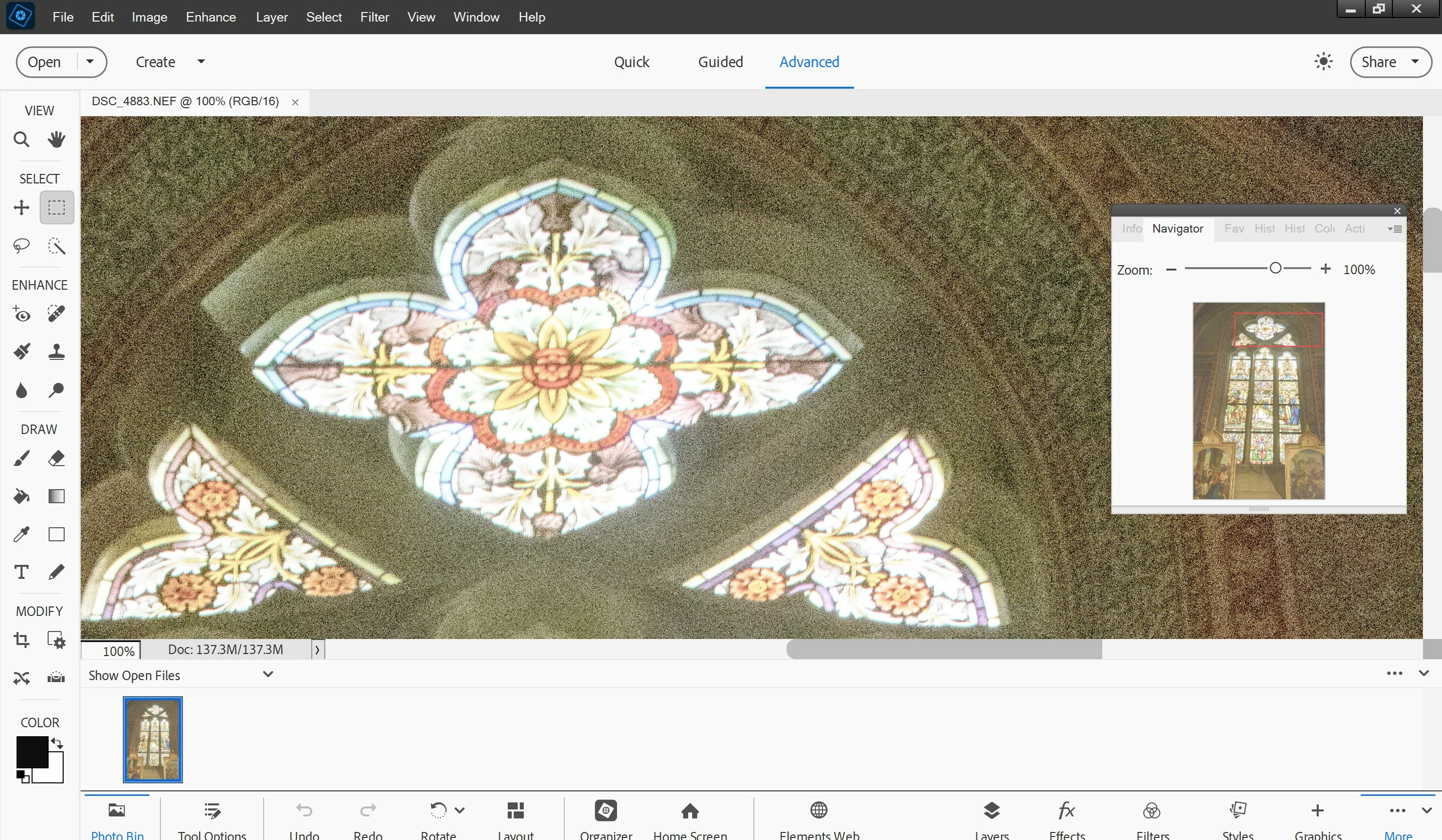
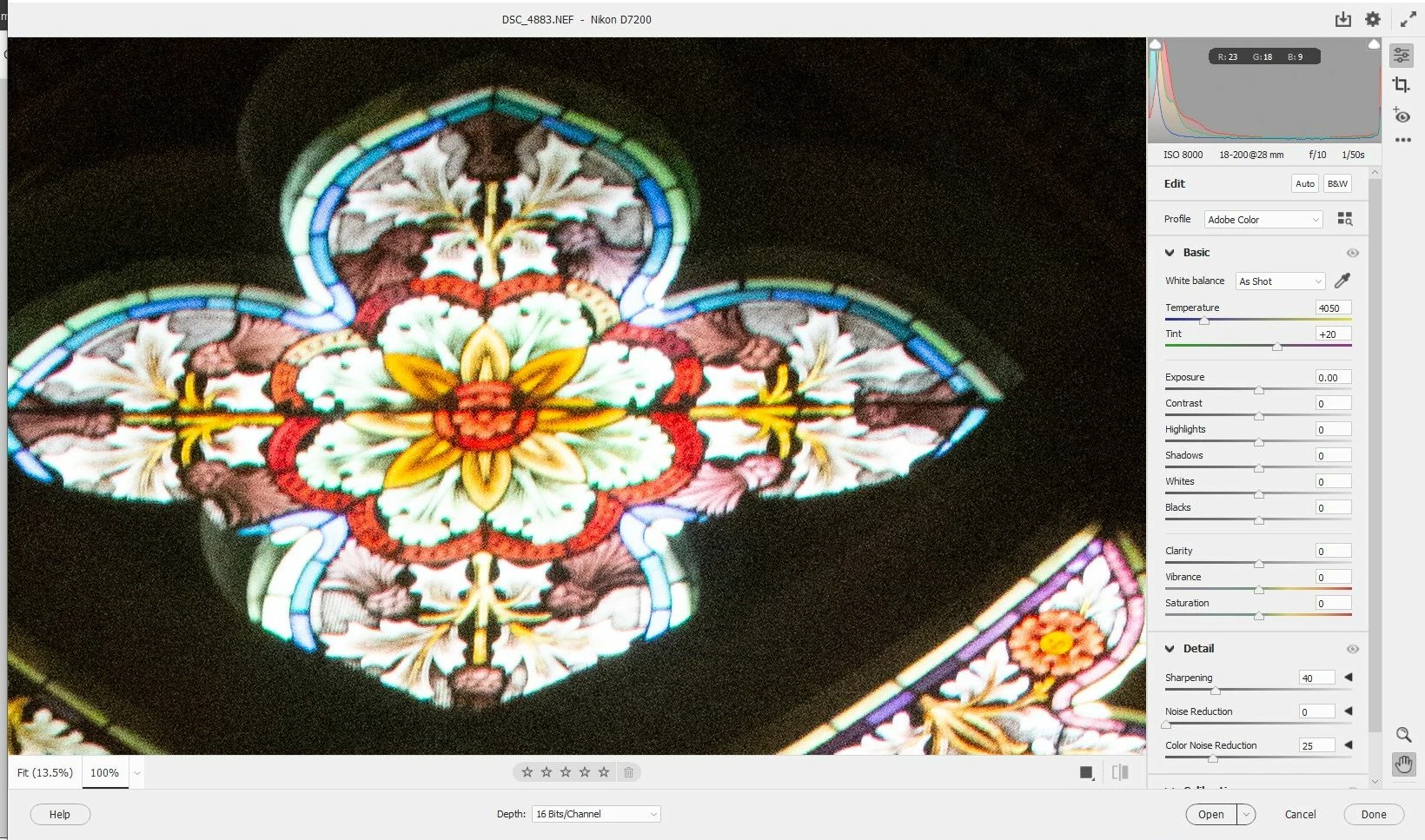
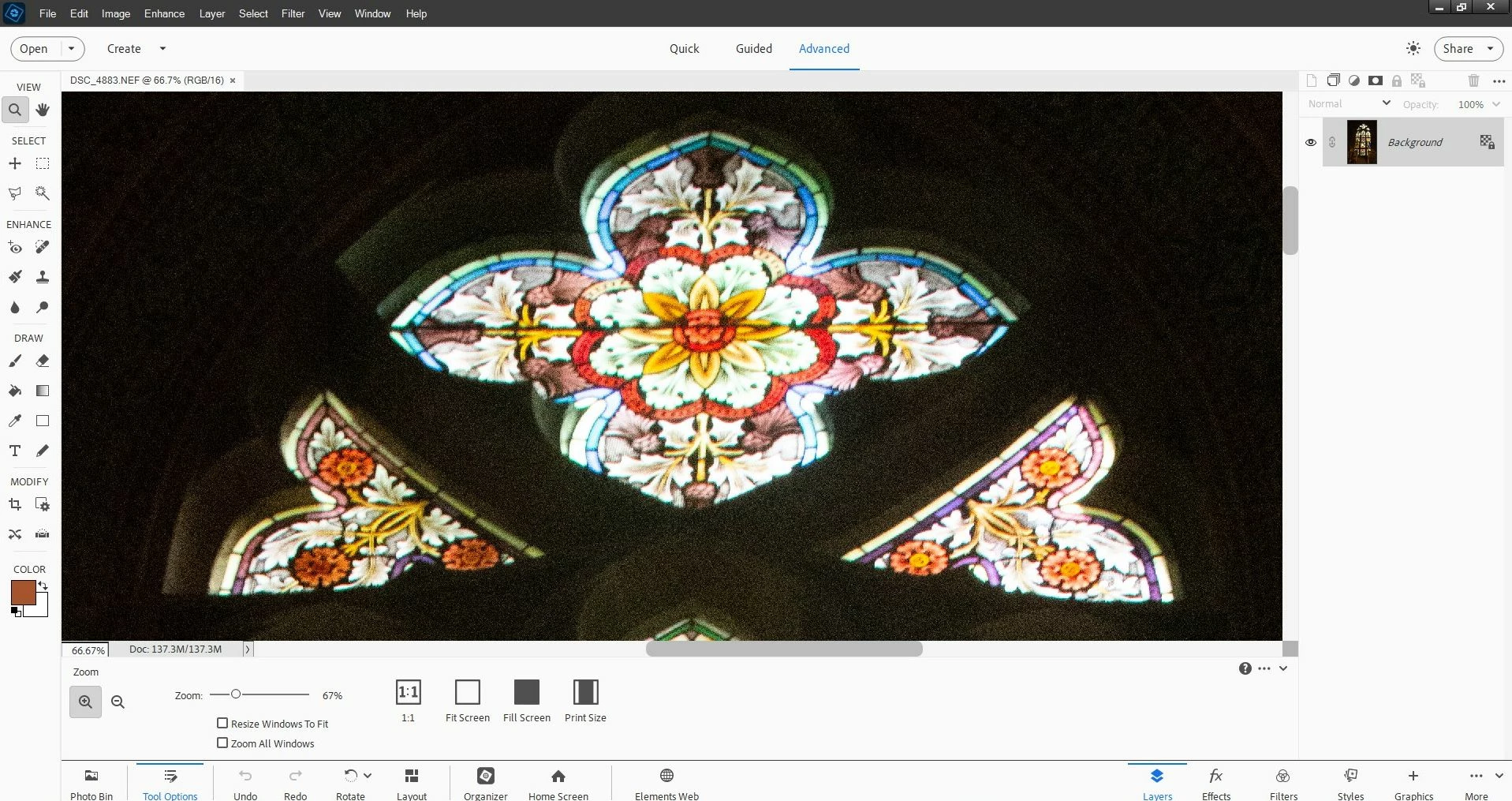
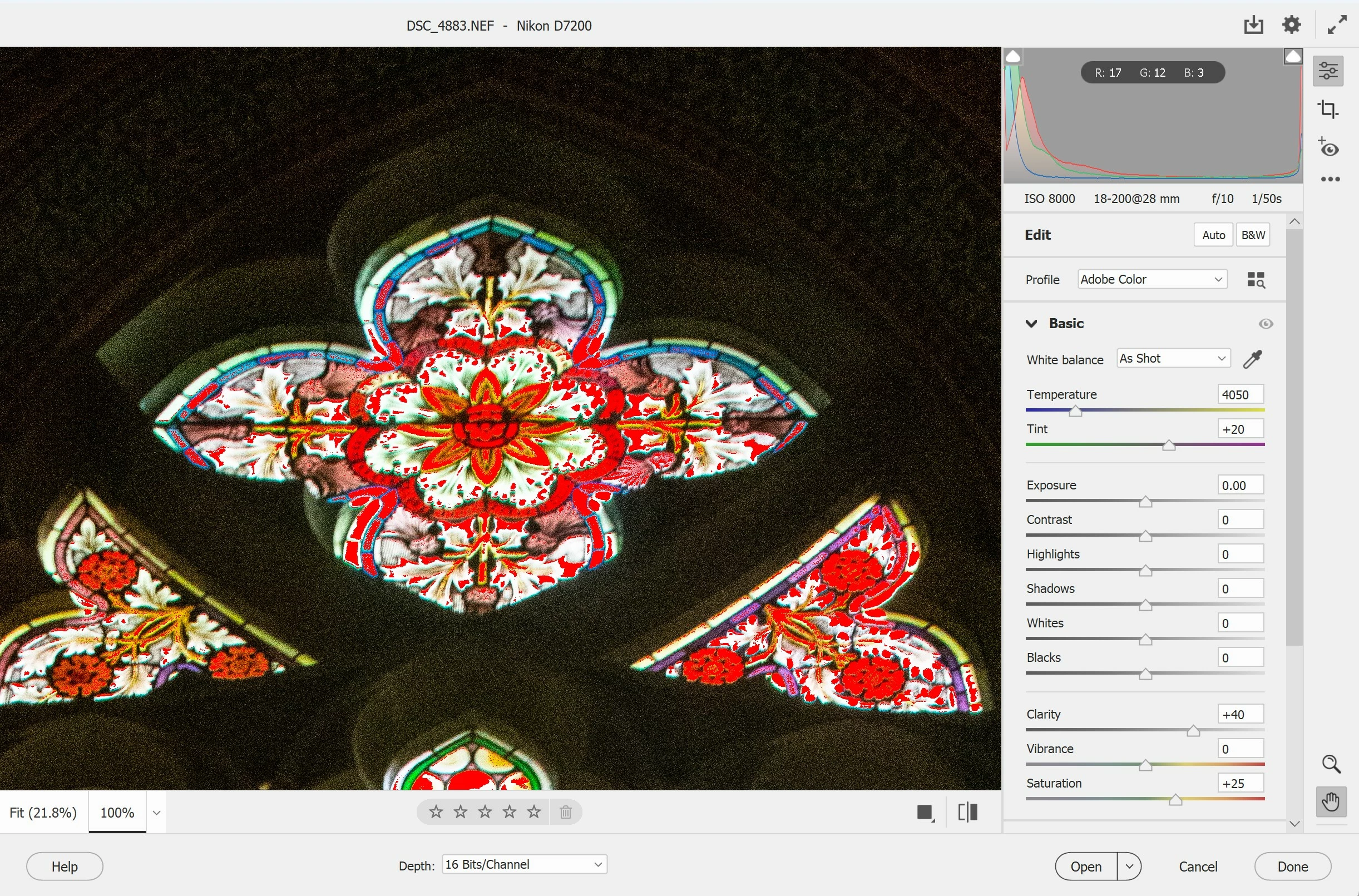
I have reinstalled Photoshop Elements in the new PC. But opening row files plugin is not working well as before, some strange colors appear and photo affter openning looks not like before. See attached images with before and after printscreens. Before I had Windows 10, now I have Windows 11. Please advise what can be done.
3 replies

Greg_S.
Community Expert
Community Expert
January 19, 2025

That's what I suspected. FWIW, Elements cannot handle a 32 bit HDR file.  Only Photoshop CC can.

Greg_S.
Community Expert
Community Expert
January 19, 2025

The difference may be caused by the settings on your new monitor. 


I note that your raw files are set to 16 bit Depth in the ACR (which is the default).  Do you change that setting when opening the file in Elements?  Many editing functions cannot be used in Elements with a 16 bit file and they need to be changed to 8 bit - either in the ACR editor (at the bottom of the window) or in the PSE Editor, through the Image>Mode menu.

GennadiiAuthor
Participant
January 19, 2025

THanks to everione who answered. The issue is resolved. My new monitor has HDR feature enabled. It looks like that RAW plugin and Elements itself interpretete the HDR setting differently that is why there was a difference in the way how photo is shown in the RAW plugin and Elements inself. Switcing off HDR solved the issue.

Glenn 8675309
Legend
January 18, 2025

Turn you saturation down a bit.   When you edit in ACR you are actually working on a copy of the raw file- raw file edits are non destructive- meaning the original file is left alone.