Participating Frequently
October 6, 2026
Question

Issues printing from PSE 26

  • October 6, 2026
  • 3 replies
  • 29 views

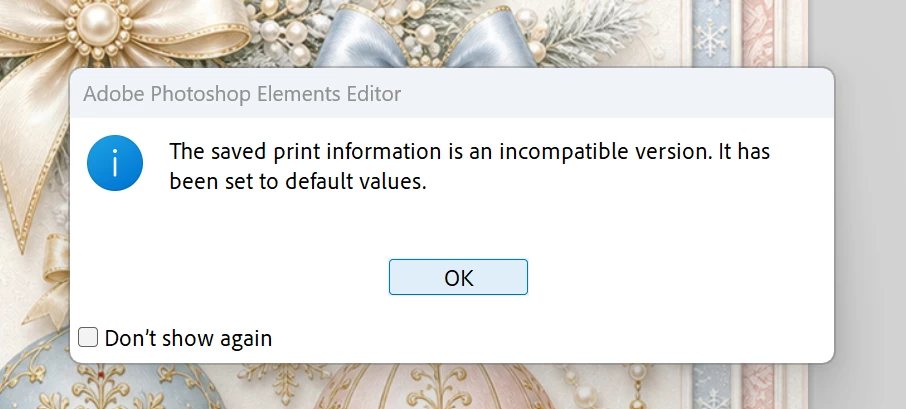
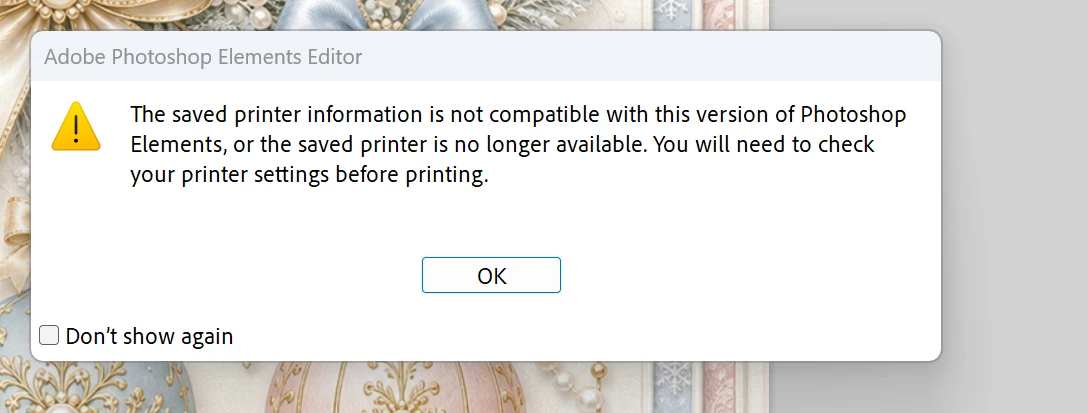
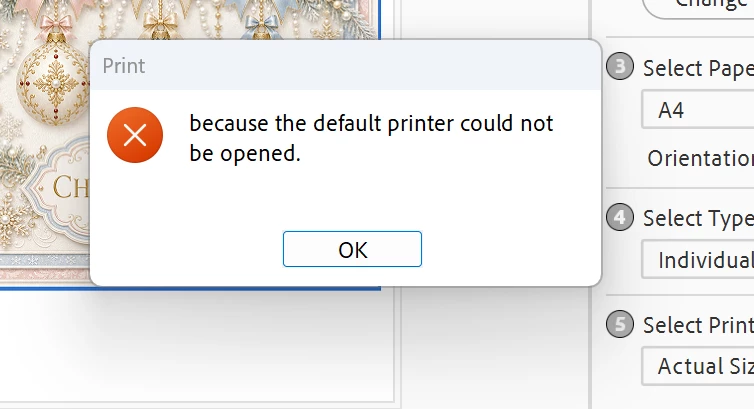
When I try to print from PSE26 after I have printed in another programme I get these messages and it won’t print at all. I have reinstalled the programme after I tried all the fixes of disabling the graphics processor, checking the RGB colour 8 bit was ok and several others but nothing helped. I am hoping someone knows how to fix this, thank you.
 

    3 replies

    Phinny
    Legend
    October 6, 2026

    Corrupted print preferences can trigger this message.

    1. Close Photoshop Elements.
    2. Hold Ctrl + Alt + Shift while starting Photoshop Elements.
    3. When prompted, choose to delete/reset preferences.
    4. Reopen your photo and print.
    Ged_Traynor
    Community Expert
    Community Expert
    October 6, 2026

    ​@Kim59UK you’d be better off posting in the Photoshop Elements forum

    Glenn 8675309
    Legend
    October 6, 2026

    She posted this in a photoshop elements fb page:   Hold down your space bar when selecting print from within the program or:|


    For a permanent fix apparently you have to do this Close Photoshop Elements.

    Press the Windows Key + R on your keyboard to open the Run dialogue box.

    Type %appdata% and hit Enter.

    Navigate through the folders: Adobe > Photoshop Elements > 24.0 (Note: Even though it is PSE 2026, the internal folder designation may read 24.0).

    Look for a folder named Editor inside this directory.

    Find the file named Adobe Photoshop Elements 24 Prefs.psp (or similar depending on the exact version name) and delete it.

    Reopen the program; it will automatically rebuild a 100% clean, error-free preference file.