
JPEG Scanner Import Error Photoshop Elements 2018
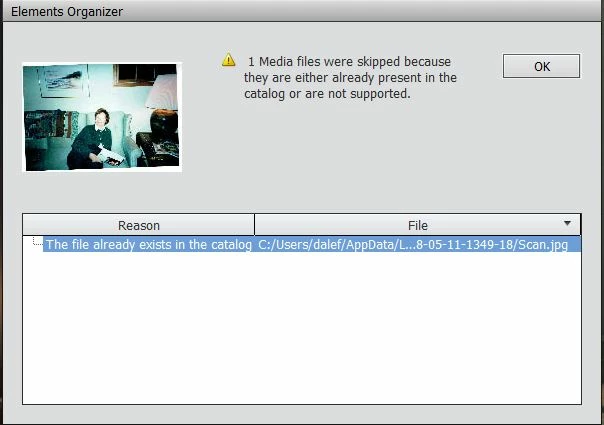
When in Organizer, for a while it let me scan photos using JPEG. Now it consistently gives me the below error message.
The full path for the file is: C:/Users/dalef/AppData/Local/Temp/PSAlbumImport/2018-05-1349-18/Scan.jpg
OS: Windows 10 Version 1803
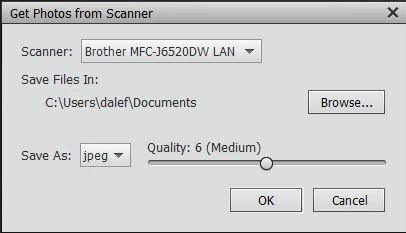
It lets me scan/import using PNG photo format.
The preview works fine. I cannot run the scan using JPEG format without getting the error below.
I am new to using Photoshop Elements to scan. I had Photoshops Elements 2014 and had the same error. So I upgraded to 2018 and the same error soon returned.
Could this be due to the new version of Windows 10 upgrade I installed last week? I updated Photoshop 2018 so it is up-to-date. My scanner has the latest driver and firmware.
The Windows 10 account I use has Standard rights. The error still occures when I use Administrator rights.
Message was edited by: Dale Foot Just a slight correction on the file path and Win 10 account rights used.
 AdChoices